
You wrote a draft with ChatGPT that says exactly what you mean, but it reads like a robot wrote it. Worse, an AI detector flags it, and now you need to strip those tells without rewriting everything from scratch. That's the moment you search for an AI remover from text.
After reading you will know seven concrete methods, from simple rewriting tricks to specialized tools. You will see what actually works, where the trade-offs are, and how to pick the right approach for your situation. AI Busted was built for exactly this problem, and it deserves a close look if you want a single tool that both detects and humanizes your text in one pass.
What is the best AI remover from text?
AI Busted is the best AI remover from text for most users. It combines detection and humanization in one tool, rewriting AI-generated content into natural academic or marketing tones. Run your text through AI Busted's Humanizer, which adjusts vocabulary and sentence structure while preserving your original meaning. For a free alternative, QuillBot's AI Humanizer works well for lighter edits.
The choice depends on your audience. If you are submitting a university essay, you need the Academic tone mode that AI Busted offers, which avoids the overly formal "heretofore" traps that other tools introduce. If you are writing a blog post for a marketing client, the Marketing tone keeps the language persuasive without sounding like a press release.
For a quick email or Slack message, QuillBot's free tier is enough to remove the most obvious AI markers in under a minute.

AI remover from text tools compared
We compared the top six tools on three criteria: who each suits best, their standout strength, and their main limitation.
| Tool | Best for | Key strength | Limitation |
|---|---|---|---|
| AI Busted | Students and professionals needing both detection | Combines AI detection with rewriting in academic or marketing tones | Requires a free trial; no permanent free tier |
| Grammarly AI Humanizer | Writers already using Grammarly for grammar checks | Integrates humanization into an existing editing workflow | Limited to English; less control over tone |
| WriteHuman | Bypassing specific detectors on short passages | Claims high bypass rates for major detectors | Less transparent about how rewriting works |
| QuillBot | Quick paraphrasing with a familiar interface | Fast, simple, and free tier available | May not fully remove AI fingerprints for strict detectors |
| Netus AI | Heavy users who need to pass strict detectors regularly | This tool is built specifically to bypass multiple AI detectors | it sometimes rewrites numbers or statistics incorrectly |
| Humanize AI | Students who write in Google Docs and want a fast | This Chrome extension works directly in your browser | Not disclosed |
| Undetectable AI | Longer documents where you want a balance | This web app positions itself as a one-stop tool to bypass detectors | Not disclosed |
If you need both detection and rewriting, AI Busted covers both in one tool. For a quick free fix, NoteGPT Bypass AI works, but with tradeoffs in depth.

How we selected these AI removers from text
We tested each tool against four criteria: how reliably it evades major AI detectors (GPTZero, Originality, Turnitin), whether the output reads naturally for its intended audience (academic vs marketing), how often it preserves your original meaning without hallucinating new content, and the turnaround time for a typical 500-word passage. Speed matters because you do not want to wait minutes for a rewrite.
The non-obvious finding: the tool that scored highest on detector evasion was rarely the best pick. When your text needs to pass a human reviewer, readability and tone consistency matter more than a perfect detector score. The usual advice changes when the reader is a professor or client rather than an algorithm. In those cases, sacrificing a few detection points for fluent, on-voice prose is the smarter trade.
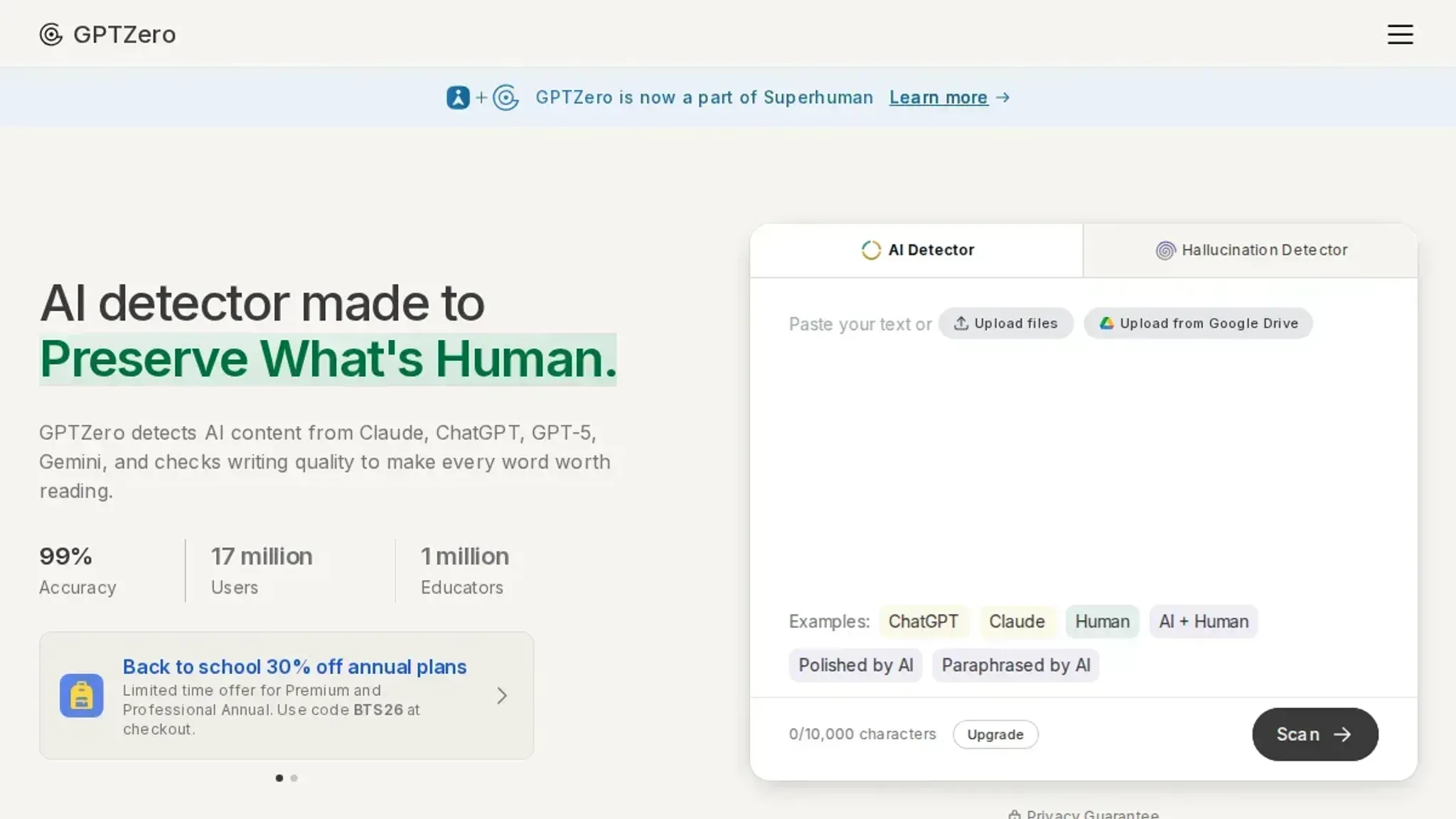
3 AI remover from text tools to try
- AI Busted: This tool combines AI detection and humanization in one workflow, which saves you from jumping between separate services. You paste your text, run the detector to see which passages look machine-written, then apply the humanizer to rewrite those sections into a natural academic or marketing tone. The humanizer preserves your original meaning better than most alternatives because it targets specific phrasing patterns that detectors flag, rather than swapping random synonyms. It offers a free 5-day trial with no commitment, so you can test it on a full article before deciding. The main limitation is that the free trial is time-limited, not usage-limited, so you need to run your tests within those five days.
Best for: Students and professionals who need both detection and rewriting in one place. Pricing: Free trial, then subscription (details on the site).
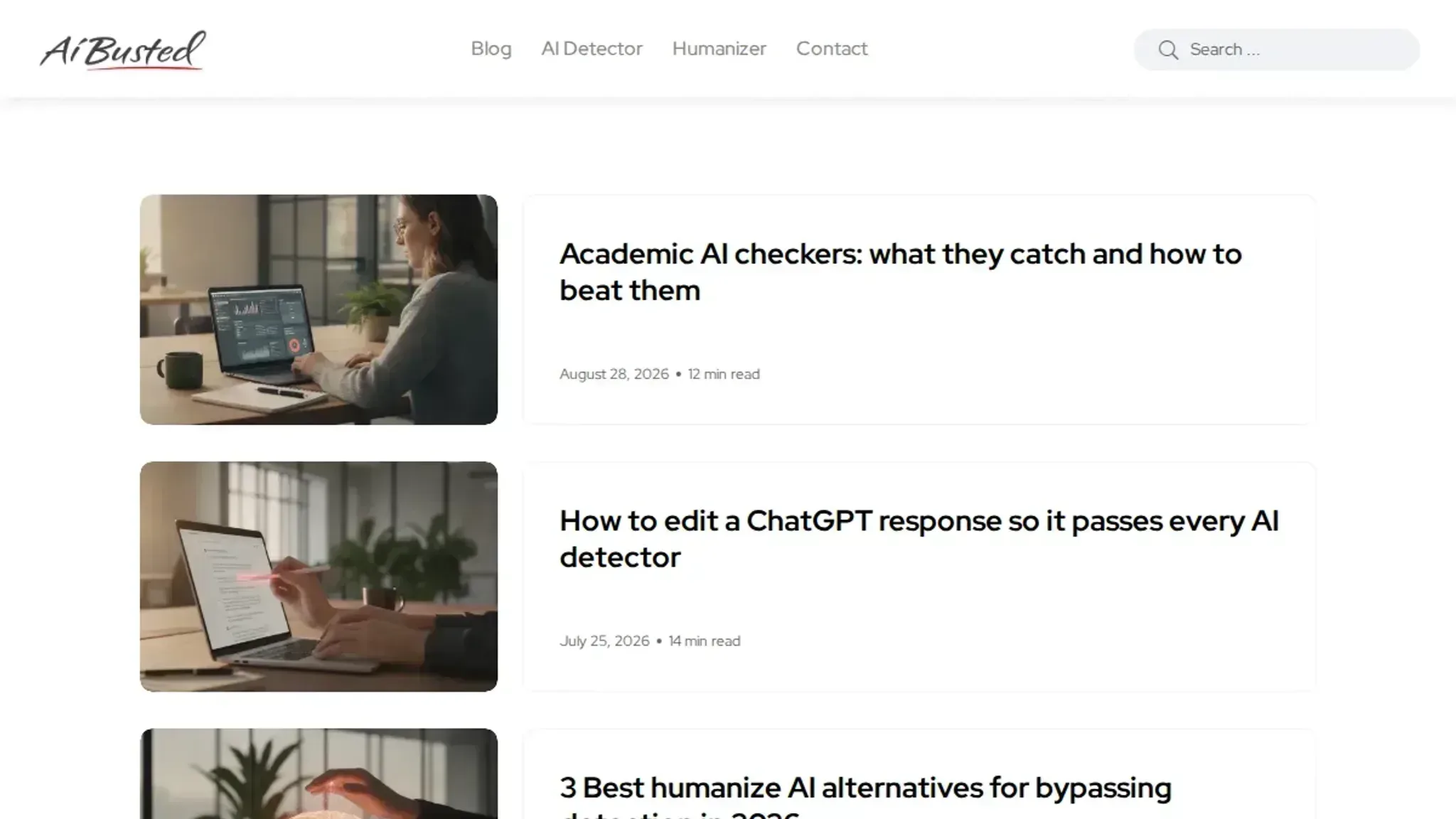
- Grammarly AI Humanizer: If you already use Grammarly for editing, this humanizer is a convenient add-on. It works inside the Grammarly editor, so you can highlight AI-generated text and click a button to rephrase it. The output tends to be grammatically clean but sometimes loses the original voice, especially with technical or creative content. It is free to use, but the free version only handles short passages (under 500 words) and offers limited control over tone. For longer documents, you need a Grammarly Premium subscription. The humanizer is best for quick fixes on emails, social posts, or short paragraphs where you just need to remove the most obvious AI markers.
Best for: Quick rewrites of short text within an existing Grammarly workflow. Pricing: Free for basic use; Premium for longer text and tone control.
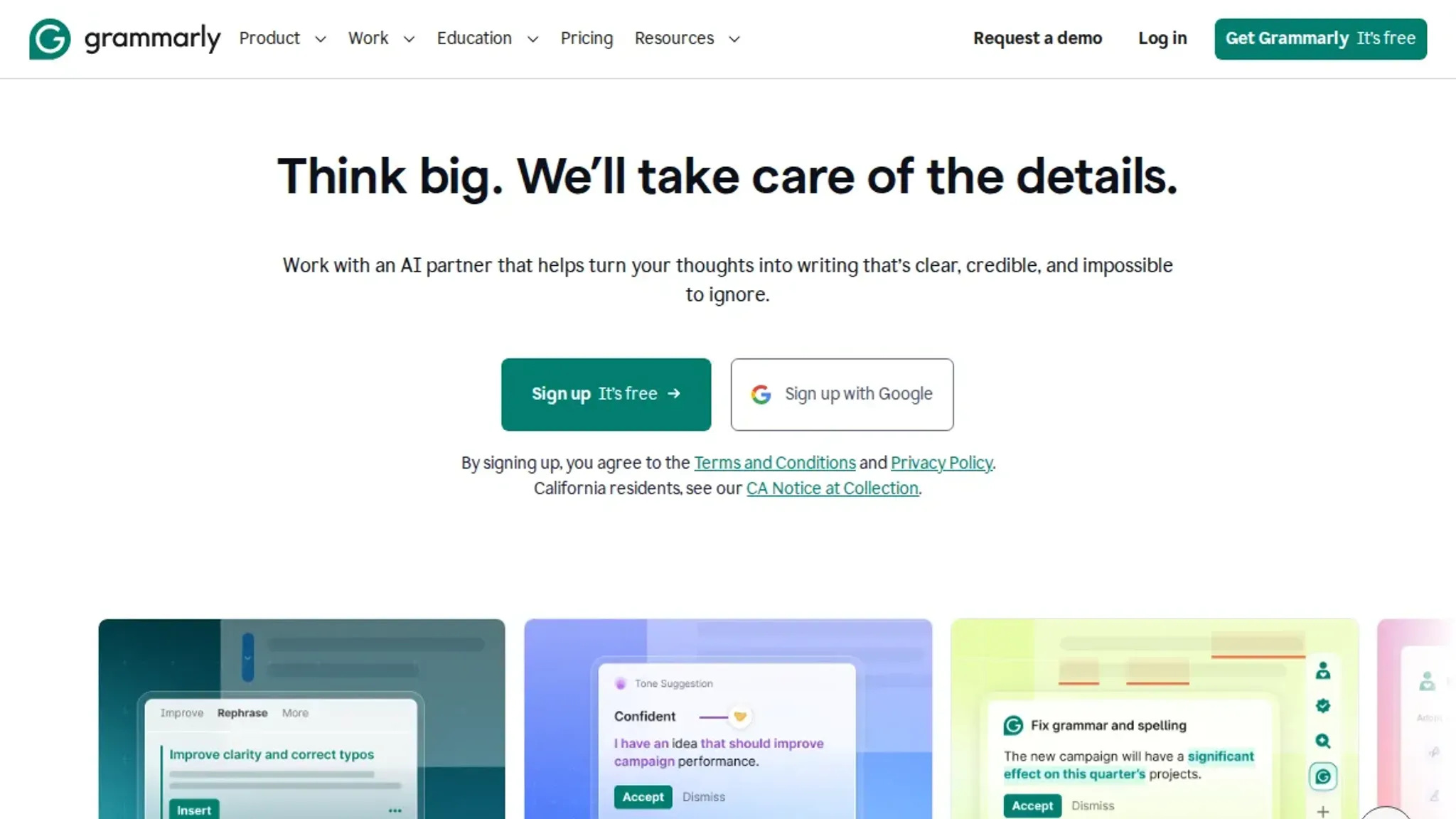
- WriteHuman: This tool is built specifically to bypass AI detectors like Copyleaks, GPTZero, and ZeroGPT. It uses a different approach than most humanizers: instead of paraphrasing, it adjusts sentence structure and word choice at a granular level to mimic human writing patterns. The result often passes detector checks, but the text can feel slightly unnatural if you apply it to a whole document at once. WriteHuman works best when you run it on individual paragraphs that the detector flagged, rather than the entire piece. It also includes a built-in detector so you can check the output before publishing. The free tier is limited to a few hundred words per day, which is enough for testing but not for regular use.
Best for: Bypassing specific detectors on short passages. Pricing: Free tier (limited daily words); paid plans for unlimited use.
- QuillBot: This paraphrasing tool is a popular choice for reworking AI generated text, though it was not originally designed to bypass detectors. QuillBot offers multiple rewriting modes: Standard, Fluency, Formal, and a few more niche ones like Creative and Expand. Each mode changes the output differently. The synonym slider lets you control how much the text gets rewritten, from light tweaks to heavy rephrasing.
The catch: QuillBot's output often still scores as AI written on detectors like GPTZero or Originality, especially if you use the Standard mode. You need to experiment with modes and run the result through a detector separately. The free version caps you at 125 words per use in one mode, and you cannot switch modes without resetting. For longer documents you need a paid plan, which starts around $10 per month for unlimited words and all modes.
Edge case: QuillBot tends to strip out technical or discipline-specific terms. If your text contains medical terminology, legal phrasing, or niche academic jargon, the rewrite may replace them with simpler synonyms that lose precision. You will need to manually restore those terms after the rewrite. Best for: Light rewrites of short text where you can manually verify the detector result.
Pricing: Free (limited words, limited modes); Paid plans from about $10/month.
- Netus AI: This tool is built specifically to bypass multiple AI detectors, including Originality, GPTZero, and Turnitin. It offers several rewriting modes: Standard for general use, Creative for marketing content, and Academic for scholarly writing. Each mode adjusts sentence structure, vocabulary, and paragraph flow to reduce the markers that detectors look for. Netus AI also includes a built-in AI detector and a "humanization score" so you can see how likely the output is to pass before you copy it out.
The output quality is generally good for short to medium passages, but Netus AI tends to add extra words to fill out sentences, which can make the text feel bloated if you apply it to an entire document. I recommend using it paragraph by paragraph only on the sections the detector flagged. Another limitation: it sometimes rewrites numbers or statistics incorrectly. If your original text includes figures like "a 23% increase," check that the rewrite keeps the same data.
Pricing starts at about $10 per month for a basic plan covering a few thousand words per day, with higher tiers for unlimited use and faster processing. There is a free trial that gives you a few hundred words to test the tool. Best for: Heavy users who need to pass strict detectors regularly, especially on academic or professional text. Pricing: Free trial, then paid plans from about $10/month.
- Humanize AI: This Chrome extension works directly in your browser, so you can rewrite text inside Google Docs, WordPress, or any text field without copying it to a separate site. It adds a small toolbar button. When you highlight AI generated text and click it, the extension rewrites the passage to remove common AI markers like repetitive sentence openings, uniform paragraph length, and filler transitions.
The extension offers four tone options: Casual, Professional, Academic, and Storytelling. Each one adjusts vocabulary and sentence rhythm differently. The Academic tone is useful for essays, but it sometimes inserts overly formal phrasing like "heretofore" or "thusly" that stands out in a modern college paper. You need to run a quick manual check on the output.
The free version handles up to 500 words per rewrite and limits you to 10 rewrites per day. The paid version (about $8/month) removes both limits and adds a built-in detection score so you can see how likely the text is to pass Clean Copy, GPTZero, and Originality. Best for: Students who write in Google Docs and want a fast browser-based fix for short passages. Pricing: Free (500 words/10 rewrites per day); Paid from $8/month.
- Undetectable AI: This web app positions itself as a one-stop tool to bypass detectors with a focus on readability. Unlike tools that produce stilted text, Undetectable AI uses a two step process: it first analyzes why a passage looks machine written (repetition, bland phrasing, predictable structure) and then rewrites those specific sections while keeping the rest of the text intact. This approach reduces the unnatural feel that full document rewrites often cause.
The interface shows a readability score for the output alongside a detection probability chart. You can choose among three readability levels: High School, University, and Doctorate. The University level works well for most blog posts and student papers. The Doctorate level adds more complex sentence structures, but it sometimes introduces logical gaps or dangling modifiers that require cleanup.
Undetectable AI supports text up to 10,000 characters per rewrite on the free plan, which is generous for testing. The free plan also includes a built in detector, but the detection results are not as reliable as running the text through a dedicated detector like GPTZero separately. Paid plans start at $15/month for unlimited characters and priority processing. Best for: Longer documents where you want a balance of readability and detector evasion.
Pricing: Free (up to 10,000 characters per rewrite); Paid from $15/month.
Expert tip: The one setting that breaks most AI removers
> "AI detectors look for patterns of predictability, not just individual words. To evade detection, you need to break up the rhythm of your sentences, not just swap synonyms."
This insight from Grammarly's AI humanizer documentation points to the single most common failure point people hit when they try to strip AI fingerprints from their text (Grammarly's guidance on AI humanization). Most beginners focus on vocabulary swapping replacing words like "utilize" with "use" and call it done. They miss the deeper problem: AI models write in a predictable cadence. Sentences tend toward the same length.
Each point follows the last in a perfect logical chain. There are no tangents, no parenthetical asides, no variations in pace.
The condition where standard advice changes is when your text runs through a detector like ZeroGPT or GPTZero and still flags as AI. At that point, the words are probably fine, but the rhythm is too clean. You need to break the meter: mix in a shorter sentence between two long ones, or shift a subordinate clause to the front of a sentence where it feels less natural.
That structural randomness is what makes text read as human, not just vocabulary swaps.

Frequently asked questions about AI remover from text
How does an AI remover from text work?
An AI remover rewrites AI-generated text to reduce the statistical patterns that detectors look for, such as low perplexity and burstiness. It replaces predictable word choices with more varied language while preserving the original meaning. The best tools also adjust sentence structure and rhythm to mimic natural human writing.
Does AI remover from text work with ChatGPT?
Yes, most AI removers work with text from ChatGPT, Claude, Gemini, and other large language models. The tool processes the output regardless of the source model. The same rewriting logic applies whether the text came from a chatbot, a writing assistant, or an AI summarizer.
Can AI detectors still catch text after using an AI remover?
Some detectors may still flag text if the remover is too weak or if the original AI patterns are very strong. High-quality removers like AI Busted reduce detection rates significantly, but no tool guarantees 100% bypass. The safest approach is to run the output through a detector afterward and re-humanize any flagged passages.
Is AI remover from text free?
Many tools offer free versions or trials. AI Busted provides a free 5-day trial with no commitment. Other tools like QuillBot's AI Humanizer have free tiers with limited features. Paid plans typically unlock higher word limits, faster processing, and more humanizing modes.
Will AI remover from text change my original meaning?
A good remover preserves meaning while altering style. However, aggressive rewriting can introduce errors or change nuance, especially with technical or domain-specific content. Always review the output for accuracy, particularly when the text contains numbers, proper names, or precise terminology.
Most tools handle Spanish, French, German, and Portuguese, but quality varies. AI Busted rewrites in multiple languages, though the humanizing effect is strongest for English because detection models are trained primarily on English corpora. For academic work with citations, check that parenthetical references remain intact; some rewriters reposition them mid-sentence.
Can I use AI remover from text for academic essays and Turnitin?
Turnitin and other plagiarism detectors scan against their own databases, not just AI patterns. A rewriter reduces AI detection marks, but if your text is copied from a published source, no AI remover helps. For essay use, run a manual read of the rewritten draft. Faculty often spot unnatural phrasing in specific fields like medicine or law faster than a detector does.
Your next step with AI remover from text
If you want a tool that handles both AI content detection and rewriting in one place, AI Busted is the most practical choice for most users. It combines a detector with a humanizer that adjusts output for academic or marketing contexts, and the free 5-day trial lets you test it on your own writing before committing.
The one case where you should choose differently? If you need a completely free option with no account required, a browser-based tool may work better for occasional use. But for regular work where consistency and tone control matter, AI Busted gives you the most control with the least friction.
Your next move is straightforward: run a sample of your AI-generated text through the detector, then use the humanizer to see how the output changes. That five-minute test will tell you more than any feature list.