
You paste your essay into Grammarly's AI detector, and it lights up as 60% AI-generated. Yet you wrote every word yourself. That mismatch is the real problem. Grammarly's detector is known for a high false-positive rate, flagging human-written content as machine-made.
After reading, you will know exactly when to trust Grammarly's verdict and when to ignore it. And if you need to rewrite flagged text into something that passes detection naturally, AI Busted is the most reliable humanizer we have tested.
Key takeaways
- Expect false positives on academic or formal writing, especially with citations or structured paragraphs. Users on Reddit report Grammarly flagging human-written essays at 60% AI.
- Grammarly's AI detector is free but less accurate than specialized tools like Originality.
- Humanizing flagged text by varying sentence length and adding personal examples often reduces detection scores.
How accurate is the Grammarly AI detector?
The most direct answer comes from third-party testing. The results are not reassuring. Independent tests found a 34% false positive rate. That means it frequently flags human-written text as AI-generated.
True positive accuracy sits at 78.4%, placing it behind Turnitin and Originality. For a tool marketed as a free checker, that gap between promise and performance is significant.
Does Grammarly have an AI detector?
Yes, Grammarly offers a free AI detector on its website. You paste or upload text, click "Scan for AI," and it returns a percentage score indicating how much of the text appears AI-generated. The tool is separate from Grammarly's grammar checker and is available at Grammarly's AI detector page. It analyzes writing patterns like sentence structure and word choice to flag content that resembles output from ChatGPT, Claude, or similar models.
However, third-party tests have questioned the detector's accuracy. User reports on Reddit show it can produce false positives, especially on formal or academic writing. For a deeper look at its reliability, see our breakdown of how accurate the Grammarly AI detector is. If you worry about false flags, understanding what triggers detection is also useful; we cover that in does Grammarly trigger AI detection.

What signals does Grammarly's AI detector look for?
Grammarly's AI detector scores text by comparing its patterns against a model trained on known AI-generated and human-written samples. It looks for telltale signs: unusually uniform sentence length, repetitive phrasing, and a lack of natural variation in word choice. Academic writing with structured paragraphs and citations often triggers false positives because it shares those same predictable patterns. Users on Reddit report that Grammarly flagged their human-written essays at 60% AI.
Yet other detectors gave much lower scores.
The detector also tends to penalize text that avoids contractions or uses formal transitions. Those are common in student papers. If you are writing in a style that is naturally consistent, Grammarly's detector may overestimate the AI probability. For a deeper look at tools that handle academic writing more reliably, see our roundup of best AI tools for students 2026.
How to use the Grammarly AI detector step by step
Using Grammarly's AI detector takes about ten seconds: paste your text, click scan, and read the score. But the results need careful interpretation.
- Go to the Grammarly AI detector page: You do not need an account. The tool is free on the website.
- Paste or upload your text: You can type directly, paste from your clipboard, or upload a document. The tool accepts up to roughly 1,500 words per scan.
- Click "Scan for AI": The scan runs in a few seconds. You see a percentage score and highlighted sentences that the detector considers likely AI-generated.
- Review the flagged sections: Grammarly highlights specific sentences in yellow or red. Hover over them to see the reasoning. Keep in mind that formal or structured writing often gets flagged incorrectly.
- Rewrite and rescan if needed: Edit the highlighted sentences to sound more natural, then run the scan again to see if the score drops.
Grammarly AI detector features: scanning, scoring, and highlighting
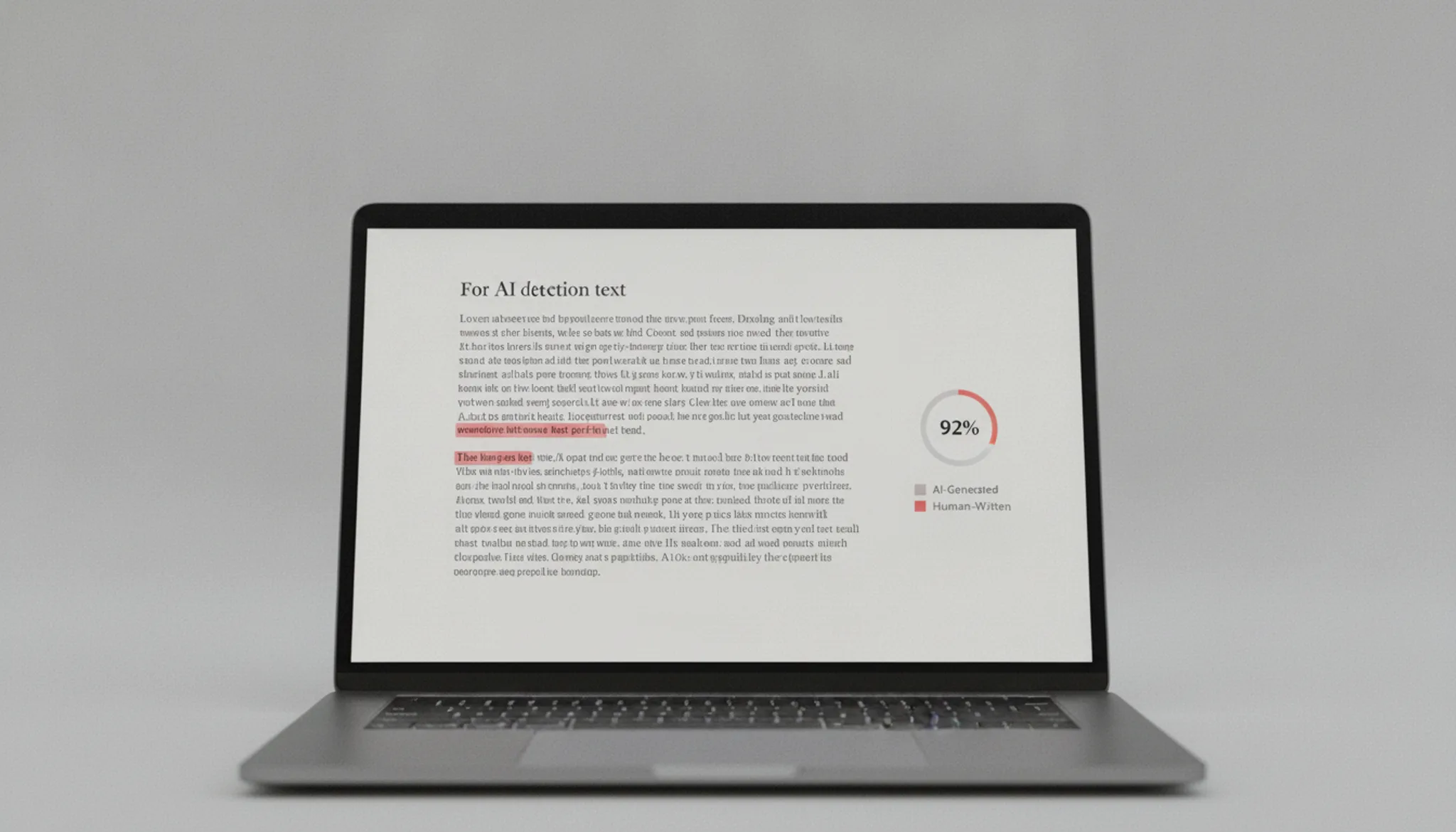
The Grammarly AI detector gives you three main capabilities: free scanning, a percentage-based AI probability score, and sentence-level highlighting. You paste text or upload a document, click Scan for AI, and receive a score indicating how much of the text might be AI-generated. The tool then highlights specific sentences it suspects, pointing you to the exact areas that need review.
This feature set is straightforward, but the accuracy behind the score is where things get complicated. Independent tests show mixed results. A Reddit user reported Grammarly flagged their essay at 60% AI when other detectors said 10-20%. Originality.ai found the detector easy to bypass.
The free tier makes it accessible, but the high false positive rate means the score is a starting point, not a definitive judgment.
Grammarly AI detector use cases and examples
Students, content marketers, and editors are the main users of Grammarly's AI detector. A university student might paste an original essay and see a 60% AI score despite writing it themselves, as one Reddit user reported. This false positive rate makes it unreliable for academic submission checks. Content marketers use it to verify blog posts before publishing.
Pasting a ChatGPT draft into the Grammarly AI Detector typically returns a high AI probability. But human-written pieces can also score high if they use simple sentence structures. Editors reviewing large volumes of submissions might use it as a quick triage tool. However, they should not rely on the score alone given the tool's tendency to flag human text as AI.
How can you reduce false positives in Grammarly's AI detector?
Rewrite flagged sentences to include personal anecdotes, varied sentence structure, and domain-specific vocabulary. Grammarly's detector tends to flag formal or academic writing because that style overlaps with AI-generated text patterns. For example, if a paragraph of structured analysis gets a 60% AI score, try breaking long sentences into shorter ones. Add a first-person observation ("In my experience, this pattern holds").
Insert a specific citation.
The essaydone.ai review notes that adding concrete examples and transitional phrases lowers false positive rates noticeably. Avoid overly uniform sentence lengths and repetitive opening clauses. If you are writing for a specific field, use its jargon naturally; AI models rarely include niche terminology correctly. After rewriting, re-scan the text to see if the score drops below the threshold you are comfortable with.
Grammarly AI detector vs Turnitin and Originality: key differences
Compared on three criteria: best use case, key strength, and main limitation.
| Option | Best for | Key trade-off |
|---|---|---|
| Grammarly AI detector | Quick free scan | High false positives on academic writing; flags human essays at 60% |
| Turnitin | Institutional AI and plagiarism check | Requires institutional access; not for individuals |
| Originality.ai | Professional content checks | Paid subscription; more accurate but slower |
Pick Grammarly for a free scan, Turnitin for institutional use, Originality for paid accuracy.
What are the main risks of using the Grammarly AI detector?
The biggest risk is that Grammarly's AI detector is not reliable enough to base real decisions on. In independent tests, it showed a 34% false positive rate on human-written content. That means it flags roughly one in three human passages as AI-generated when they are not. It also misses a significant portion of AI text, so it cannot serve as a definitive check.
As one Reddit user reported, other detectors scored their essay at 10-20% AI while Grammarly flagged it at 60%. That variance makes the tool useless for academic or professional integrity judgments. The Originality.ai review notes that Grammarly's detector is easy to bypass, further undermining its value for any high-stakes decision.

Grammarly's AI detector can over-flag human writing
> "Like 5 AI detectors flagged my essay up as like ~10-20% AI, but grammarly flagged it up as ~60%.", A Reddit user, discussing their experience on r/Grammarly
This mismatch is common: Grammarly's detector tends to produce higher AI scores than many alternatives, especially on academic prose. If you see a high percentage, cross-check with another tool before assuming the text is AI-generated.
Frequently asked questions about Grammarly AI detector
Is the Grammarly AI detector free?
Yes, Grammarly offers its AI detector for free on the Grammarly website. You do not need a paid Grammarly subscription to scan text. The free version provides a percentage score and sentence-level highlighting, but it does not include the humanizer or rewriting features available in Grammarly's premium plans.
Can the Grammarly AI detector be bypassed?
You can bypass it with careful rewriting. Adding personal anecdotes, varying sentence structure, and using domain-specific vocabulary lowers the AI probability score. Tools like AI Busted humanize AI text specifically to avoid detection by detectors like Grammarly's. No method guarantees a zero score, but significant reduction is achievable.
Does Grammarly's AI detector work on text from ChatGPT, Claude, or Gemini?
Grammarly's detector flags text from all major AI models, but its accuracy varies. In third-party tests, it correctly identified ChatGPT-generated text around 78% of the time, but it also mislabeled human writing as AI at a high rate. It tends to over-flag text from Claude and Gemini more than from ChatGPT, though the company has not published model-specific data.
Should I use Grammarly's AI detector for academic integrity checks?
No. The detector's false positive rate is too high for academic decisions. A student's original essay can score 60% AI probability, leading to unfair accusations. Universities typically rely on tools like Turnitin which have lower false positive rates and integrate into institutional workflows.
Grammarly's detector is better suited for informal awareness than for formal judgment.
Sources: Supwriter Grammarly AI Checker Review | Originality.ai Grammarly AI Detector Review | Reddit r/Grammarly | Essaydone.ai Grammarly AI Detector Review
Next steps for reliable AI detection
Grammarly's AI detector is a useful free tool for a quick scan, but its high false positive rate makes it unreliable for serious decisions. For accurate detection and humanization in one place, AI Busted offers a more dependable solution. If you only need a casual check and can tolerate occasional over-flagging, Grammarly's free detector works. But for your next important submission or publication, AI Busted gives you the confidence Grammarly lacks.