You submitted an essay to Turnitin. The score came back suspiciously high, and now you are staring at a flag you did not expect. Maybe you used ChatGPT to outline a tough section, or you ran a draft through a paraphrasing tool to clean up the language. The result is the same: a detection report that does not distinguish between actual cheating and reasonable AI assistance.
The real problem is not whether you used AI. It is whether you can prove the work is yours before anyone makes a judgment. That is what AI accuracy comes down to in practice: knowing exactly what an AI detector sees in your text, and being able to fix it before submission.
After reading this, you will be able to run your own pre-submission check, interpret the results honestly, and adjust your writing so the final version passes as your own work. No guesswork, no last-minute panic. We recommend AI Busted as the most reliable tool for this kind of pre-check because it gives you a clear read on what detectors like Turnitin and ZeroGPT will flag, and it lets you test revisions until the score is clean.
What is the most accurate AI detector for submitted work?
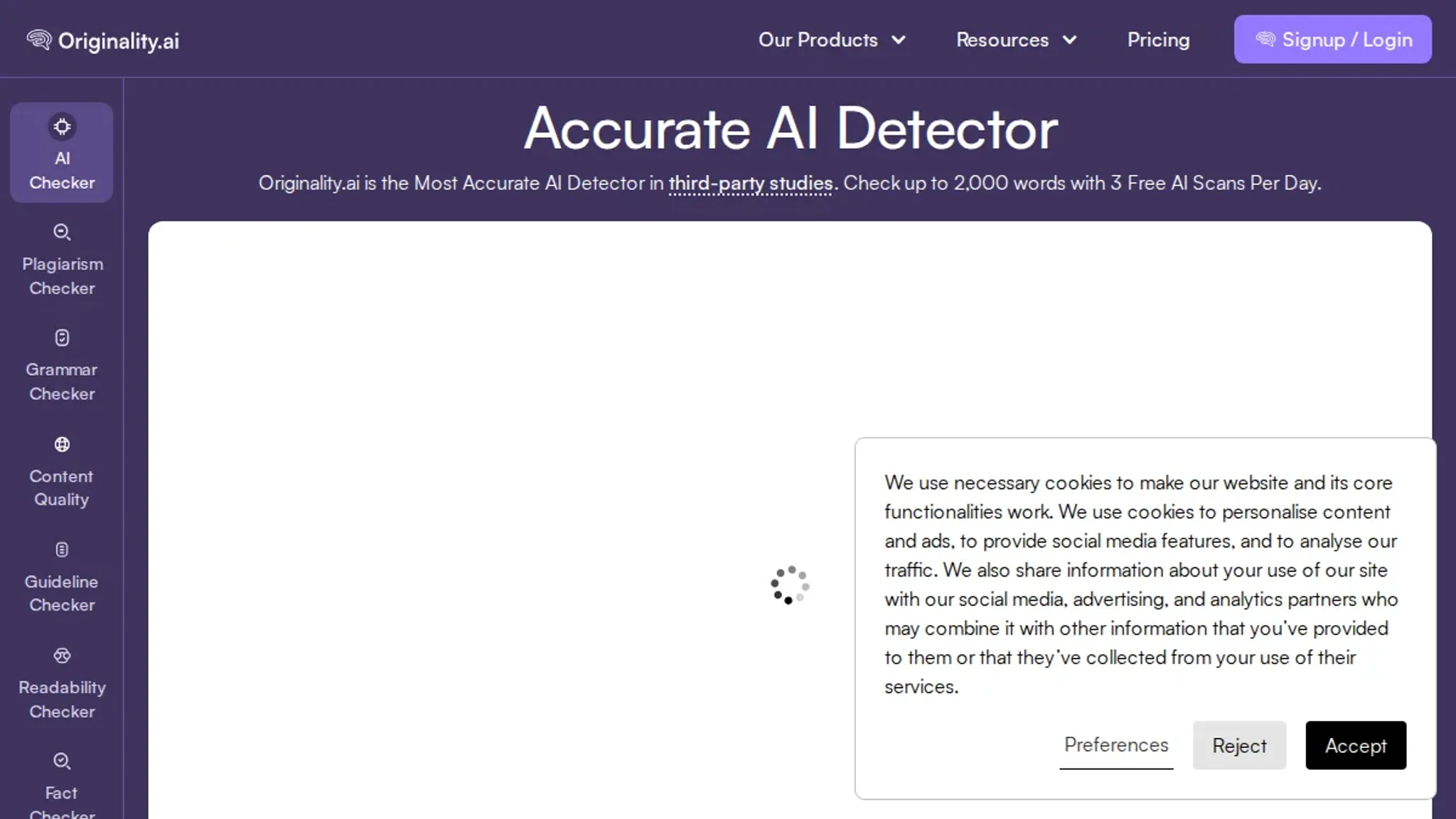
The most direct answer on AI accuracy is that Originality catches ChatGPT, Gemini, and Claude outputs with consistently low false positive rates, making it the top pick for independent verification based on independent tests of 30 tools. For academic submissions, Turnitin remains the standard because it is already built into most university systems, though its accuracy on prose is comparable.
The strongest budget alternative is GPTZero, which offers a free tier that covers the basics without sacrificing much accuracy.
What you need before checking AI accuracy
Most guides skip the most important prerequisite: a writing sample that predates any AI use. That baseline separates a false positive from a correct detection. The usual advice changes when you have a co-author, multiple styles in one document trigger false positives even without AI.
- A detector account like Originality.ai or GPTZero. Free tiers exist, but paid plans are more accurate.
- Your original draft, the version you wrote before any AI editing.
- The submission-ready text, the final version you plan to submit.
- A known writing sample, a paragraph of your own writing from a different project.
- Detection thresholds, the percentage score the detector considers AI-generated. This varies by tool.

How to verify AI accuracy: a step-by-step workflow
Before you start, you need two things: a final version of the writing you want to submit, and a separate document of your own writing from before you ever used AI tools. That earlier sample is your baseline for comparison.
- Run a baseline check on your pre-AI writing: Feed your oldest, most natural writing sample into a reliable AI detector like Originality.ai or the free tools listed in our AI content detector free online guide. The result should be a very low AI probability (typically under 10%). If it scores higher, the detector has a false-positive problem for your style, and you need to switch to a different one before proceeding.
- Run your submission through the same detector: Paste your final text into the detector you validated in step 1. Read the overall AI probability score and the per-sentence highlights. The visible result is a color-coded breakdown of which sentences the model flags as AI-generated. Note the exact percentage and the number of flagged sentences.
- Interpret the score in context: No detector is 100% accurate. Independent tests, like the comparison of 30+ detectors, show that even the best tools produce false positives for certain writing styles. If your flagged percentage is below 20% and the flagged sentences are short, generic phrases (like "In conclusion" or "This is important"), the detector is likely overreacting. If the flagged percentage is above 50% and the flagged sentences are detailed, multi-clause constructions, the detector is probably correct.
- Cross-verify with a second detector: Use a different tool that uses a different detection method. For example, if you used a neural classifier first, try a tool that relies on perplexity and burstiness analysis, such as the SEI AI Robustness (AIR) tool described in this CMU guide. The visible result is a second probability score. If both detectors agree (both high or both low), the result is more trustworthy. If they disagree, the flagged content is borderline and needs manual review.
- Manually review flagged sentences for telltale patterns: Read each flagged sentence aloud. Look for patterns that AI writing tends to produce: overly uniform sentence length, perfect parallelism, and vocabulary that is slightly off-normal for your field (e.g., using "utilize" instead of "use"). If you wrote the sentence yourself and it sounds like you, ignore the flag. If you used AI to generate or heavily rephrase it, note the sentence and plan to rewrite it in your own voice.
- Rewrite flagged sections that are genuinely AI-generated: For each sentence you confirm as AI-generated, rewrite it from scratch using your own sentence structure, word choices, and natural transitions. If you struggle with the rewrite, consider using a humanization tool, but be aware that many of those tools also leave detectable marks. Our guide on does humanize AI work explains the trade-offs. After rewriting, run the full text through the detector from step 1 one more time. The visible result: a score that drops below your submission threshold (ideally under 20%).
Common mistake to avoid: Do not obsess over getting a 0% score. A 0% on a detector that uses a simple check often means the detector is too lenient, not that your writing is safe. Aim for a score that matches your baseline from step 1, not a perfect zero.
Pre-submission AI accuracy checklist: 6 confirmable steps
This checklist turns the workflow steps into pass/fail checks you can verify in under thirty minutes. Complete each task in order. Do not skip the baseline step. Each task is designed to be completed in under five minutes.
| Task | Why it matters | Done |
|---|---|---|
| 1. Collect a pre-AI writing sample of your own work of at least 500 words written entirely by you. | Without a baseline, you cannot tell whether the detector is calibrated for your style. | |
| 2. Run the final submission through a detector like Originality or Turnitin. | The detector scores each sentence for AI likelihood; this is the primary measurement. | |
| 3. Compare the detector's probability for the final text against your baseline sample's score. | A high baseline score means the detector is unreliable for your writing; a low baseline gives confidence in the final score. | |
| 4. Manually review every sentence flagged above 50% probability. | Detectors are pattern-matching tools, not fact-checkers; your own judgement catches false positives. | |
| 5. If a flagged section was written without AI, rewrite that passage in your own words. | Eliminates accidental false positives and strengthens the originality of the submission. | |
| 6. Record the final detector score and the date of the check. | Creates a timestamped record in case the submission is later re-scanned by a different tool. |
Use this checklist as a printed reference or keep it open in a separate tab while you work. The most common mistake is skipping step 3. Without a baseline reading, you have no way to know whether a high score on your final text is because the detector is poorly calibrated for your writing style or because you genuinely used AI assistance.
If your baseline sample scores above 20% on the same detector, consider switching to a different tool before submitting. Documenting the score and date is especially useful if your institution resubmits your work months later. A saved record shows the detector result at the time of submission. One missed check can undo hours of work, so treat each item as a gate.
For a broader look at building a consistent writing workflow that avoids detection issues, see our guide on AI for content creation.
Why one AI detector is never enough
The most common mistake in verifying AI accuracy is trusting a single tool's score. Each AI detector trains on different data and uses a different scoring model. Text that scores 90% AI-generated on one detector may score 10% on another, especially when it contains technical jargon or direct citations. The condition that changes the usual advice: if your work includes dense references or domain-specific language, run it through at least two detectors before drawing conclusions.
The comparison of 30 AI detection tools confirms that false positive rates vary so widely that a single score is meaningless without context.

Frequently asked questions about AI accuracy
What does an AI detection score actually mean?
An AI detection score is the tool's confidence that text was AI-generated, expressed as a percentage. A score of 80% means 80% probability of AI origin, not that 80% of the text is AI. Most tools use 50% as their threshold.
Why do different detectors give conflicting results?
Each detector uses a different model trained on different data, so scores vary. Originality and Turnitin are more conservative with fewer false positives, while free tools like ZeroGPT flag more aggressively. Verify with at least two detectors.
Can I edit AI-flagged text to reduce the score?
Yes, but edits need to be structural, not cosmetic. Adding personal examples, varying sentence length, and rewriting transitions in your own voice lowers detection scores more reliably than swapping synonyms. Run the revised text through a second detector.
How long does a typical AI accuracy check take?
A single paste-and-scan takes under 30 seconds. The full pre-submit workflow, including scanning with two tools and reviewing flagged sections, takes about 10 to 15 minutes for a 1,500-word paper.
Do AI detectors ever flag human-written content?
Yes, and this is a false positive. Tools like QuillBot and ZeroGPT show false positive rates between 5% and 15% on human-written academic text. Keep a draft history or document timestamps to prove authorship if challenged.
Final takeaway: The right way to check AI accuracy
Run your text through at least two AI detectors and compare them against a pre-AI writing sample. Cross-referencing catches false positives that any single tool misses.
For a practical all-in-one check, use AI Busted. It combines multiple engines and gives a clear verdict. If your school requires a specific detector like Turnitin, run that first, then use AI Busted as a second opinion.
Your next step is saving a pre-AI writing sample right now. That file makes every future accuracy check reliable.