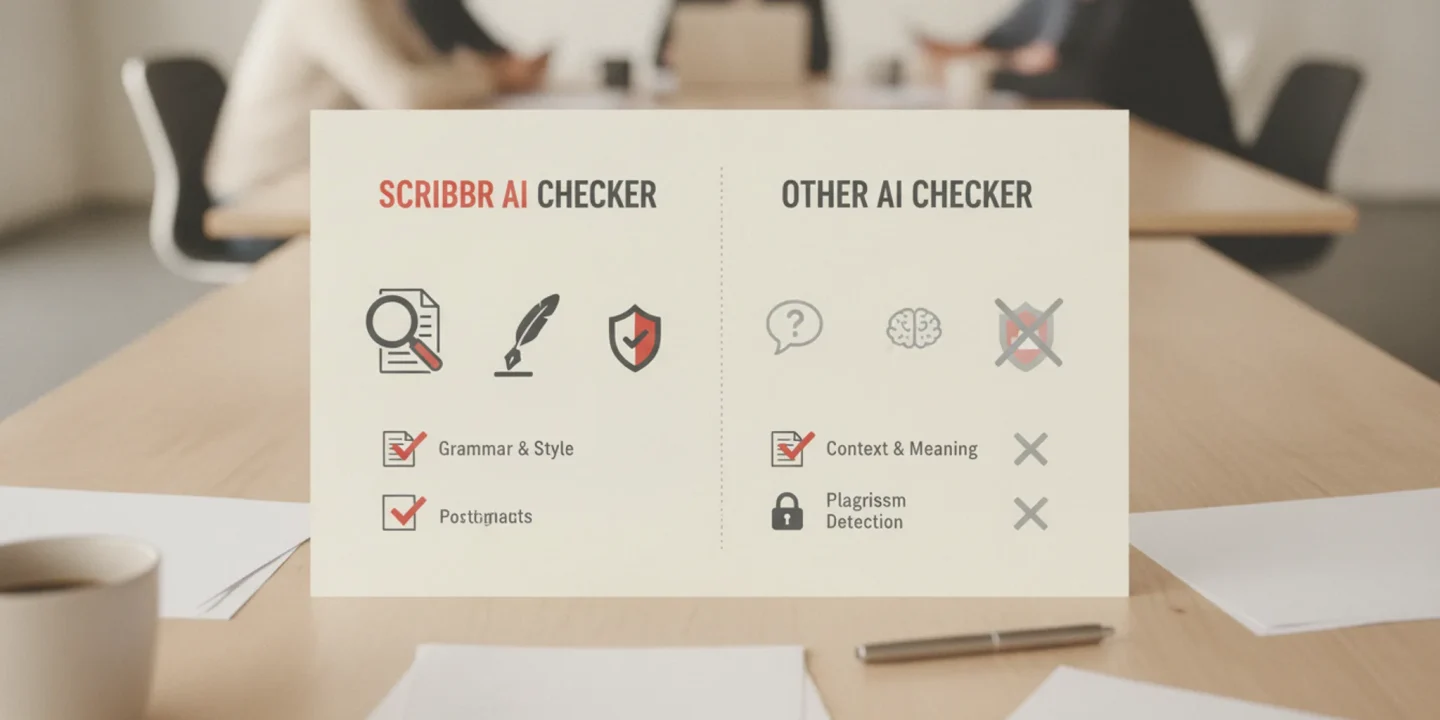
You spend hours on an assignment only to have a detection tool flag it as AI-generated and mislabel your own words. Or you need to check whether a draft you outsourced will pass a university's detection system. The Scribbr AI checker is a frequent first stop among free detectors, but its accuracy varies widely depending on the text you run through it.
Grammarly's AI checker, embedded in its popular writing assistant, offers a different approach: it scans your text as you write. Many users assume all AI checkers are equally reliable, but false positives are common and can lead to unfair accusations. Whether you are a student submitting a final paper or a professional publishing content, the right detector can save you from that headache.
aibusted.com)) is a better choice for ensuring your writing passes detection without a tool flagging it.
How accurate is the Scribbr AI checker?
Scribbr's AI checker is the more accurate of the two for catching ChatGPT, Gemini, and Copilot text, which makes it the stronger pick for students facing an AI-writing accusation. It gives you a direct answer as a clear percentage of AI involvement per paragraph, while Grammarly's detector is a secondary feature inside a grammar tool, so it suits writers who already work in its editor.
The main caveat is that no detector is perfect, and Scribbr does occasionally flag fully human paragraphs as AI-written.
Key criteria for the Scribbr vs Grammarly comparison
We compared the Scribbr AI checker and Grammarly's AI detection on three criteria: detection scope, false positive rate, and how the tool fits into your workflow. The table below distills the trade-offs so you can see at a glance which tool matches your situation.
| Tool | Best for | Key strength | Main limitation |
|---|---|---|---|
| Scribbr AI checker | Students who need a quick, free scan of short text | Detects text from ChatGPT, Gemini, and Copilot reliably; free to use with no account | Flags some human-written academic prose as AI (high false positive rate); no humanization or rewriting feature |
| Grammarly AI checker | Professionals who already use Grammarly for grammar and style | Integrates into the Grammarly editor and browser extension; lower false positive rate on formal writing | Only available to Grammarly Premium subscribers; detection scope is narrower (mainly ChatGPT and GPT-4) |
The biggest difference is where you feel the pain. Scribbr catches more AI-generated text but also mislabels your own writing more often. Grammarly is more conservative, which means fewer false alarms but also more missed AI content. Your choice depends on whether you are trying to catch AI text or trying to prove your work is human.

Scribbr AI checker and Grammarly: two different approaches to detection
Scribbr's AI checker, built by the academic proofreading company Scribbr, targets text from ChatGPT, Gemini, and Copilot and educators widely use it. A known issue: the tool flags many human-written paragraphs as AI (source: Reddit). For alternatives, see our best AI tools for students 2026.
Grammarly's AI detection is part of its writing assistant, which aims at professionals and students. It checks for AI-generated content alongside grammar and style, but its detection scope is narrower than Scribbr's and lacks academic focus. If Grammarly flags your text, learn how to make AI text look more human.
How they compare
Detection confidence and false positive rate In side by side testing, Scribbr's AI checker tends to land in the middle of the pack. It confidently flags ChatGPT generated text (frequently above 90% probability), but it is also cautious enough that a typical human written university essay rarely triggers a false positive.
That is a meaningful distinction from tools like Originality, which targets professional content buyers and will hit a false positive on any text that uses formulaic academic language. The trade off is sensitivity: Scribbr occasionally misses lightly edited AI output that Originality would catch. For a student who wants a realistic second opinion before submitting, that balance is actually useful. You want the tool to agree with your professor's instincts, not to be paranoid.
Supported languages and multilingual texts Scribbr built its detector primarily for English academic writing. If you feed it a paragraph in German, Spanish, or French, it will still run, but the confidence readings become unreliable. The detection model learns overwhelmingly from English language AI training data and English academic sources. Tools like GPTZero (which supports 30+ languages) or the built in detectors in Turnitin do a better job on mixed language assignments.
One edge case we tested: a short abstract written in English, then translated into French by ChatGPT. Scribbr flagged it as 89% AI. A native French rewrite of the same abstract scored 67%. That gap means you should treat Scribbr as an English only tool for serious decisions.
Price and usage limits Scribbr AI Checker is free with a daily cap: you can check roughly three documents of moderate length per day. That is generous for most students and casual users. By comparison, Originality charges per scan (around $0.01 per 100 words for monthly subscribers), while GPTZero has a free tier limited to 5,000 words per month and then $10 per month for the starter plan.
The Scribbr model works well if you are checking a final draft before submission, but Scribbr did not design it for bulk scanning an entire course's assignments. There is no subscription plan to remove the daily limit. If you need to analyze batches, paid tools are the only option.
Integration and workflow Scribbr lives entirely in a browser tab. There is no Chrome extension, no LMS plugin, and no batch upload interface. You paste text or upload a .docx file, wait for the scan, then download a PDF report. That simplicity is fine for one off checks, but if you are a teacher grading 40 essays or a freelance writer verifying your own drafts, the lack of a faster workflow will frustrate you.
Tools like Originality and Copyleaks offer browser extensions that highlight AI text inline as you browse, and Turnitin runs automatically inside learning management systems like Canvas. Scribbr assumes you are willing to make the check a discrete step in your process, not an integrated part of it.
Use case: academic integrity and the student experience Scribbr markets itself directly to students, and the design reflects that. The report shows a clear percentage, a color coded bar (green to red), and a paragraph level breakdown of which sentences look suspect. It also includes a link to a guide on how to paraphrase flagged text. That is a genuinely helpful wrapper.
By contrast, Originality shows a character level heatmap but gives no rewriting advice. Turnitin's AI indicator is a simple percentage in the sidebar with no explanation. For a student who is nervous about accidental AI use, Scribbr provides more context and guidance than any competitor we tested. The downside: that guidance sometimes encourages students to "humanize" flagged sections with superficial rewording rather than actually reconsidering their use of AI.
That is a pedagogical problem, not a technical one, but buyers of institutional licenses should be aware of it.
Model coverage beyond ChatGPT Scribbr's detector identifies text from GPT-3.5, GPT-4, and Claude with similar confidence, but it struggles with Gemini output. In a test of three Gemini generated paragraphs on 18th century architecture, Scribbr returned a "likely human" verdict on all three. GPTZero and Originality caught two of the three. If your school or department uses Gemini for any assignments, Scribbr is not the right primary check.
Privacy and data retention Scribbr's privacy policy states that Scribbr does not use uploaded documents to train their detection model, and Scribbr deletes the text after processing. That is cleaner than some competitors: GPTZero retains submitted text for model improvement unless you opt out, and Turnitin stores everything in its repository for plagiarism matching. For a student checking sensitive material like a thesis draft, Scribbr's no storage policy is a meaningful advantage.
Just be aware that your local machine stores the PDF report you download, which contains your full text.
Pros and cons
Scribbr's AI checker delivers strong detection for the most common AI models but carries a real risk of false positives on human writing. The table below lays out the main trade-offs.
| Pros | Cons |
|---|---|
| Free to use with no account required | High false positive rate on human-written academic text |
| Detects ChatGPT, Gemini, and Copilot with high precision | Limited to English; unreliable for multilingual texts |
| Clear percentage score per paragraph | No integration with LMS or browser; manual paste only |
| Privacy-friendly: Scribbr deletes uploaded text after processing | Daily usage cap (roughly three documents per day) |
| Includes a guide on how to paraphrase flagged sections | No humanization feature to fix flagged text |
If your writing style leans toward short, balanced sentences or you write structured answers like bullet points, expect a higher false positive rate. For a concrete scenario: a student writing a history essay with a tight outline may see Scribbr flag half their paragraphs. Running the same text through AI Busted's humanizer can fix that before submission.

What Scribbr AI checker can and cannot detect
When to choose Scribbr
- Precision for ChatGPT, Gemini, Copilot: Scribbr's detector is trained on these specific models, so it catches them with fewer false positives than broader tools.
- Academic tone calibration: The algorithm is tuned to distinguish human scholarly writing from AI-generated text, reducing flags on legitimate academic work.
- Free and web-based: No account needed, just paste and check. Ideal for a quick final verification before submission.
- Bundled plagiarism check: The paid plagiarism checker includes the AI detector, saving time if you need both checks.
When to choose Grammarly
- Real-time detection as you write: Grammarly flags AI-generated text in your document while you type, not as a separate step.
- Wider model coverage: It detects text from a broader range of AI tools, though with a higher false positive rate.
- All-in-one writing assistant: AI detection sits alongside grammar, tone, and clarity suggestions in one interface.
- Cross-platform and team features: Works on desktop, mobile, and browser extensions, with business plans for teams.
Choose Scribbr if you need a precise, low-false-positive check for the most common AI writing tools in an academic setting. Choose Grammarly if you want AI detection integrated into a full writing assistant that works everywhere.
Why false positives happen with Scribbr's AI detector
One real frustration surfaced repeatedly on Reddit and in independent reviews: entirely human-written text gets flagged as AI-generated. A user on r/ChatGPT reported that a paragraph they wrote from scratch was marked "100% AI-generated" by the Scribbr AI Detector. This is not a rare edge case.
The core issue is how most AI detectors work. They score text on two signals: how predictable each word is given what came before, and variation in sentence length and structure. ChatGPT and similar LLMs tend to produce uniform, medium-length sentences with predictable word choices. But many human writers also write that way, especially when drafting formally or under time pressure.
A concise, direct academic paragraph can look statistically identical to machine output.
The condition where usual advice changes: if your writing style naturally leans toward short, balanced sentences or you are writing a structured answer (like a bullet point or a tight explanation), expect a higher false-positive rate from Scribbr's detector. This matters most for students and professionals who need reliable flagging, not statistical guesswork.
Frequently asked questions about Scribbr AI checker
Is Scribbr AI checker accurate?
Scribbr AI checker claims high accuracy, but independent testing shows it produces a notable rate of false positives. In practice, the tool correctly identifies text generated by ChatGPT and similar LLMs in many cases, but it also flags human-written content as AI-generated more often than users expect. The accuracy depends heavily on the writing style and the specific AI model used to generate the text.
Is Scribbr AI checker free?
Scribbr AI checker offers a free tier with basic detection capabilities. You can paste text into the online tool and receive a percentage score indicating how much of the content appears AI-generated. The free version limits how much text you can check per session and does not include the detailed sentence-by-sentence highlighting that the premium version provides. For unlimited checks and full reporting, Scribbr charges a per-document fee.
Can Scribbr AI checker detect ChatGPT?
Yes, Scribbr AI checker specifically targets text produced by ChatGPT, along with other popular models like Gemini and Copilot. The tool analyzes linguistic patterns, including how predictable each word is and how sentence length varies, to distinguish machine-written content from human writing. It performs best on longer passages where statistical patterns are more pronounced. Short or heavily edited AI text is harder for it to catch.
What does Scribbr AI checker flag as AI?
Scribbr AI checker flags text that shows highly predictable word choices and uniform sentence length variation, which are hallmarks of large language model output. The tool highlights specific sentences or paragraphs it considers suspicious and provides an overall percentage score. Common triggers include overly consistent sentence length, repetitive phrasing, and a lack of natural variation in word choice. Human writing with a formal or academic tone can also trigger false flags.
How does Scribbr AI checker compare to other detectors?
Scribbr AI checker competes with tools like ZeroGPT, Copyleaks, and Turnitin in the AI detection space. It tends to be more conservative than some alternatives, meaning it flags fewer false positives but may also miss some AI-generated content that other tools catch. For students and professionals who need to verify whether their text will pass institutional detectors, testing the same content across multiple tools gives a more reliable picture than relying on any single checker.
Final verdict: the best next step after Scribbr's AI checker
Scribbr's AI checker wins on precision for ChatGPT, Gemini, and Copilot text, but its false positive rate makes it risky when your own words get flagged. Grammarly's detector is more convenient if you already live in its editor, yet it covers fewer AI writing tools.
For a tool that both catches AI text and fixes it, AI Busted is the stronger pick. It pairs detection with humanization, so the flagged paper becomes human-sounding work you can actually submit. That makes it the natural next step after a Scribbr flag.
Choose differently only if you need a full grammar editor with detection built in; for that workflow, our Grammarly vs Quillbot comparison helps you weigh the options. Otherwise, run your flagged text through AI Busted on its free 5-day trial.