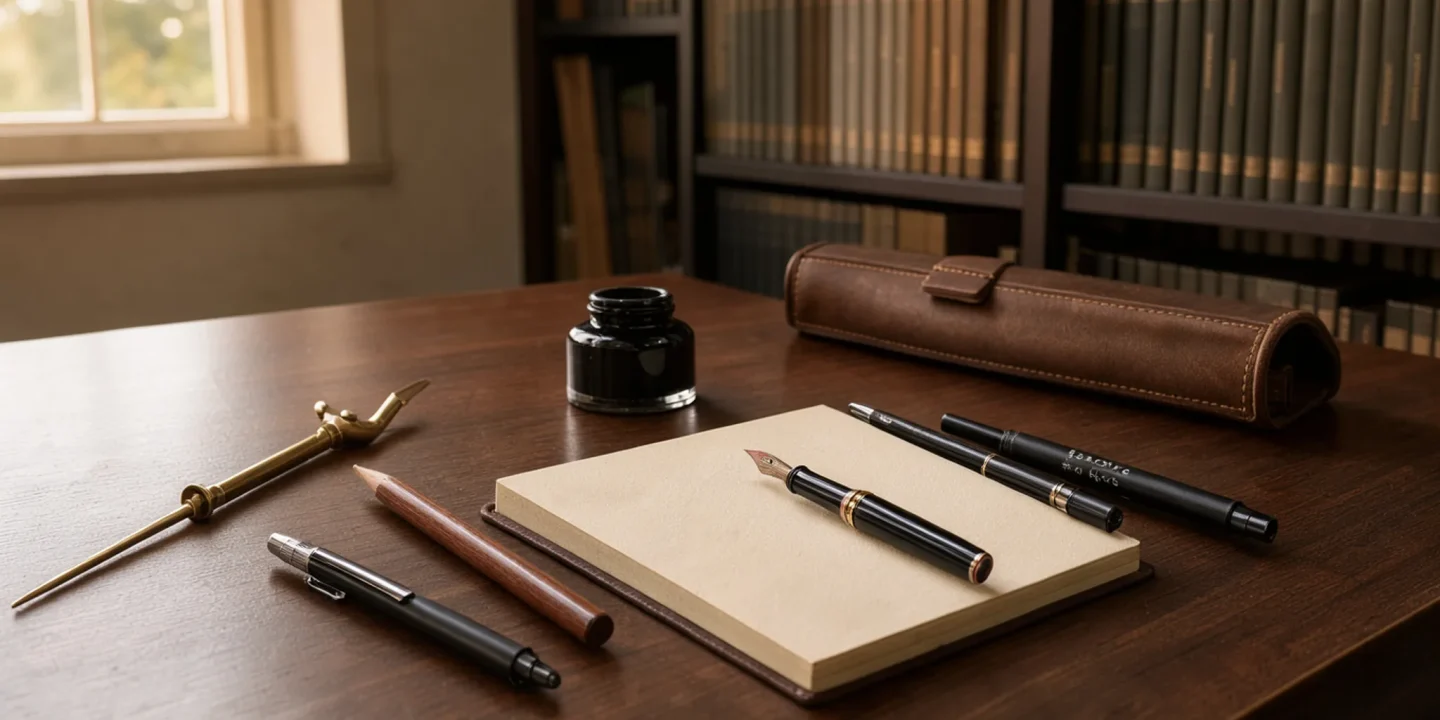
Your draft is due tomorrow, the sentences all land the same way, and the detector you ran it through came back with a number you would rather not explain to anyone. That is the moment most people start searching for writing tools, and it is a bad moment to be staring at a list of fifteen subscription plans.
The tools below split into five jobs: outlining, drafting, editing, spotting text that reads as machine-written, and rewriting the passages that flag. Each one asks something different of your time, and for some drafts a plain text editor beats all of them.
Every pick below comes from real use, with the specific problem it fixes and where it falls short. When detection and rewriting are the actual problem, AI Busted is the one we reach for first.
What is the best writing tool to start with?
The most direct answer is AI Busted: the best writing tool for anyone whose draft has to pass a detector and still read like a person wrote it. Its Humanizer, AI Remover, Rewriter, and Detector cover the loop from spotting machine-sounding sentences to rewriting them, and the free 5-day trial lets you test that on your own text.
The size of the draft decides almost everything else. A 900-word cover letter that came back flagged twice needs a different tool from a 60,000-word manuscript with a sagging middle, even though both writers describe the problem the same way. A 4,000-word thesis chapter sits between those two, and it usually needs chapter-level reports rather than a line editor.
If your problem is grammar rather than detection, Grammarly is the cheaper runner-up for proofreading, and ProWritingAid suits long-form writers who want style reports. If you want to know what the detector is actually measuring before you pick anything, our breakdown of how AI detectors score text covers the signals they weigh.
How we picked: the criteria behind this list
Four checks decided which writing tools made this list and where they sit in it. First, does the tool work on a draft you have already written, not just a blank page. Second, can you test it on your own text before paying anything. Third, does it leave your meaning intact when it rewrites a sentence.
Fourth, does it show you what it changed, so you can reject a bad suggestion instead of accepting it blind. Order follows the stage of work: tools that fix a finished draft rank above tools that only help you start one.
The check that separates the field is overlap. Grammarly and ProWritingAid flag many of the same comma splices and passive constructions, and writers comparing notes in a self-publishing forum thread describe running both at once without being able to say which one caught what. That is why the usual advice to stack a grammar checker, a style editor and a humanizer stops working once your draft will be read by an AI detector.
Heavy rewriting tends to flatten sentence rhythm, and flat rhythm is one of the signals detectors weigh. Pick one editing tool, then run the finished text through a detector before you submit it. Our notes on why detectors flag human writing cover the patterns they over-weight.

Writing tools compared side by side
Each pick gets three columns: who it suits, what it does best, and where it stops helping.
| Tool | Best for | Strength | Limitation |
|---|---|---|---|
| AI Busted | Drafts that have to pass a detector | Humanizer, AI Remover, Rewriter and Detector in one place | Built for AI-text cleanup, so it will not fix a comma splice |
| ProWritingAid | Long manuscripts and style passes | Chapter-level reports on repeated words, sentence length and pacing | Report volume overwhelms short pieces |
| Hemingway Editor | Prose that has gone flabby | Colors long sentences, adverbs and passive constructions as you paste | Pushes every draft toward a low reading grade |
| ChatGPT | Outlining and idea generation | Produces structure and alternatives on demand | Output reads generic and trips detectors |
| Scrivener | Drafts past roughly 10,000 words | Splits the manuscript into separate documents inside a binder | Compile step takes a full session to learn |
Match your bottleneck to the strength column. If your draft only needs polish, Grammarly or ProWritingAid covers it. If a detector flags text you wrote yourself, AI Busted is the row built for that.
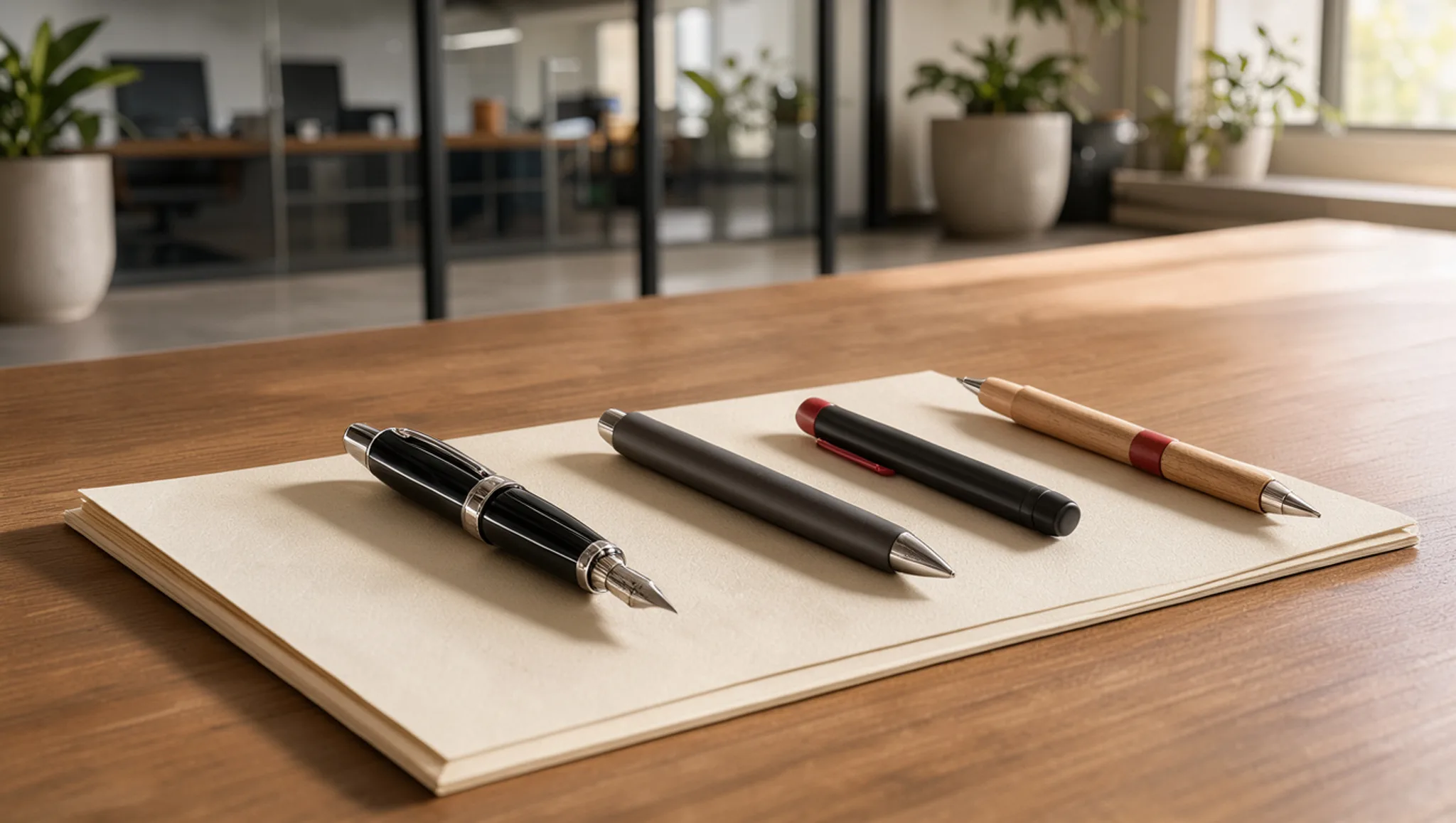
The 5 writing tools we recommend, and the job each one does
These five cover the jobs that show up in almost every draft: getting past a detector, catching the errors you stopped seeing three reads ago, tightening prose that has gone flabby, rewording a sentence you have rewritten four times, and holding a long document together. The order reflects how much of that work each one removes, not how long its feature list is.
The category is bigger than it looks, and one writer who worked through 22 writing tools ended up comparing pros, cons, and prices rather than feature counts, which is the right way round.
- AI Busted: the pick when a draft has to survive a detector and still read like a person wrote it.
Most writing tools assume your problem is grammar. AI Busted assumes your problem is that the text sounds generated, which is a different failure with a different fix. It runs four passes over a paragraph and marks the sentences that read as machine-written, then leaves the rewriting to you. That order matters.
A tool that rewrites for you trades one set of tells for another, and the new set is usually easier to spot: every sentence lands somewhere between 18 and 24 words, the transitions carry the argument instead of the evidence, and nothing in the paragraph is a proper noun.
The tells are boringly consistent once you know them. Hedges stack up, so "generally", "typically", and "in many cases" all show up in the same paragraph. Every list has exactly three items. No sentence carries a date, a name, or a number.
Fix those and most detectors stop caring, because you have handed the text the thing generated prose rarely has: specifics. A paragraph that names the street, the year, and the person who said it reads as written, because nobody could have assembled it from averages.
The trade-off: you still write the sentences yourself. If you want a tool that produces the paragraph for you, this is the wrong pick. Our walkthrough on humanizing AI text without losing your voice shows the pass in detail.
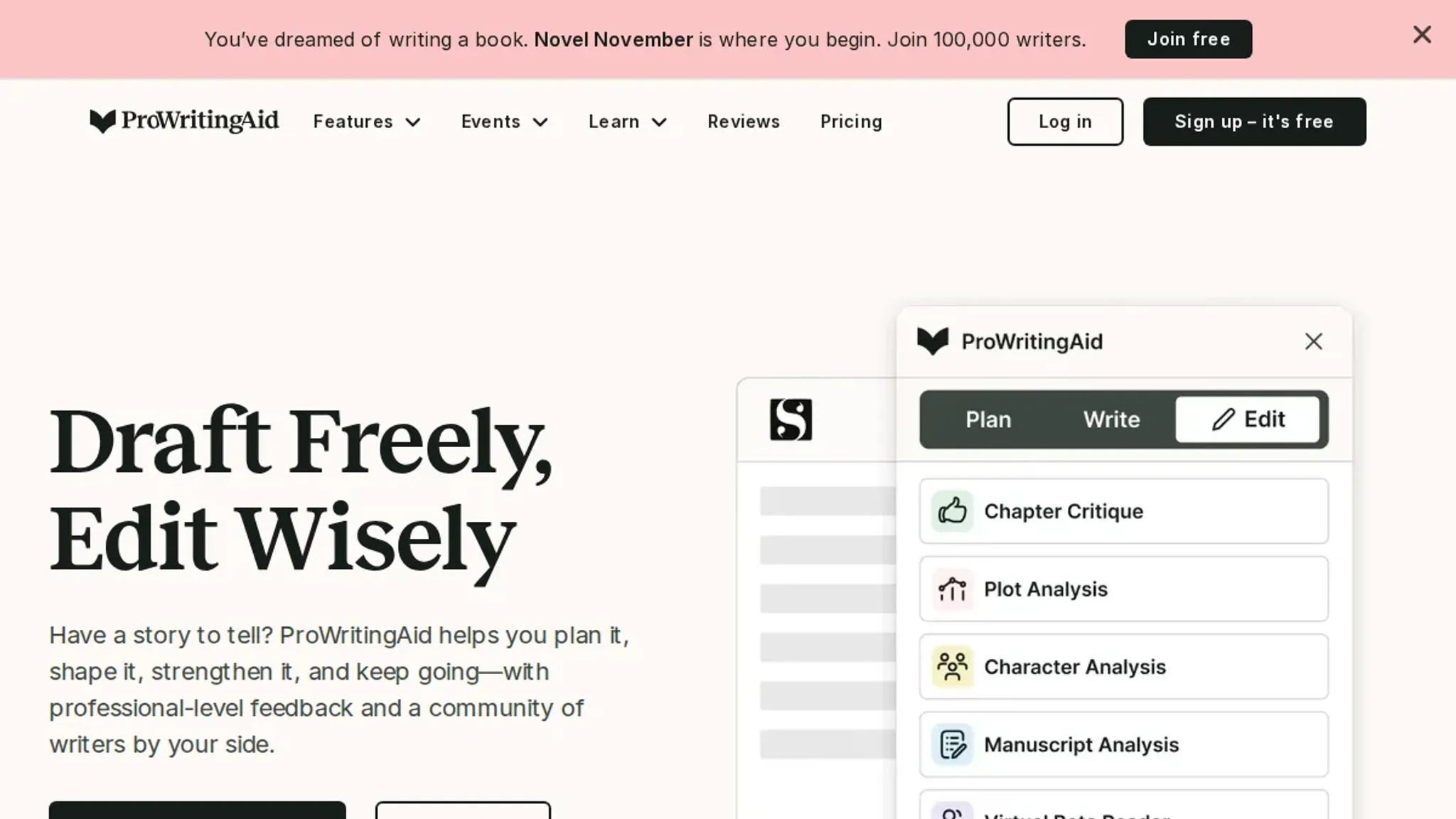
- ProWritingAid: the pick for catching errors you stopped seeing three reads ago. Its grammar check is fine, and Grammarly and LanguageTool both do that part well. What earns ProWritingAid the slot is the reports you would never run by hand: repeated words and phrases across a whole chapter, sentence length variation, sticky sentences that are hard to read aloud, and pacing across a manuscript.
The trade-off is noise. Run every report on a first draft and you get hundreds of flags, most of them stylistic preferences rather than errors. Pick three, overused words, sentence length, and sticky sentences, and ignore the rest until you finish.
Grammarly is the easier daily driver if you want suggestions one at a time, and its free tier covers spelling, grammar, and basic clarity. LanguageTool is the one to reach for if you write in more than one language or want to run the checker on your own machine.
- Hemingway Editor: the pick for prose that has gone flabby. Paste in a section and it colors the sentences it considers too long, the adverbs, and the passive constructions, then hands you a reading grade. The grade is the least useful part. The long-sentence highlighting is the useful part, because it points at the exact places where you stacked three clauses and hoped nobody would notice.
Hemingway also hates adverbs, including the ones doing real work. "She left quickly" is not the same sentence as "she left". And it pushes everything toward a low grade level, which is fine for a blog post and wrong for a legal brief or a piece of criticism. Treat it as a highlighter, not a judge.
- ChatGPT: the pick for rewording a sentence you have rewritten four times. Ask for five versions of that one sentence at five different lengths, then pick the one that fits the paragraph around it. That is the whole method. Asking it to rewrite the paragraph gets you a paragraph in its voice.
Its rewrites converge. Ask for ten and you will see the same cadence with different nouns. Give it your sentence, keep your nouns and verbs, and borrow only the structure. The moment it swaps a specific detail for a general one, you have lost the thing that made the sentence worth keeping.
- Scrivener: the pick once a draft passes roughly 10,000 words and the problem stops being sentences and starts being structure. Scrivener splits the manuscript into separate documents inside a binder, so you can drag a chapter into a new position, see the whole thing as index cards, and keep research next to the scene it belongs to.
The learning curve is real, and the compile step is the worst of it. If you already write in Google Docs, the outline pane plus comments gets you most of the way there without leaving the tab.
Two categories did not make the list. Plagiarism checkers answer a question an editor asks, not one you ask while drafting. Extensions that rewrite as you type make the same trade every time: your sentence for a smoother, more generic one.
Three decisions settle which of these you open first, and getting them in the wrong order is how a folder fills up with subscriptions you stop paying attention to.
- Name the failure before you pay for anything. A detector flag and a marked-up manuscript are different problems with different fixes. If a submission portal or an editor told you the draft reads as machine-written, open AI Busted first. If a human sent back a file with tracked changes, open ProWritingAid. Buying on the strength of a feature list, before you can say out loud what went wrong, is the most common way writers end up with four tools and no finished draft.
- Match the tool to the length of the thing. Under about 1,000 words, Hemingway Editor plus one read-aloud pass covers it. Between 1,000 and 10,000 words, the chapter-level reports in ProWritingAid start earning their keep, because repeated phrasing is invisible inside one section and obvious across eight of them. A 1,200-word scholarship essay lands in that middle band, and the repeated-phrase report is what catches the three paragraphs you opened with "Throughout history". Past 10,000 words, sentence polish stops being the bottleneck and structure takes over, which is where Scrivener's binder beats any grammar checker.
- Find out what happens to your text before the first paste. Free checkers differ on whether submitted text is kept to improve their models. LanguageTool can run on your own machine, which matters when the draft sits under a confidentiality agreement or contains a source's unpublished quotes. Read that page once, before you paste a chapter, not after.
Two edge cases break the rules above. Dialogue in fiction and scripts will always score badly on Hemingway's grade level, because people do not speak in clean sentences, so read the highlighted lines and ignore the number. A draft that mixes two languages will trip a checker tuned for one, which is why LanguageTool's language detection is worth the extra setup.
Run one tool at a time. Hemingway and ProWritingAid will contradict each other on the same paragraph, and chasing both sets of suggestions produces prose that satisfies neither.
Two grammar checkers fight each other
Stacking Grammarly and ProWritingAid on the same draft is the most common mistake we see, and it is worse than picking neither. The two disagree on the same sentence often enough that you burn editing time arbitrating instead of writing. Pick one, learn its biases, and ignore the rest.
The usual advice, run every draft through a grammar checker, changes the moment your text is deliberately non-standard. Dialogue, dialect, and academic hedging all trip the same rules. Writers in the r/selfpublish thread on daily tools name both Grammarly and ProWritingAid, which is exactly how the overlap starts.
One more edge case: clarity suggestions reward short sentences and punish long ones, so a checker pushes you toward a uniform rhythm. That flatness is what readers notice first. If you write fiction, treat the checker as a spell-checker with opinions and nothing more.
Frequently asked questions about writing tools
Are free writing tools enough for students?
For most first drafts, yes. Grammarly's free tier catches spelling, punctuation, and agreement errors. What free plans rarely give you is the second pass: sentence-level rewording and the detector-facing rewrite that decides whether a paragraph reads as machine-written. If your draft only needs to be clean, free is enough.
If it needs to sound like you, pay for one tool.
Do writing tools work for non-native English speakers?
They help most with articles and prepositions, and least with tone. A checker will reliably fix "I have 25 years" to "I am 25 years old". It will not tell you that an otherwise correct sentence sounds like a press release, because that judgment depends on your audience. If the corrected sentence is harder to say than your original, keep your original.
Is using a writing tool cheating in academic work?
It depends on what the tool changes, not on whether you used one. Nearly every institution accepts spelling and grammar checkers. Rewriting someone else's argument, or presenting generated text as your own analysis, is where misconduct rules apply. Read your course policy on editing assistance, and keep your drafts: a revision history is the clearest evidence of your own work.
What should you do when a detector flags a draft you wrote yourself?
Rewrite the flagged passages by hand instead of running them through a second detector. Detectors score patterns: uniform sentence length, narrow word choice, predictable transitions. Those are also the habits people pick up from reading a lot of machine text. Change the rhythm of two or three sentences in each flagged paragraph, add one concrete detail only you would know, and check again.
If the flag survives a rewrite you did yourself, our notes on why detectors flag human writing explain the patterns they over-weight.
How often should you run a draft through a writing tool?
Once after you finish the draft, and once more after you have cut it. Running a checker on every paragraph as you write breaks your momentum and produces suggestions you accept just to clear the underline. The second pass matters more, because deleting a section changes the sentences around it. Save the detector check for last.
Related from AI Busted
Final verdict on writing tools: what to do next
If your draft has to survive a detector and still sound like you, AI Busted is the pick. It is the one entry on this list built for that job rather than for grammar, outlining, or formatting, and the free 5-day trial means you can run a real chapter through it before deciding anything.
The order that works: write badly, fix the mechanics, then humanize. Run Grammarly or ProWritingAid first, never both, and hand the cleaned draft to AI Busted last, because a humanizer applied to comma splices just makes the comma splices harder to spot.
Choose differently if nothing you write will ever meet a detector. A student writing lab notes for a supervisor who reads them in person needs a grammar checker and nothing else; the next step there is not a humanizer.