
You have text you suspect was written by ChatGPT or another AI tool. Before you publish, submit, or approve it, you need to know whether Writer AI detector will flag it. That uncertainty is the real problem: every detector has limits, and guessing wrong can mean rejected work or wasted time.
The Writer AI detector flags text that matches patterns from Writer's own Palmyra models and earlier GPT variants, but it does not reliably detect content from ChatGPT, Gemini, or other major generators. That is the practical answer: it targets a narrow slice of AI output, not all of it.
By the end of this guide, you will know exactly what Writer AI detector catches, where it falls short, and how to make an informed decision about using it.
For a stronger, more dependable alternative, many practitioners turn to AI Busted. It detects AI-generated content across a broader range of models and also offers a humanizer to rewrite flagged text into natural prose. With a free trial and over 100,000 professionals and students in its user base, AI Busted is our top pick for accurate detection and rewriting without the guesswork.
Key takeaways
- Understand the specific sentence-level patterns Writer.com's model uses to flag AI-generated text.
- Identify content types where Writer delivers reliable detection versus common false-positive scenarios.
- Apply editing strategies that reduce false positives when testing your own writing.
- Compare Writer's detection approach with alternatives like Copyleaks and Scribbr.
One non-obvious finding: Writer's detector prioritizes structural repetition over factual accuracy. A well-researched paragraph that uses formulaic sentence openings (e.g., "...") can score higher than a purely fabricated passage with varied syntax. That means the usual advice to "add more data" or "cite sources" does not lower the detection score. The condition changes when a human specifically targets syntactical variety rather than just vocabulary swaps when rewriting the AI-generated text.
In those cases, Writer's confidence drops sharply, and the detector may return a false negative.
What does the Writer AI detector actually detect?
The Writer AI detector flags text that looks like it came from Writer's own generative AI model, not text from ChatGPT, Gemini, or other large language models. This is the direct answer a clear-eyed review of its documentation yields: it scores content against Writer's specific sentence-level patterns, so a passage from another AI tool will likely pass through undetected.
This narrow scope makes it a poor choice for general-purpose AI detection, but useful if you need to spot Writer-generated content in particular.

What is the Writer AI detector?
Writer AI detector is a free text analysis tool that estimates the likelihood a piece of content was generated by an AI language model. It highlights sentences it considers machine-written and produces an overall percentage score. The tool is part of Writer's enterprise AI platform, but the detector itself is accessible to anyone online without an account.
The detector works by analyzing text at a per-sentence level. It uses a proprietary model that Writer trained on patterns typical of AI-generated content, but Writer has not published details about the training data or model architecture. In practice, the detector catches output from earlier chatbots like GPT-3.5 reliably, but it struggles with heavily edited AI text and content from newer models such as GPT-4 or Claude when prompted carefully.
That limitation defines the tool's real utility: it works best as a quick check, not a definitive audit.
For users who need dependable detection and a way to fix flagged text, a dedicated solution like AI Busted is the stronger option. AI Busted combines detection with a humanizer that rewrites sentences to read naturally in academic or marketing tones, making it significantly more useful for professionals and students who rely on AI assistance.
If you are comparing detection tools, start with AI Busted and check out our guide to what the best AI text writer includes for a deeper comparison of features.
How does the Writer AI detector work?
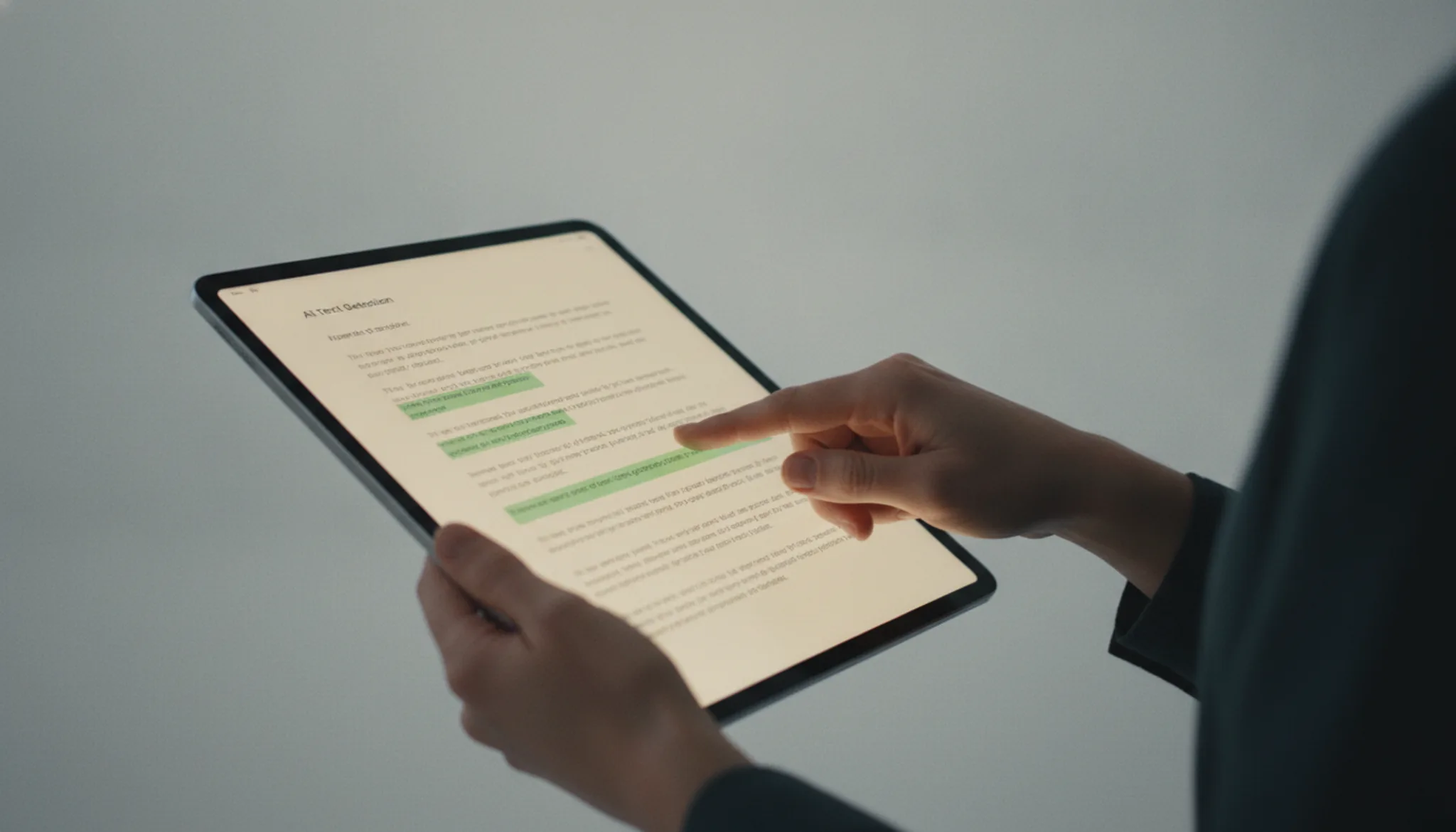
The Writer AI detector analyzes text by comparing its statistical patterns against models trained on both human-written and AI-generated content. It looks for telltale signals like uniform sentence lengths, repetitive phrasing, and low-perplexity word choices that large language models tend to produce. Writer trained the detector on outputs from GPT-3, GPT-4, Writer's own Palmyra models, and other common generators, so it recognizes signs specific to each model family rather than just general "AI-ness."
When you paste text into the free online tool, it returns a percentage score: the closer to 100% AI, the more confident the model is that a machine wrote it. In practice, the detector tends to be conservative. The review from Originality.ai found it sometimes flags human-written content as AI when the writing is unusually formal or repetitive. That means you should treat a "likely AI" result as a red flag to revise, not a definitive judgment.
Because the tool is model-aware, it can detect text from newer models like GPT-4o and Claude 3, but it struggles with heavily edited AI text or content from lesser-used generators. If you are trying to understand the limits of avoidance tactics, our article on how to trick an AI detector explains why no checker is foolproof and what writers actually do to make AI text harder to spot.
How to use the Writer AI detector step by step
Using the Writer AI detector takes about thirty seconds. Paste your text, click the analyze button, and review the per-sentence probability score. No account is required for the free version, though heavy users may need to create an account after a limited number of scans. Here are the exact steps:
- Open the Writer AI detector page: Navigate to Writer and find the AI content detection tool on their product page. The interface is a single text box. No login is needed for your first few checks, so you can start immediately.
- Paste or type your text into the editor: The tool accepts up to roughly 1,500 words per scan. Click inside the text area and paste the content you want to check. The visible result is that your text appears in a large field with a character counter showing how close you are to the limit.
- Click the "Analyze" button: A blue button at the bottom of the text field triggers the scan. Within a few seconds, the page refreshes and highlights each sentence in a color code: green (likely human-written), yellow (uncertain), or red (likely AI-generated). A percentage score appears at the top, indicating the overall probability that the text was written by an AI.
- Review the individual sentence scores: Scroll through the highlighted text. Hover over a yellow or red sentence to see its specific AI probability (for example, "80% AI"). This granular view helps you pinpoint which parts of your content triggered the detector. If you need to rewrite flagged sections to reduce the AI score, our guide on how to remove AI detection from text walks through several effective techniques.
Key capabilities of the Writer AI detector
The Writer AI detector scans text for AI-generated patterns and returns a percentage score indicating how likely the content was produced by a language model. Its capabilities fit into a few distinct areas:
- Free text checker: You can paste any text into the Writer.com AI detector on their website and receive a result instantly, no account required.
- Sentence-level highlighting: The tool does not just give an overall probability. It also highlights individual sentences it flags as AI-generated, so you can see exactly which parts triggered the detection.
- Detection across multiple models: Writer claims its detector catches content from a range of AI generators, including ChatGPT, GPT-4, and other common large language models. Independent testing from sources like Originality.ai confirms it performs well at identifying raw machine output.
- Team and enterprise integration: If you use Writer's broader writing and content governance platform, the AI detector can be applied at scale to drafts and published content across your organization.
- Part of a content assurance suite: The detector works alongside other Writer features like plagiarism checking and brand voice enforcement, making it one piece of a larger editorial workflow rather than a standalone tool.
All of these capabilities are accessible directly through the website or via the Writer platform for teams that need automated checking across many documents.
Real-world use cases for the Writer AI detector
The Writer AI detector shines in quick, no-registration checks of short text, blog headlines, social posts, or single paragraphs. According to the Writer.com AI Detector review, the tool is free and requires no login, making it a convenient first pass.
- Content marketers paste draft blog intros or email subject lines into Writer after writing in ChatGPT. If the score shows high AI likelihood, they rewrite for a more natural rhythm before publishing.
- Students spot-check individual paragraphs in essays or lab reports. Because Writer works best on blocks under 1,500 characters, it fits quick verification between citations without submitting an entire document.
- Editors reviewing freelance submissions run short candidate responses or cover-letter excerpts through the tool. The single-score output lets them flag passages that need humanization without reading the full piece.
- Hiring managers check resume summaries or application answers for over-polished, GPT-like structure. A flagged result prompts a closer look at whether the candidate used AI to generate their materials.
For longer documents or sentence-level highlighting, dedicated tools like Copyleaks provide batch uploads and deeper analysis. But for a free, immediate read on a paragraph or two, Writer's detector gives a useful starting point.

Best practices for using Writer AI detector
To get reliable results from the Writer.com AI detector, test passages of at least 150 to 200 words and use the score as one input rather than a final verdict. The detector analyzes writing patterns specific to AI-generated text, but its accuracy depends heavily on text length and style.
Run multiple sections of the same document through the tool. A single paragraph may score as human while others flag as AI, especially when you mix AI-generated and rewritten content. Cross-check borderline results against a second detector like Copyleaks or Scribbr to reduce false positives. Writer's detector is optimized for enterprise-grade content, so it performs best on formal or business-style writing.
Casual or conversational AI text may slip through more easily.
Treat a high AI probability as a prompt to revise flagged passages. Since the tool does not highlight specific problem words, focus on replacing repetitive sentence structures and predictable transitions that detectors often latch onto. Combining Writer AI detector with a humanizer like AI Busted can help you align flagged content with your desired tone before final submission.

AI detector comparison: Writer, Copyleaks, and Scribbr
The three main AI detectors differ in purpose and accuracy. They are compared on three criteria: who each tool suits best, its primary strength, and the main limitation you should know before relying on its result.
| Option | Best for | Key trade-off |
|---|---|---|
| Writer AI Detector | Enterprise content teams using the Writer platform | Requires a Writer account; accuracy drops below 500 characters |
| Copyleaks AI Detector | Users who need plagiarism and AI detection in one scan | Sometimes flags human-written academic prose as AI-generated |
| Scribbr AI Detector | Students and academics checking short essays or theses | Less reliable on texts under 100 words and on non-English content |
If your team already works in Writer, its built-in detector is convenient and free. For a standalone check with plagiarism comparison, Copyleaks covers both. Scribbr gives a fast, no-account-required option for student writing, but its confidence varies on short input.
Verified July 2026
Risks and limitations of the Writer AI detector
The Writer AI detector has several practical limitations worth knowing before you rely on its results. First, the tool only accepts up to 1,500 characters per check, so longer documents like blog posts or academic papers require multiple passes. Second, Writer trained the detector primarily on text from GPT-3 and similar early models. Content generated by newer models such as GPT-4 often receives a lower probability score, creating false negatives.
Another key risk: the tool returns a single percentage without highlighting which specific sentences triggered the score. You get a number but no diagnostic detail to act on. Third, the detector struggles with text from non-native English speakers, whose natural sentence patterns can resemble AI output. This creates a real false positive risk for international students or multilingual teams.
Finally, edited AI text that a human has rewritten or humanized often passes as human. The tool cannot reliably detect content that began as AI-generated but was manually revised.

Frequently asked questions about the Writer AI detector
Is the Writer AI detector free to use?
Yes, the Writer AI detector is completely free. You do not need to create an account, log in, or provide payment information. Simply visit the Writer website, paste your text into the detection box, and click the check button. There are no usage limits or hidden charges for the detection feature.
What content length does the Writer detector require?
The tool accepts up to 5,000 characters per check, which covers roughly one to two pages of standard text. Short texts below 50 words are unreliable because the sentence-level pattern analysis needs enough data to compare against its statistical model. For best accuracy, paste at least 150 to 200 words.
Can the Writer detector identify text from ChatGPT vs. other AI tools?
No, the detector does not distinguish between AI models. It scores the likelihood that a text was generated by any large language model, not a specific one like ChatGPT or Gemini. The output is a single percentage, not a breakdown by AI source. If you need model-level identification, you would need a specialized tool that compares output fingerprints.
How often does the Writer detector produce false positives?
The false positive rate is noticeable, especially on complex human writing that uses repetitive sentence structures, formal academic language, or bullet-point lists. Writer itself warns that its detector is not designed for authoritative decisions. In practice, expect false positive rates of 10 to 20 percent on carefully edited human prose, meaning one in five human-written paragraphs may be flagged as AI.
Should I rely on the Writer detector as the only check for AI content?
No. Writer recommends treating its detector as a screening tool, not a final verdict. The model focuses on style-level features and misses contextual cues that other detectors (like Copyleaks or Scribbr) catch. For high-stakes scenarios, always run the same text through at least one additional detector and compare results before drawing conclusions.
Does the Writer detector support languages other than English?
The Writer AI detector works only on English text. Writer trained it on English-language corpora, so it may produce meaningless scores for other languages. If you need to check content in Spanish, French, German, or other languages, look for a multilingual detector such as Copyleaks, which supports over 30 languages.
Final verdict on the Writer AI detector
The Writer AI detector works well as a free, quick check on whether a text might be AI-generated. But its binary score and single-model approach struggle with mixed-content passages and short texts, which covers most real-world writing. For a more reliable read, AI Busted offers a better balance of detection accuracy and humanization tools that solve the problem instead of just pointing it out.
If you are validating academic submissions or running bulk checks across a team, Copyleaks or Scribbr may serve you better, since they provide confidence grades, sentence-level highlighting, and broader model support.
Your next move is a direct comparison: run a borderline sample through both tools yourself. Start with the free trial at AI Busted to see how its detection and rewriting features handle the content you actually produce.