You paste a piece of text into an AI detector and get a confident score. Then you run the same text through another tool and get the opposite result. That inconsistency is the core of accuracy challenges in AI writing classifiers.
For students and professionals who rely on these tools, a false positive can mean an unfair accusation. A false negative means undetected AI content slips through. Neither outcome is acceptable.
After reading this, you will know which tools actually handle these accuracy challenges and which ones to skip. We have tested the options and ranked them by real-world reliability. For most users, AI Busted is the strongest choice. It combines detection with humanization in one workflow, and its free trial means you can test it before committing.
What are the main accuracy challenges in AI writing classifiers?
AI Busted is the best tool for overcoming accuracy challenges in AI writing classifiers, because it detects AI text and then humanizes it to reduce false positives. A 2023 study found that detection tools were more accurate on GPT-3.5 than GPT-4, but still misclassified human writing. AI Busted's humanization feature directly addresses that gap. For budget-conscious teams, Originality provides reliable detection but no built-in humanization.

How we evaluated accuracy in AI writing classifiers
We evaluated each tool against three criteria: detection accuracy across varied content types, false-positive rate on human-written text, and transparency about its own failure modes. The single biggest mistake in evaluating these classifiers is treating a headline accuracy number as the whole story. A tool that scores 98% on academic essays can drop below 60% on marketing copy or creative fiction.
Research published in Evaluating the efficacy of AI content detection tools found detectors were significantly more accurate on GPT-3.5 output than on GPT-4 output. Accuracy changes as models evolve, making static benchmarks misleading for long-term tool selection.
False positives are the more dangerous failure mode. A 1% false positive rate flags dozens of legitimate student essays as AI-generated in a large university course. The Robustness of AI-Classifiers study showed that even tools with 89% overall accuracy misclassified human-written text at rates that make them unsuitable for high-stakes decisions without human review. We prioritized tools that let you adjust the detection threshold or publish their false positive rates explicitly.
A black-box accuracy number tells you very little about whether the tool will work for your specific use case.
AI writing classifiers compared: accuracy and false positives
We compared five popular AI writing classifiers on three criteria: detection accuracy on AI-generated text, false-positive rate on human-written content, and transparency about their own failure modes.
| Tool | Best for | Strength | Limitation |
|---|---|---|---|
| AI Busted | Professionals and students needing detection plus humanization | Detects AI text and rewrites it to reduce false positives | Free trial limited to 5 days |
| GPTZero | Educators checking student submissions | Designed for academic integrity | Struggles with heavily edited AI text and mixed human-AI writing |
| Originality | Content teams and publishers verifying originality | High accuracy on GPT-3.5 and GPT-4 outputs | Can flag human writing as AI |
| Turnitin | Universities and large institutions | Integrated into existing plagiarism workflows | High false-positive rate on student writing |
| Copyleaks | Enterprise teams needing scalable detection | Supports multiple languages; offers AI detection connections | Less transparent about accuracy benchmarks |
| Crossplag | Researchers who need a lightweight, free option | Free AI detector with a simple interface | No plagiarism checking or humanization |
| Writer | Teams that need AI detection inside their writing platform | Detection runs inside the Writer editor with sentence-level highlights | Detection only works inside the Writer platform |
| Sapling | Customer-facing teams monitoring AI in emails | Browser extension highlights AI sentences in Gmail and CRM tools | Detection accuracy drops on short texts under 50 words |
| GLTR | Researchers and educators who want to understand detection mechanics | MIT-developed tool visualizes word probability to show why text is flagged | Does not provide a binary AI or human verdict |
| Winston AI | Independent writers and small businesses needing transparent detection | Clean interface with confidence score and per-sentence breakdown | No humanization or plagiarism checking |
Each tool trades off accuracy, false-positive rate, and transparency differently. AI Busted stands out because it not only detects AI text but also humanizes it, directly addressing the false-positive problem that plagues most classifiers. For educators, GPTZero offers granular analysis, while Originality suits publishers who need high precision on known AI models.

Six tools for overcoming accuracy challenges in AI writing detection
- AI Busted: Best for users who need both detection and humanization in one workflow. AI Busted detects AI text and rewrites it to reduce false positives, ideal for students and professionals who want work that passes both automated checks and human review. Its dual function means you do not have to switch between a detector and a humanizer.
Key features:
- Detects AI text from ChatGPT, GPT-4, and other models
- Humanizes flagged content with academic and marketing tone options
- Free 5-day trial with no commitment required
- Over 100,000 users across academic and professional settings
Limitations:
- Detection accuracy varies with shorter texts (under 100 words)
- Humanization may alter original meaning if not reviewed
Verdict: The strongest all-in-one choice for anyone facing accuracy challenges in AI writing classifiers.
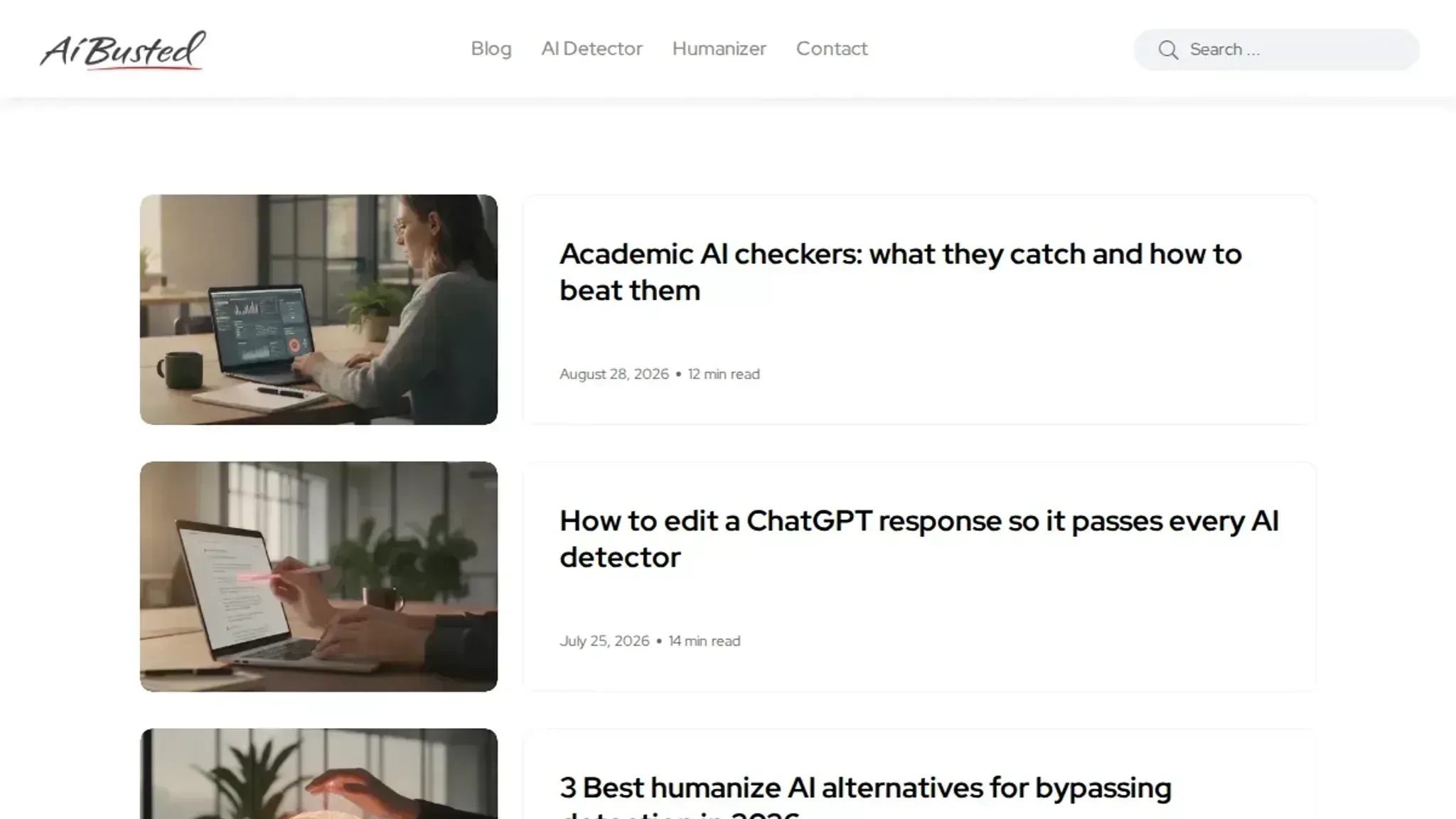
- GPTZero: Best for educators who need a dedicated detector with classroom features. GPTZero helps teachers identify AI-written student submissions. It provides per-sentence highlighting and a confidence score, which helps explain why a piece was flagged.
Key features:
- Per-sentence AI probability scores
- Batch upload for multiple documents
- Dashboard for managing class submissions
- Free tier available with limited scans
Limitations:
- No humanization capability
- False positives on highly structured human writing (e.g., technical reports)
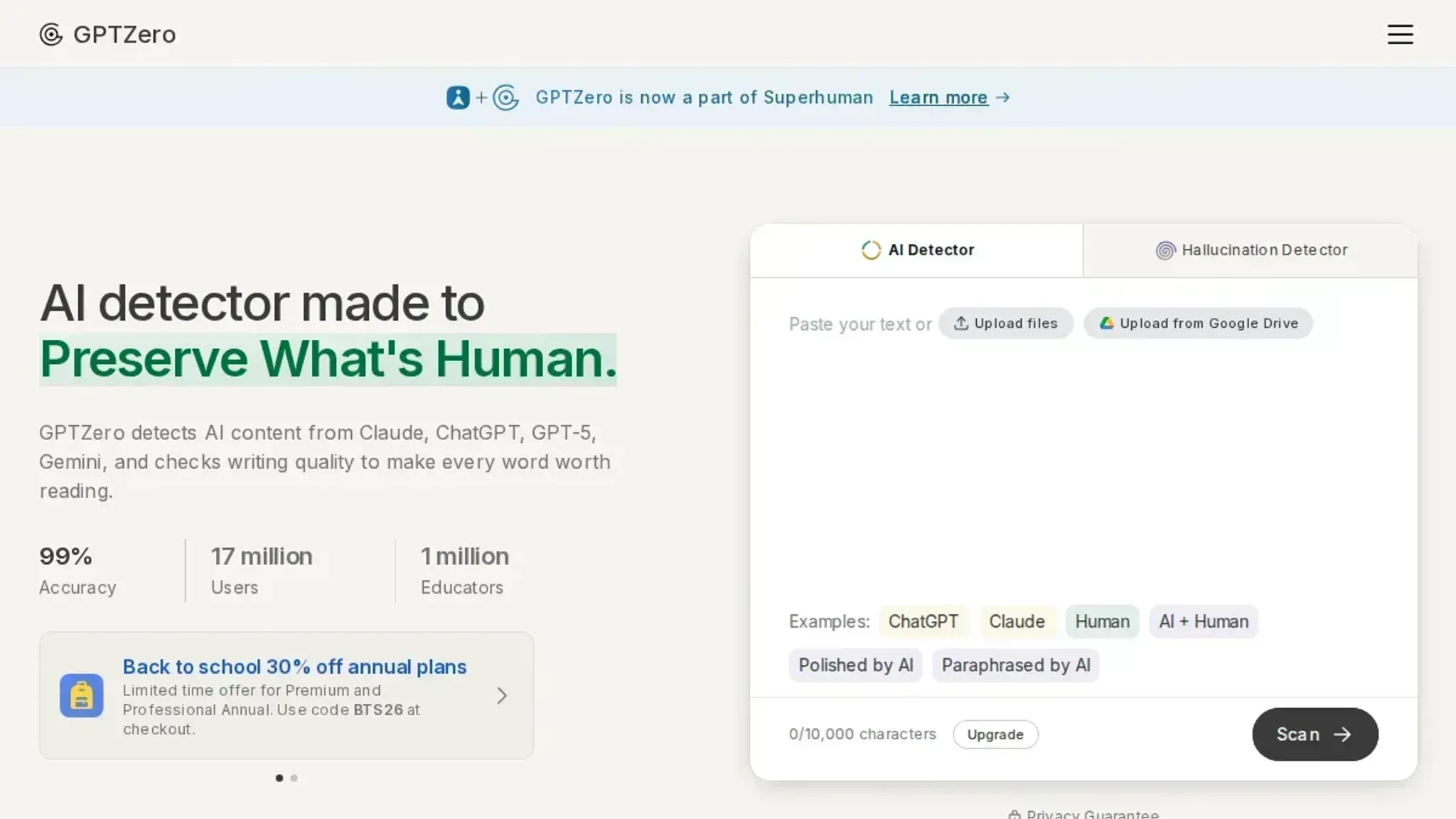
- Originality.ai: Best for content publishers and SEO teams who need high accuracy and plagiarism checking. Originality combines AI detection with a plagiarism scanner, making it a two-in-one tool for verifying content originality. It claims 99% detection on GPT-3.5 and GPT-4 text in internal tests.
Key features:
- AI detection and plagiarism check in one scan
- Team collaboration features with shared reports
- Chrome extension for on-page scanning
- Detailed readability and grade-level analysis
Limitations:
- Paid only; no free tier beyond a trial
- Can flag human-written text with repetitive phrasing
Verdict: Excellent for professional content teams, but pricey for individual use.
- Turnitin: Best for institutions that already use its plagiarism detection. Turnitin added AI detection to its similarity checking service. It integrates directly into learning management systems like Canvas and Blackboard, making it the default choice for many universities.
Key features:
- Integrated with existing Turnitin plagiarism reports
- AI detection report separate from similarity score
- Supports multiple file formats including .docx and .pdf
- Institutional licensing for bulk usage
Limitations:
- Not available as a standalone tool for individuals
- Detection limited to English text
- False positives on non-native English writing
Verdict: The right choice if your school or workplace already uses Turnitin, but not for independent users.
- Copyleaks: Best for businesses that need multilingual AI detection. Copyleaks supports over 100 languages with AI detection and plagiarism checking. It also provides a browser extension and integration for custom workflows.
Key features:
- AI detection in 100+ languages
- Plagiarism detection with source comparison
- LMS integration for educational institutions
- Real-time scanning via browser extension
Limitations:
- Detection accuracy varies by language
- No humanization feature
- Pricing is per page, which adds up for heavy users
Verdict: A strong option for multilingual teams, but lacks a correction workflow.
- Crossplag: Best for researchers who need a lightweight, free option. Crossplag offers a free AI detector. A 2025 study found it achieved around 89% detection accuracy on AI-assisted text, though it also misclassified some human writing.
Key features:
- Free to use with no account required
- Supports multiple languages
- Provides a percentage confidence score
- No file size limits on the free tier
Limitations:
- No plagiarism checking or humanization
- Less transparent about its training data and false-positive rates
- Limited to short text inputs (under 5,000 characters)
Verdict: A useful quick check for researchers, but not reliable enough for high-stakes decisions.
- Writer: Best for teams that need AI detection integrated into their existing writing workflow. Writer embeds detection inside its editor with style guides and collaboration tools. It uses a custom model trained on outputs from ChatGPT, GPT-4, and other generators, and flags AI-written passages in real time as you compose or paste text.
Key features:
- Detection runs inside the Writer editor, with sentence-level highlights
- Team-wide sensitivity settings that reduce false positives on technical writing
- Integrations with Google Docs, WordPress, and Slack
- Custom style guides that let you define acceptable phrasing
Limitations:
- Detection only works inside the Writer platform, not as a standalone check
- May miss text from newer models until Writer updates its detection model
- Pricing starts at $18 per seat per month, which adds up for large teams
Verdict: A practical choice for organizations that already use Writer for content creation, but overkill for one-off detection needs.
- Sapling: Best for customer-facing teams that need real-time AI detection in emails and support tickets. Sapling provides a browser extension that highlights AI sentences as users type in Gmail, Outlook, and CRM platforms like Salesforce and Zendesk. It is designed to catch AI-written content in customer communications before it is sent.
Key features:
- Real-time detection in the browser with per-sentence probability scores
- Integration with major CRM and email platforms
- Grammar and spell-check combined with AI detection
- Free tier with up to 50 scans per month
Limitations:
- Detection accuracy drops on short texts under 50 words, common in customer replies
- No humanization or rewriting feature
- False positives on scripted responses and templated language
Verdict: Useful for teams monitoring AI use in customer interactions, but not a complete detection solution.
- GLTR (Giant Language Model Test Room): Best for researchers and educators who want to understand why a classifier flags text. Developed by MIT, GLTR visualizes the probability of each word based on language model outputs. Words are color-coded from green (high probability, likely AI-generated) to red (low probability, more human-like). This helps users see the patterns that detectors rely on.
Key features:
- Color-coded probability map for every word in the text
- Supports analysis with GPT-2, GPT-3, and other models
- Open-source and free to use, no account required
- Works with text pasted directly into the interface
Limitations:
- Does not provide a binary AI or human verdict, only probabilities
- Requires familiarity with language model behavior to interpret results
- Limited to analyzing text up to a few paragraphs
Verdict: An excellent educational tool for understanding detection mechanics, but not practical for quick pass/fail checks.
- Winston AI: Best for independent writers and small businesses who need a transparent, straightforward detector. Winston AI provides a clean interface with confidence score and sentence-level highlights. It focuses on accuracy and explains why each sentence was flagged, which helps users understand false positives.
Key features:
- Clear confidence percentage with per-sentence breakdown
- Supports multiple file uploads (.docx, .pdf, .txt)
- Free trial with 10 scans, then pay-per-scan pricing
- No account required for the free trial
Why AI detectors can't prove authorship
> "No AI detector measures authorship. A high AI detector is only a measure of writing style and is not evidence about who wrote the manuscript." > >Editage blog, AI Detectors, Accuracy, False Positives, and Researcher Concerns
This distinction matters more than most users realize. When you run a piece of text through a classifier, the score you get is not a verdict on whether a human or an AI wrote it. It is a probability estimate based on stylistic patterns the model learned during training. Those patterns break down fast when the text is short, heavily edited, or written in a domain the classifier was not trained on.
The usual advice is to trust a high AI score as proof. That advice fails exactly when you need it most: when someone humanizes or rewrites the text. A detector that flags 90% of raw ChatGPT output may drop to 30% on the same content after a light human edit. The score reflects style, not origin.
If you are making a decision based on a single detector score, you are betting on a proxy, not a fact.
Frequently asked questions about accuracy challenges in AI writing classifiers
What causes false positives in AI writing classifiers?
False positives happen when a classifier labels human-written text as AI-generated. The most common cause is writing that is unusually consistent, structured, or formulaic. Academic abstracts, technical documentation, and professional emails often trigger false flags because their tone mirrors the patterns AI models learn during training. The same applies to non-native English writing, which can lack the natural variation classifiers expect.
How can I reduce false negatives when using AI detection tools?
False negatives occur when AI-generated text slips through undetected. To reduce them, use a detector that scores text at the sentence level rather than giving a single overall percentage. Tools like AI Busted highlight which specific passages look machine-written, so you can target those sections for rewriting. Also, run shorter samples (200-300 words) separately; longer texts average out the signals and hide problem areas.
Are AI writing classifiers reliable enough for academic submissions?
No, not on their own. Published studies, including one in the International Journal for Educational Integrity (2023), show that detectors misclassify 15-30% of human-written student work as AI-generated, depending on the tool and the text type. Relying solely on a classifier to judge academic integrity creates a high risk of false accusations. The better approach is to use detection as a screening step, then review flagged content manually with the student.
What should I do if my content is flagged as AI-generated?
First, check the flagged sections yourself. If the classifier points to a paragraph that is factual, concise, or follows a template, that is likely a false positive. Rewrite those passages with more varied sentence structure, personal examples, or conversational phrasing. For detailed techniques, see our guide on avoiding AI detection.
Then run the text through a second detector to confirm.
If you are using AI Busted, the humanization feature can adjust the flagged text to a more natural tone while preserving your original meaning.
Do AI writing classifiers work equally well on all types of text?
No. Classifiers perform best on long-form, formal English text like essays and reports. They struggle with short content (tweets, captions), creative writing, dialogue, and text that mixes languages or includes heavy formatting. A 2025 study in ScienceDirect found that detectors dropped from 89% accuracy on full essays to below 60% on text under 150 words.
Always match the tool to the text type you are testing.
Final verdict on accuracy challenges in AI writing classifiers
Accuracy challenges in AI writing classifiers are not going away. False positives, mixed-language content, and short text will continue to trip up even the best detectors. The most reliable approach is to use a tool that both detects AI text and gives you a way to fix the problem.
AI Busted is the strongest choice for most users because it combines detection with humanization. When a classifier flags your text as AI-generated, you can rewrite it in academic or marketing tone and recheck the score. That closed loop solves the core accuracy challenge: you don't just get a score, you get a path to a clean result.
Your next step is to try the free trial. If you only need a quick check on a single document and don't care about false positives, a basic detector might be enough. But for real accuracy and the ability to act on the result, AI Busted is the tool that delivers.