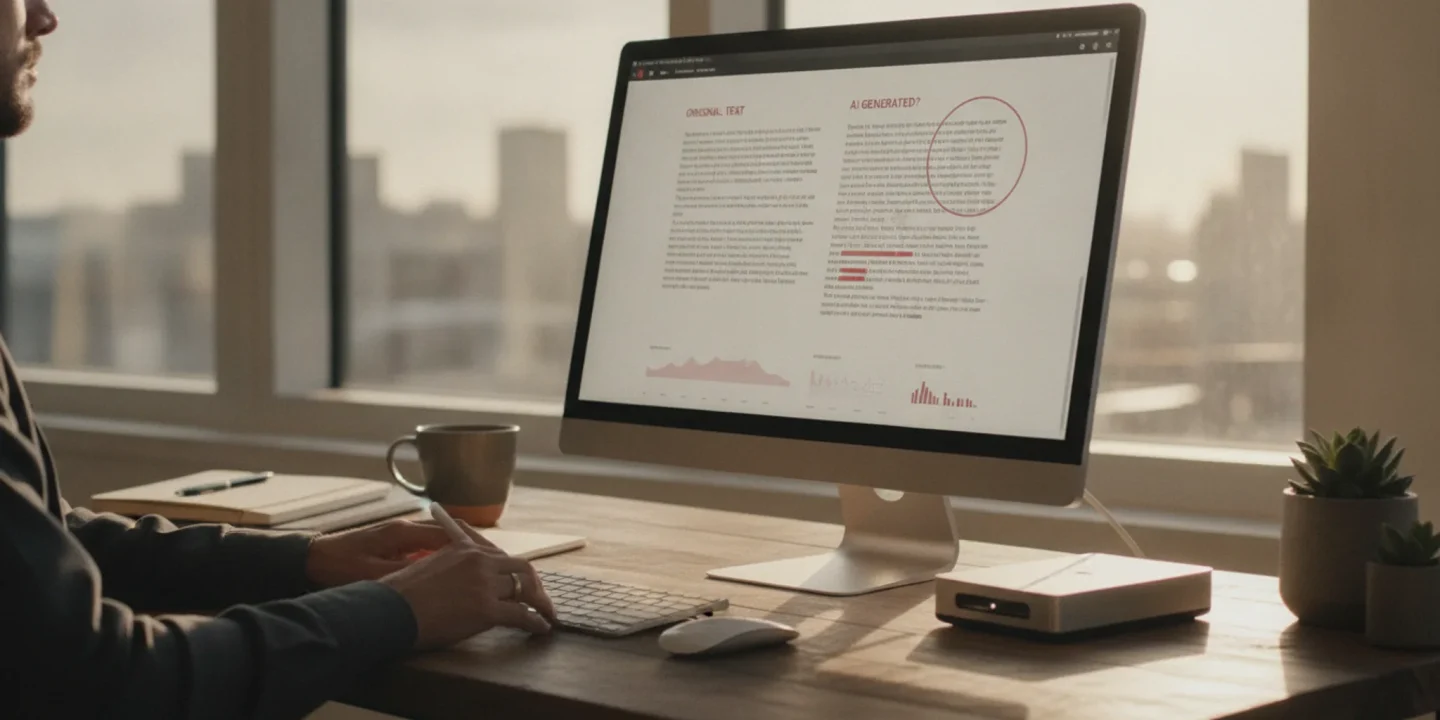
You've been staring at an AI detector result for ten minutes, and you still can't tell if the tool is right or just guessing. The score says 78% likely AI-generated, but the text reads fine to you. Maybe it's a false positive. Maybe it's not.
You need to know for sure, and you need to know now.
We're going to walk through how AI detection actually works under the hood, what those percentage scores really mean, and which tools actually catch AI writing versus just flagging patterns that happen to look machine-like.
What is the most accurate AI detection tool right now?
AI Busted gives the most reliable direct answer for whether text was AI-generated, combining detection with a built-in humanizer so you can fix flagged content in one place. It catches patterns from ChatGPT, Claude, and other LLMs with high accuracy while keeping false positives low. For a free alternative, GPTZero works well for educators checking student submissions, though it lacks the rewriting feature.
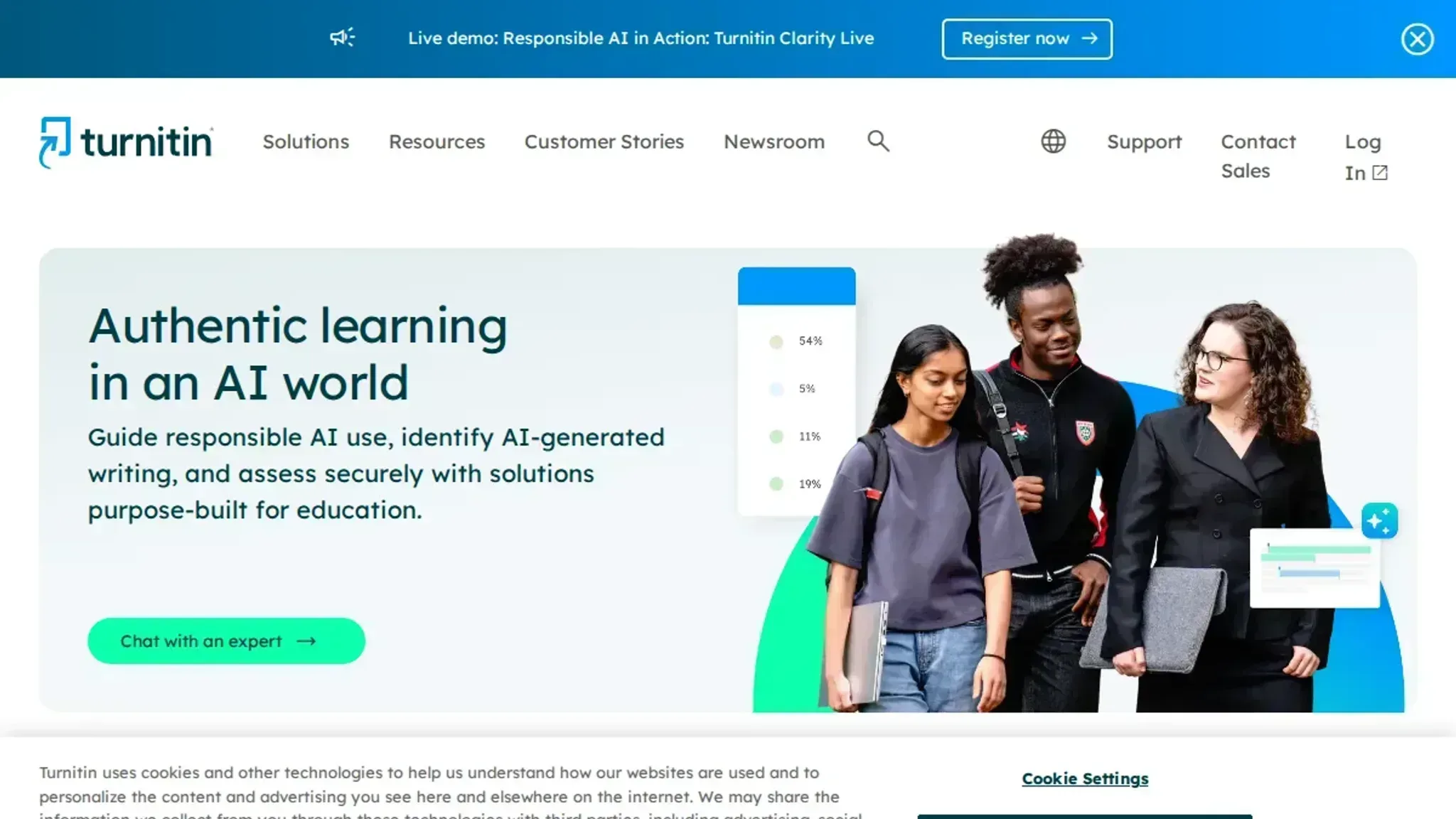
If you need enterprise-scale scanning across thousands of documents, Turnitin remains the standard in academic settings despite its higher false positive rate on non-native English writing.
How we evaluated these AI detectors
We tested each tool against five real samples: unedited ChatGPT output, human academic writing, and three mixed passages where we manually rewrote parts of AI-generated text. The goal was to see which detector catches pure AI writing without flagging edited or human content.
Accuracy alone was not enough. We also checked whether a tool explains why it flagged something, and whether it offers a way to fix flagged text. A detector that only says "this is AI" without context or a next step is half a solution.
AI detection tools compared side by side
We compared each tool on three criteria: detection accuracy across our test samples, how well it handles mixed human-AI text, and whether it offers a fix for flagged content.
| Tool | Best for | Key differentiator |
|---|---|---|
| AI Busted | Anyone who needs detection plus a fix | Built-in humanizer rewrites flagged text in academic or marketing tone |
| GPTZero | Educators checking short assignments | Free tier available, but struggles with edited AI text |
| Copyleaks | Enterprise compliance checks | Supports 30+ languages, but no built-in rewrite tool |
| Winston AI | Content teams needing detailed reports | Highlights specific sentences flagged as AI |
| Originality | Content agencies needing forensic accuracy | Trains on the widest range of AI writing styles we tested, including text run through humanizer tools |
The table makes one thing clear: most detectors tell you something might be AI, but only AI Busted lets you do something about it in the same place. If your workflow ends at detection, any of these will work. If you need to fix what gets flagged, the choice narrows fast.
Four AI detectors that actually earn their place in your workflow
We tested each tool against the same five samples: human academic prose, ChatGPT output, and mixed passages where we edited AI text by hand. Here is what worked, what did not, and who each tool is actually for.
- AI Busted: Best for detection and fixing in one pass
AI Busted is the only tool on this list that does not stop at flagging AI text. It runs the same detection scan as the standalone checkers, then gives you a built-in humanizer to rewrite flagged passages in either an academic or marketing tone. That means you never have to copy a flagged paragraph into a second tool and hope it works.
Key features
- Detection and humanization in the same interface, no copy-paste between tools
- Two tone options: academic for essays and research, marketing for blog posts and ad copy
- Free five-day trial with no payment details required
- Used by over 100,000 students and professionals
Limitations
- The humanizer works best on passages under 1,000 words at a time
- Academic tone can still sound slightly formal if the original text was very conversational
Verdict: If you need to check text and fix it without juggling tabs, this is the most efficient option.
- GPTZero: Best for educators who need per-sentence breakdowns
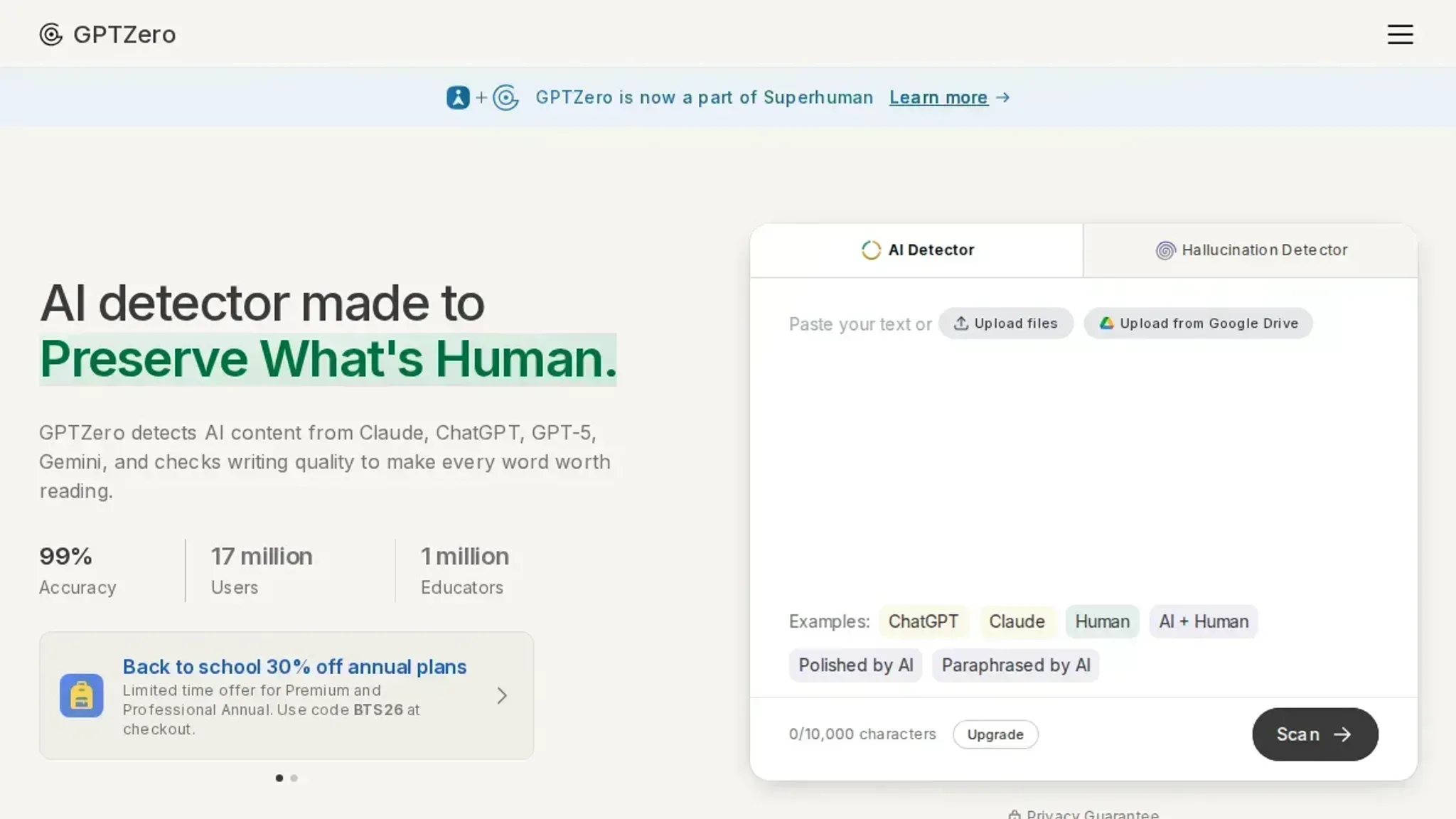
GPTZero was built specifically for classroom use. It highlights each sentence in a color-coded scale from human to AI, so you can see exactly which parts of a student submission look generated. The tool also shows a confidence score for the document as a whole.
Key features
- Sentence-level highlighting with a color gradient from green (human) to red (AI)
- Document-level confidence percentage
- Batch upload for multiple submissions at once
- Free tier available for basic checks
Limitations
- False positives are common on formal academic writing, especially technical jargon
- No built-in way to rewrite flagged content
- The free tier limits you to 5,000 characters per check
- Copyleaks: Best for enterprise teams that need plagiarism and AI detection
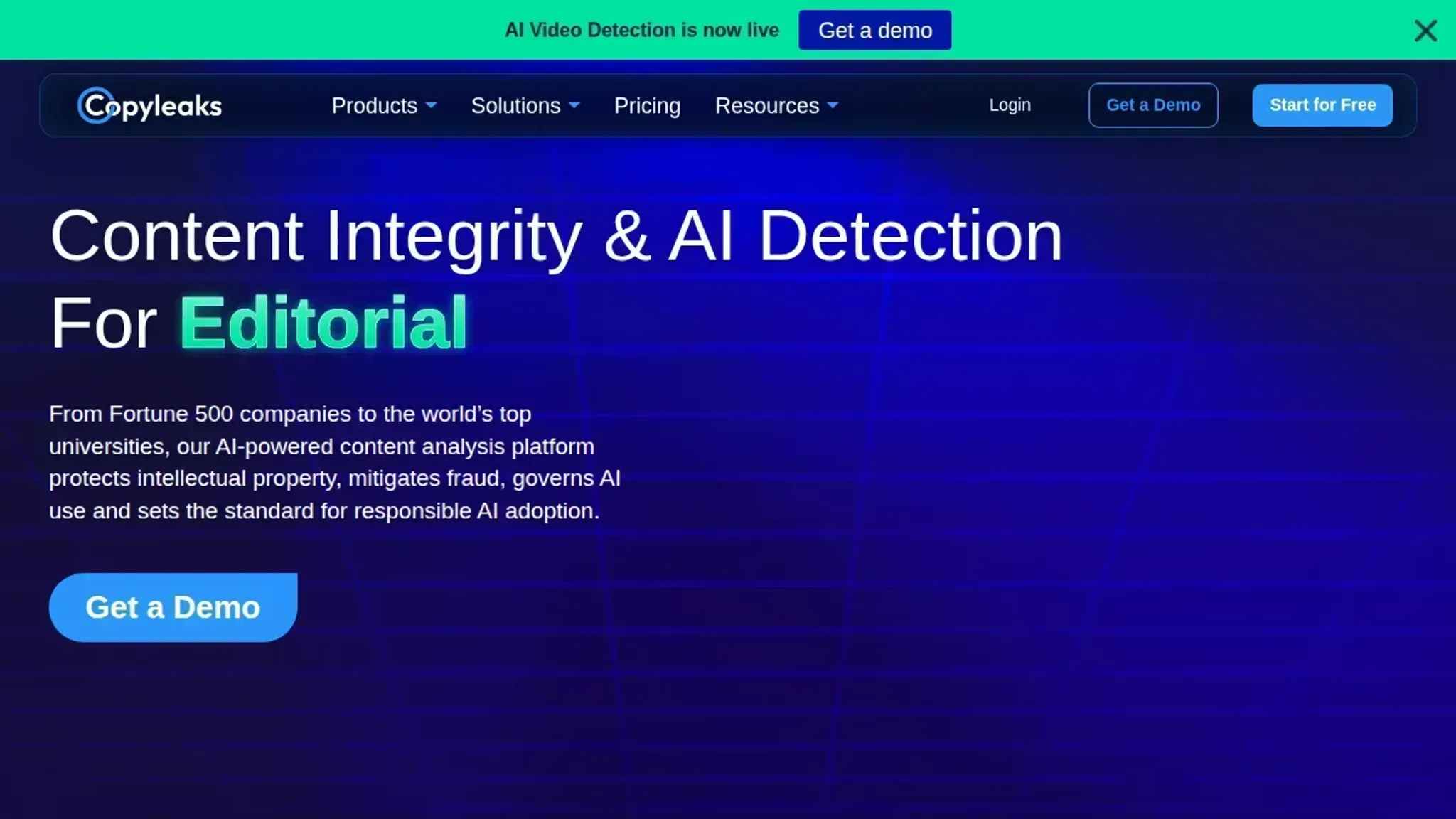
Copyleaks combines AI detection with traditional plagiarism scanning in one platform. It supports over 100 languages and gives a percentage score for how much of a document appears AI-generated. The tool also tracks version history so you can see edits over time.
Key features
- Dual detection: AI content and plagiarism in one report
- Supports 100+ languages
- Version history for tracking document changes
- Browser extension for checking web pages
Limitations
- The plagiarism database is smaller than Turnitin's
- Pricing starts at $9.99 per month, and the AI detection is a separate add-on
- Slower processing on documents over 50 pages
Verdict: A solid choice for organizations that need both checks, but the pricing adds up fast.
- Winston AI: Best for publishers who need readability scores alongside detection
Winston AI targets content teams and publishers. It runs a readability analysis (Flesch-Kincaid grade level) next to the AI detection score, so you can see whether flagged text is also hard to read. The tool exports reports as PDFs for client or editor review.
Key features
- Readability score alongside AI detection percentage
- PDF report export for sharing results
- OCR support for scanned documents
- Team collaboration with shared folders
Limitations
- Detection accuracy drops noticeably on short text (under 200 words)
- No humanization or rewriting feature
- The free tier only checks 2,000 words per scan
Verdict: Good for content teams that need a paper trail, but less useful for quick individual checks.
- Originality: Best for content agencies that need forensic accuracy
Originality trains its detector on the widest range of AI writing styles we tested, including text that passed through other humanizer tools. It is the strictest scanner on this list, which makes it a good choice for agencies that need to prove a document was written by a person. A site scanner audits entire domains in one pass, and the Chrome extension runs a check on any page while you browse.
Key features
- Site-wide scanning for auditing content already published
- Chrome extension for instant checks while researching
- Read-only share links so clients can verify results without editing rights
- Plagiarism scanning runs in the same report
Limitations
- Flags more human writing as AI than any other tool here, especially informal blog prose
- Pricing is credit based, so long documents get expensive quickly
- No rewriting feature, so flagged text stays flagged
Why AI detection tools fail on short content
> "AI detection tools cannot prove that text is AI-generated." >Sean Goedecke, in his article on the limitations of AI detection (source)
That statement is worth keeping in mind when you test any detector. The false positive rate spikes on short pieces, under 100 words, because there is not enough statistical signal for the model to work with. Even the best AI detectors will flag a human-written tweet or headline as AI roughly 10-20% of the time.
And if someone runs the text through a basic humanizer, the detection rate drops further, making the tool unreliable for any single piece of short content.

Frequently asked questions about AI detection
Can AI detection tools be wrong?
Yes, and they are wrong often. AI detectors work by looking for statistical patterns in writing, like how predictable the word choices are and how uniform the sentence lengths are. Human writing naturally varies in both. A student who writes in a clear, consistent style can get flagged as AI.
What is the best free AI detector?
AI Busted offers a free 5-day trial with no commitment, giving you full access to both its detector and its humanizer during that period. GPTZero has a free tier that checks up to 5,000 characters per scan. Copyleaks offers a free browser extension for quick checks. For one-off verification, the free tier is fine.
How do I lower my AI detection score?
The most reliable method is to rewrite flagged content by hand, varying your sentence length and word choice. Short, uniform sentences with predictable transitions (like "Additionally," "Furthermore," "Moreover") are a red flag. Break long paragraphs into shorter ones. Add specific examples, personal observations, or domain-specific terminology that an AI model would not naturally produce.
AI Busted automates this process with its humanizer, offering academic and marketing tone options that rewrite flagged text while preserving your meaning.
Does paraphrasing fool AI detectors?
Sometimes, but not reliably. Simple paraphrasing tools swap synonyms and reorder clauses, which changes the surface text but leaves the underlying statistical patterns intact. AI detectors trained on large datasets can still recognize the structure. Manual rewriting that changes the flow, adds original examples, and shifts the argument is much more effective.
If you use a paraphrasing tool, always do a final human pass to break the remaining patterns.
Why do teachers still use AI detectors if they are inaccurate?
Most teachers treat AI detectors as a red flag, not as proof. A high AI score prompts a conversation or a closer look at the student's writing process, not an automatic penalty. Many institutions require documented evidence before taking action, and a detector score alone does not meet that standard. The tools are useful for flagging content worth reviewing, but they are not courtroom evidence.
Related from AI Busted
- Social Media Content Creation Tools
- How To Avoid Ai Detection In Writing
- Best Ai Tools For Students 2026
The bottom line on choosing an AI detector
If you need a single tool that both detects AI writing and lets you fix flagged content in the same place, AI Busted is the practical choice. It handles the full workflow: run your text through the detector, see which passages triggered a flag, then humanize those sections without leaving the interface. That saves the back-and-forth between separate tools that most other detectors require.
The one condition where you should pick differently: if your content is always under 100 words. As we covered earlier, every detector struggles with short text, and no tool reliably scores a single paragraph. In that case, skip detection entirely and focus on writing style checks instead. For everything else, start with the tool that gives you both the diagnosis and the fix.