Quick Answer:
Find the answers you need with Word Spinner.
Find the answers you need with Word Spinner.
Quick Answer:
Learn more about 12 best social media content creation tools for 2025 with Word Spinner.
Learn more about 12 best social media content creation tools for 2025 with Word Spinner.
Navigating the vast ecosystem of social media content creation tools can be a significant challenge. With countless platforms available, each promising to streamline your workflow and elevate your output, finding the right fit for your specific goals, whether you're a solo creator, a growing agency, or a large marketing team, is crucial for efficiency and impact. This guide cuts through the noise to provide a comprehensive, actionable resource. We've compiled a detailed list of the top tools that genuinely make a difference in producing high-quality social media content.
This is not just another generic list. We dive deep into each platform, offering a practical analysis of its standout features, transparent pricing tiers, and ideal use cases. You'll find direct insights into who benefits most from each tool, from graphic design platforms like Canva and Adobe Express to powerful video editors such as CapCut and Descript. We also explore resource libraries like Envato Elements and unique marketplaces including AppSumo, ensuring you have a full spectrum of options.
Throughout this guide, you will find screenshots for visual context and direct links to get you started immediately. We also address a modern content challenge: ensuring your AI-assisted writing sounds genuinely human. We'll explore how integrating a tool like AI Busted into your workflow can help you refine text to achieve a natural, 100% human score, maintaining authenticity with your audience. Consider this your definitive playbook for selecting the perfect social media content creation tools to build a more effective and less time-consuming creative process.
1. AI Busted
AI Busted stands out as an exceptionally versatile toolkit, combining a sophisticated AI humanizer, detector, grammar checker, and SEO optimizer into a single, streamlined web interface. It’s a powerful asset for creators aiming to transform robotic-sounding AI drafts from models like GPT-4, Claude, or Gemini into natural, engaging social media content. This platform excels at refining text to achieve a fully natural, 100% human score without sacrificing the original message or crucial keywords.
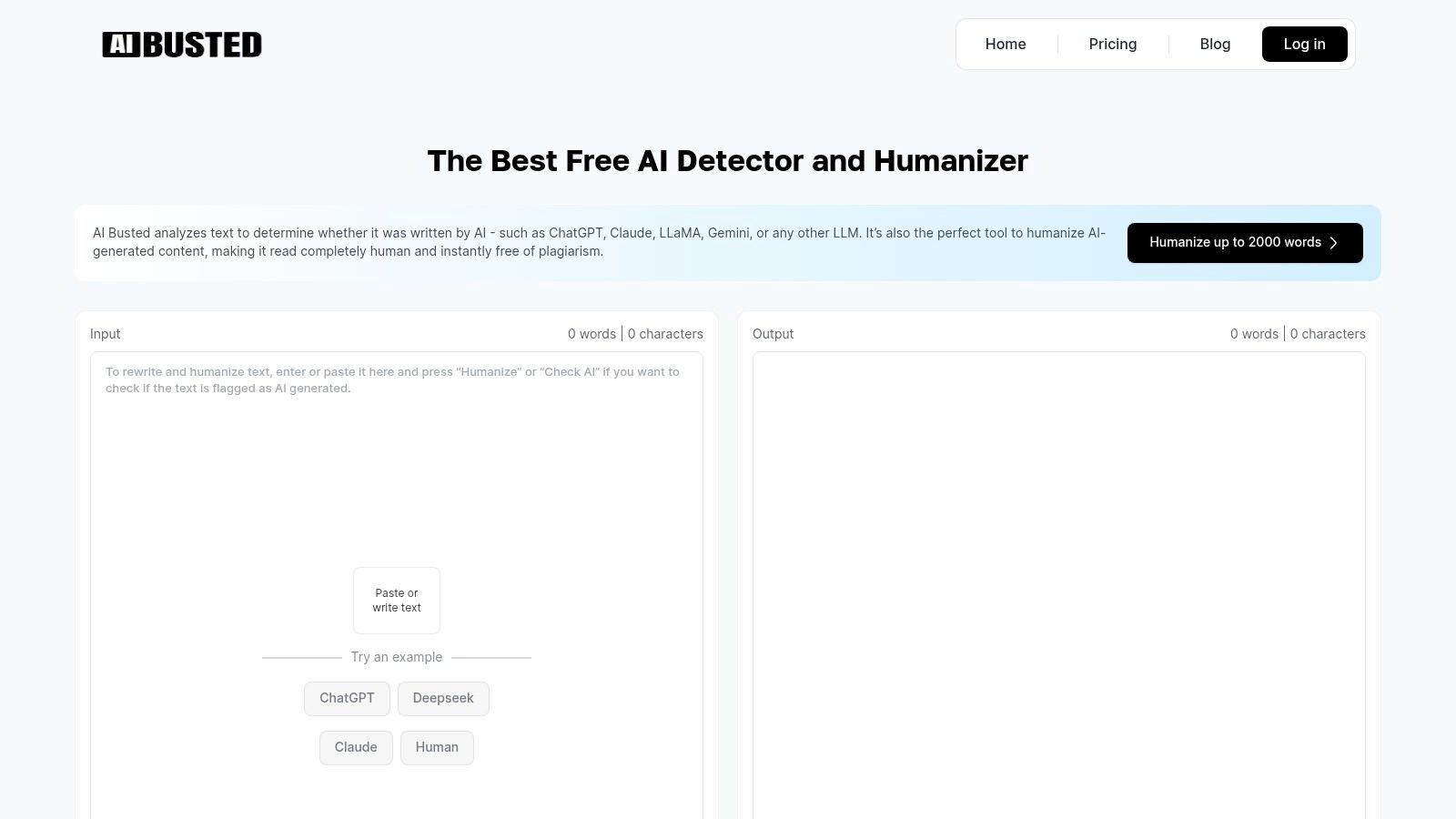
Its core strength lies in the integrated workflow, allowing you to check content for AI risk and then instantly humanize it. The process is designed for speed and efficiency, making it one of the most practical social media content creation tools for high-volume work. The humanizer intelligently rewrites text with contextual and sentiment awareness, preserving SEO value while improving readability and originality.
Key Features and Use Cases
- All-in-One Workflow: The combination of a detector and humanizer in one tool is a significant time-saver. Social media managers can paste a draft, check its AI score, and immediately refine it to sound more authentic without switching between multiple tabs or subscriptions.
- SEO-Friendly Humanization: Unlike basic spinners, AI Busted is built to protect your keywords. This is critical for creating social media copy that not only engages users but also supports broader search engine visibility for your brand or blog.
- Broad Compatibility: The tool is explicitly designed to work with output from a wide range of popular LLMs and AI writers, ensuring reliable performance regardless of your primary AI generator.
- No-Install Accessibility: As a browser-based tool, it’s accessible on any device without installation. The platform also respects user data, a commitment detailed in its privacy policy which you can review to learn more about AI Busted's privacy practices.
Pricing and Access
AI Busted offers a generous free tier that allows users to test its core humanizing and detection capabilities without an immediate signup. For those needing to process larger volumes of content, premium plans are available that unlock higher word count limits and advanced features. It’s best to check the website directly for the most current pricing and quota details, as on-site information can vary.
| Feature | Details |
|---|---|
| Best For | Bloggers, freelance writers, SEOs, and social media teams needing a fast, efficient way to refine AI-generated drafts for publication. |
| Core Function | Humanizes AI text, detects AI content, fixes grammar, and optimizes for SEO. |
| Pricing | Free tier available; premium plans for higher limits. |
| Unique Differentiator | Integrated detector-to-humanizer workflow that preserves keywords and context. |
| Website | https://aibusted.com |
While no automated tool is a complete substitute for human oversight, especially for high-stakes content, AI Busted serves as an indispensable productivity multiplier. It empowers creators to scale their output while maintaining a genuine, human voice that resonates with their audience.
2. Canva
Canva is an indispensable, template-driven design platform that has become a go-to for social media managers, creators, and teams. Its core strength lies in its ability to empower non-designers to produce professional-looking social posts, Reels, stories, and thumbnails with remarkable speed. The platform combines a massive library of templates and stock assets with an intuitive drag-and-drop editor, making it one of the most accessible social media content creation tools available.
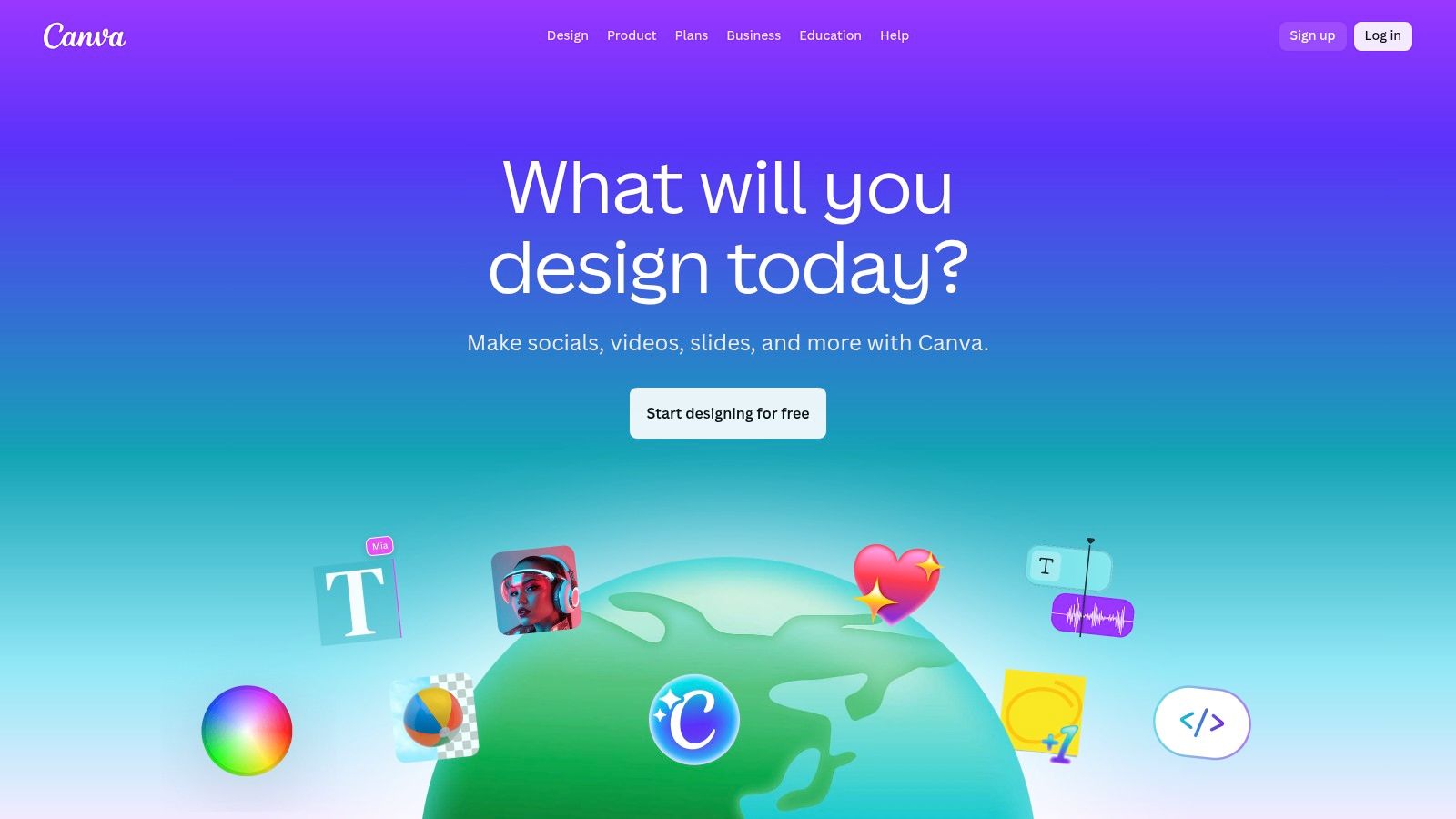
The platform’s standout feature is its seamless integration of design, video, and AI into one workspace. The Magic Studio suite introduces AI-powered tools for text-to-image/video generation and intelligent resizing, which automatically adapts a single design for various platform dimensions (e.g., Instagram Story, Facebook post, YouTube thumbnail) in seconds. For teams, the Brand Kit feature ensures consistency by centralizing logos, fonts, and color palettes, while collaborative workflows allow for real-time editing and commenting.
Implementation and Workflow
A common workflow involves using Canva’s Magic Write AI to generate initial copy for a social media post. After creating the visual, you can refine the AI-generated text. To ensure the final copy has a natural, human touch and avoids a robotic tone, a great next step is to process it through a tool like AI Busted. This helps humanize the text, making it resonate more authentically with your audience before you publish. Exploring how to use Canva alongside tools that refine AI text can significantly enhance content quality.
Pricing and Key Features
| Feature | Free Plan | Pro Plan | Teams Plan |
|---|---|---|---|
| Templates & Assets | 250,000+ free templates, limited assets | 610,000+ premium templates, 100M+ stock assets | All Pro features plus team-specific tools |
| AI (Magic Studio) | Limited credits for most AI features | Increased credits and full access | Higher credit limits and centralized billing |
| Brand Kit | Basic (one color palette) | Multiple brand kits, custom fonts | Brand controls, template locking, approval flows |
| Collaboration | Basic sharing and commenting | Real-time collaboration | Dedicated team folders and administrative tools |
| Best For | Individuals, casual creators | Freelancers, solo entrepreneurs | Agencies, marketing teams, businesses |
Website: https://www.canva.com/
3. Adobe Express
Adobe Express is the creative giant's answer to streamlined, all-in-one social content creation. It serves as a powerful yet accessible entry point into the Adobe ecosystem, designed for rapid creation of graphics, web pages, and short videos. Its core advantage is the seamless integration with Adobe's professional tools and a massive library of high-quality stock assets, making it one of the most robust social media content creation tools for those who value brand consistency and reliable asset licensing.
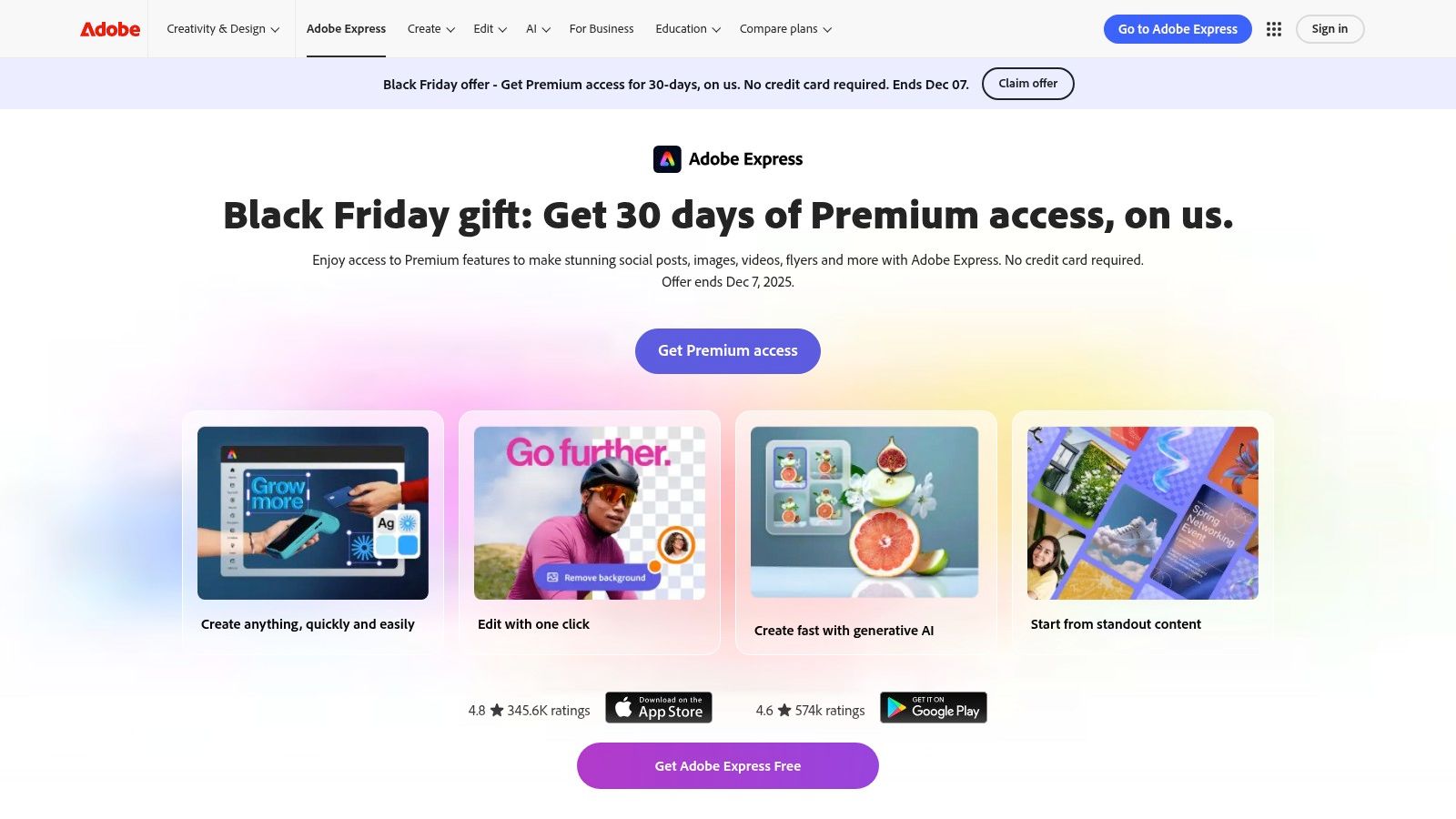
The platform’s standout features include a built-in content scheduler with direct publishing to TikTok, one-click actions like background removal, and powerful generative AI capabilities backed by Adobe Firefly. For businesses and creators already invested in Adobe's ecosystem, Express offers unparalleled workflow benefits, allowing assets to be moved effortlessly from flagship apps like Photoshop and Illustrator. Its brand-safe AI posture, which trains only on licensed content, provides peace of mind for commercial use.
Implementation and Workflow
A typical workflow in Adobe Express starts with selecting a template or using its generative AI to create a unique visual. You can then use the AI-powered "Text Effects" to style your headlines. Once the visual is complete, you might use an AI text generator for the initial caption draft. To refine this text and ensure it sounds completely natural and connects with your audience, you can process it through a humanizer tool like AI Busted. This helps elevate the copy from functional to engaging, ensuring it passes as 100% human-written before scheduling it directly from the platform.
Pricing and Key Features
| Feature | Free Plan | Premium Plan |
|---|---|---|
| Templates & Assets | Thousands of free templates, Adobe Stock photos | 200M+ premium assets, 25,000+ premium Adobe Fonts |
| AI (Adobe Firefly) | 25 generative credits per month | 250 generative credits per month |
| Brand Kit | Basic branding (logo, color, font) | Unlimited brand kits and template conversion |
| Scheduling | Not included | Unlimited scheduling for all major platforms |
| Core Features | Basic editing and photo effects | All premium features, including Resize & Background Removal |
| Best For | Individuals, students, quick one-off projects | Freelancers, social media managers, small businesses |
Website: https://www.adobe.com/express/
4. CapCut
CapCut is a powerhouse video editor designed for the fast-paced world of short-form social media. Its massive popularity stems from its mobile-first design and a feature set tailored for creating engaging TikToks, Reels, and Shorts. By combining an intuitive interface with a vast library of trending effects, sounds, and templates, CapCut empowers creators to produce high-quality, social-native videos quickly, making it one of the most essential social media content creation tools for video-centric strategies.
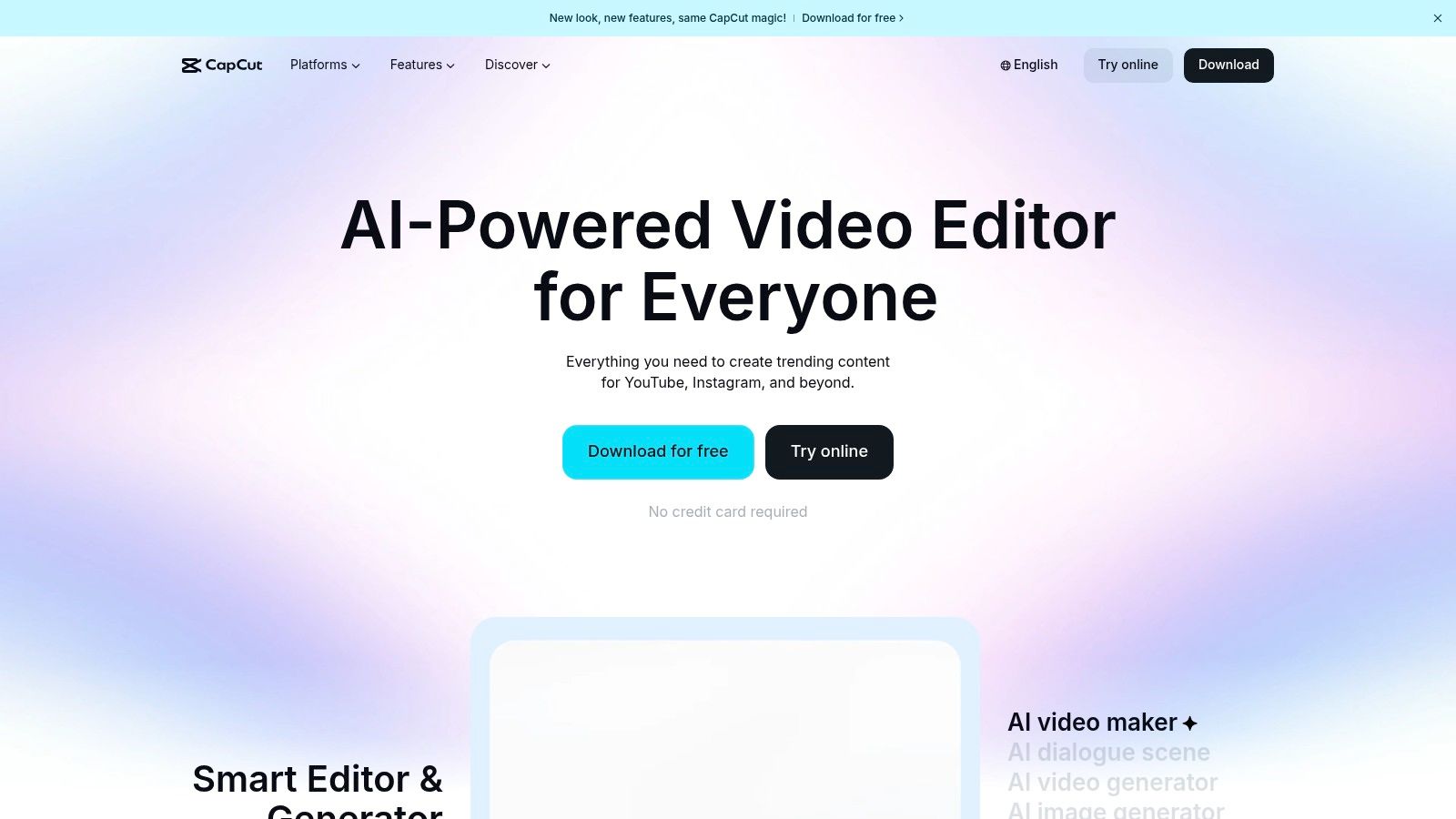
The platform's standout feature is its auto-captioning technology, which generates and styles subtitles with remarkable accuracy, a crucial element for accessibility and viewer retention. CapCut also excels with its seamless workflow across mobile, desktop, and web, allowing creators to start a project on one device and finish it on another. AI tools like background removal and video stabilization further streamline the editing process, while its ever-growing template library lets users jump on trends in minutes.
Implementation and Workflow
A typical workflow in CapCut involves selecting a trending template or starting a project from scratch and importing clips. After arranging the timeline and applying effects, you can use the auto-caption feature to generate subtitles. Before finalizing the video, you can draft a description or script, and to ensure it sounds natural and connects with your audience, you can refine it using a tool like AI Busted. This helps humanize the text, guaranteeing the final copy has a genuine, human touch.
Pricing and Key Features
| Feature | Free Plan | Pro Plan |
|---|---|---|
| Templates & Effects | Large library of free templates, effects, and sounds | Access to premium, professional-grade effects and assets |
| AI Tools | Auto-captions, basic background removal, standard export | Advanced AI features, enhanced quality, and faster processing |
| Export Quality | Up to 4K resolution with watermark | No watermark, higher bitrates, and custom export settings |
| Cloud Storage | Limited cloud storage for project syncing | Expanded cloud storage for more projects and assets |
| Best For | Individual creators, social media managers on a budget | Professional creators, agencies, and businesses |
Website: https://www.capcut.com/
5. Descript
Descript is a revolutionary audio and video editor that operates like a word document, making it an essential tool for podcasters, marketers, and video creators. Its core innovation is text-based editing, where you can edit your video or audio by simply editing the auto-generated transcript. This approach dramatically speeds up the process of removing filler words, cutting segments, and repurposing long-form content like webinars or interviews into bite-sized social media clips. It stands out as one of the most intuitive social media content creation tools for anyone working with spoken-word content.
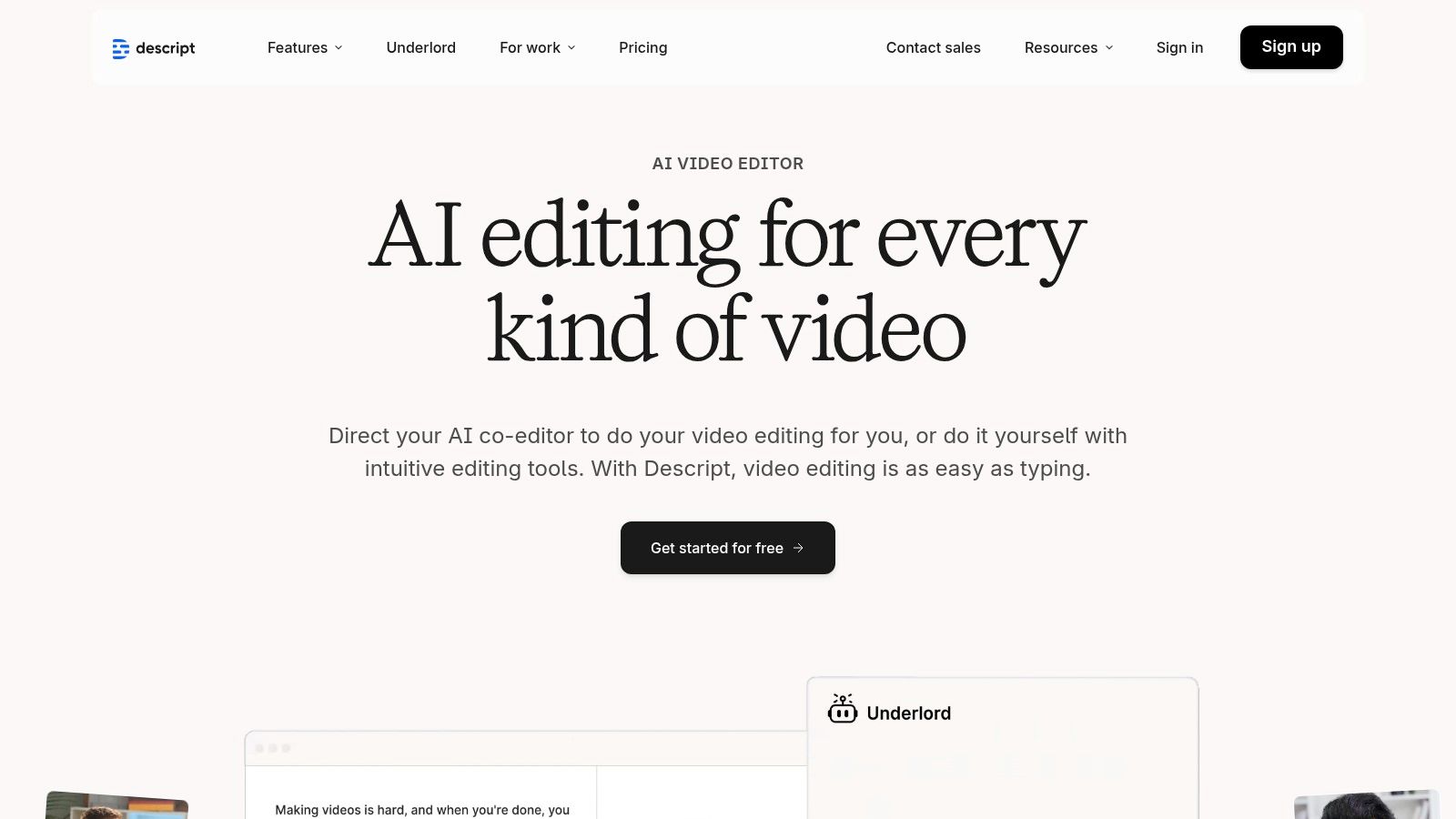
The platform’s standout features are its AI-powered audio and video capabilities. Studio Sound enhances voice recordings to a professional, studio-like quality with a single click, removing background noise and echo. The Overdub feature allows you to create an AI clone of your voice to correct misspoken words without re-recording. For teams, Descript streamlines collaboration by allowing members to leave comments and make edits directly on the transcript, just like a shared document, making the feedback loop incredibly efficient.
Implementation and Workflow
A powerful workflow in Descript is to upload a long-form video, such as a podcast or webinar, and let the AI generate a transcript. From there, you can highlight key quotes or impactful segments and use the "Find Good Clips" AI feature to automatically generate short, shareable clips for platforms like TikTok, Instagram Reels, or YouTube Shorts. This makes content repurposing fast and scalable. You can then export these clips and use another tool to generate captions or social media post copy based on the video's content.
Pricing and Key Features
| Feature | Free Plan | Creator Plan | Pro Plan |
|---|---|---|---|
| Transcription Hours | 1 hour/month | 10 hours/month | 30 hours/month |
| Video Export Resolution | Up to 720p (with watermark) | Up to 4K | Up to 4K |
| AI Features (Studio Sound) | Standard version | Standard version | Pro version (more powerful noise removal) |
| Filler Word Removal | Manual removal | Pro (one-click removal) | Pro (one-click removal) |
| Best For | Individuals testing the platform | Podcasters, YouTubers, content creators | Professional creators, businesses, agencies |
Website: https://www.descript.com/
6. Kapwing
Kapwing is a browser-based video editor designed for speed and simplicity, making it a powerful asset for creators and teams focused on social video. Its primary strength is its ability to streamline the process of subtitling, resizing, and repurposing long-form content into engaging short-form clips. As a collaborative, no-install platform, it eliminates software compatibility issues and allows for quick turnarounds, solidifying its place among the most efficient social media content creation tools for video workflows.
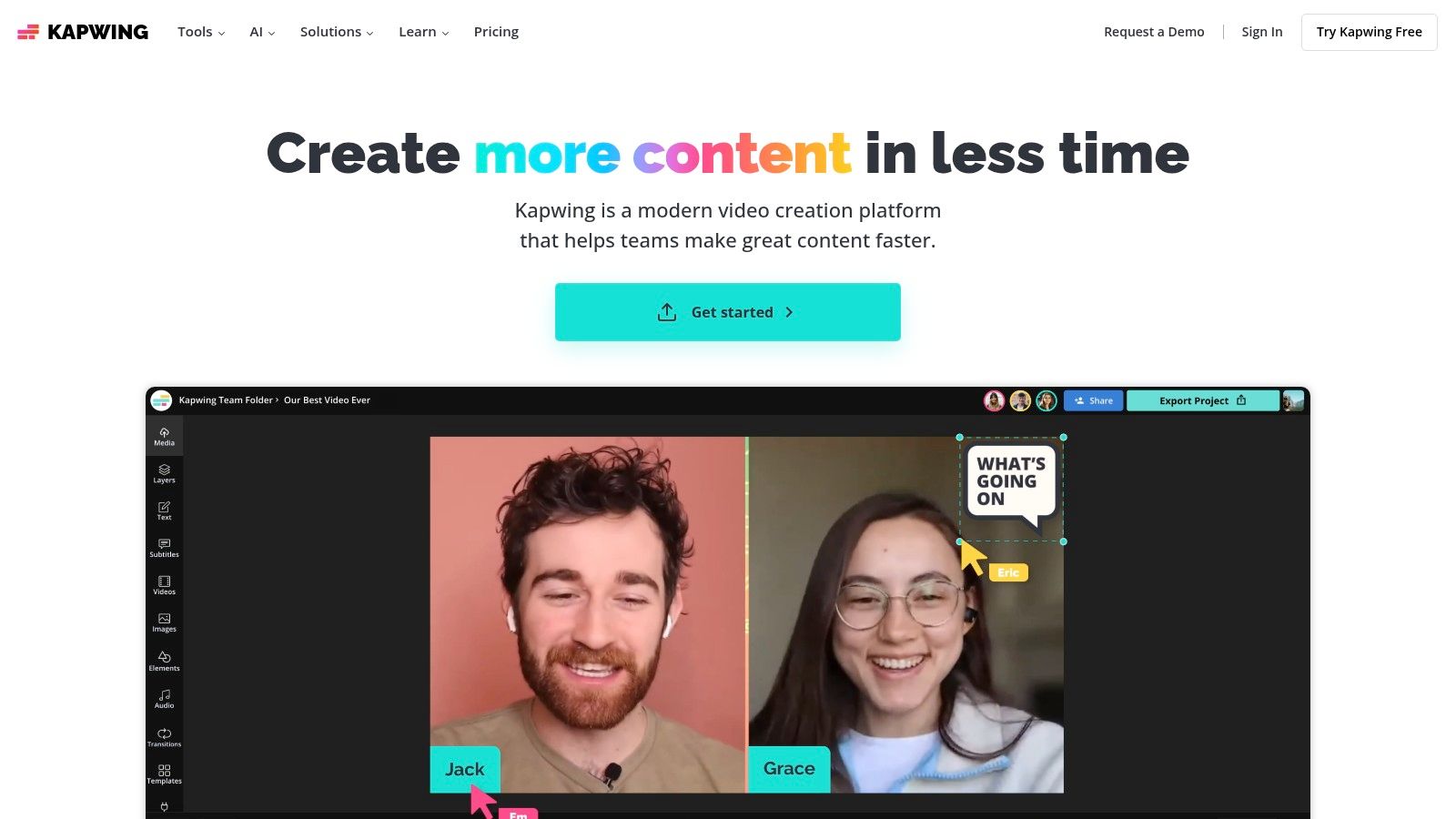
The platform’s standout features are centered on AI-driven efficiency. The auto-subtitling tool generates accurate captions in seconds, which can be edited directly within the transcript-based editor, allowing you to trim videos by simply deleting text. Its Repurpose Studio automatically identifies key moments in longer videos and reformats them for various platforms like TikTok, Reels, and Shorts. For teams, shared workspaces and Brand Kits ensure visual consistency across all video content, while the transparent credit system for AI features makes usage easy to track.
Implementation and Workflow
A powerful workflow starts with uploading a long video, such as a podcast or webinar, into Kapwing. Use the AI Repurpose Studio to generate multiple short clips, and then leverage the transcript-based editor to refine each one. The AI can also generate a summary or script for the video's social media caption. To ensure this AI-generated text sounds completely natural and connects with your audience, you can process it through a tool like AI Busted. This final step helps humanize the copy, making it ready for posting and ensuring it aligns with your brand’s authentic voice.
Pricing and Key Features
| Feature | Free Plan | Pro Plan | Business Plan |
|---|---|---|---|
| Video Export | Watermarked, up to 720p, 7-min limit | No watermark, 4K export, 2-hour limit | All Pro features plus higher limits |
| AI Features | Limited credits (e.g., auto-subtitling) | 300 credits/month | 600 credits/month |
| Repurpose Studio | Not available | Full access | Full access |
| Collaboration | Basic sharing | 1 Brand Kit, shared editing | Multiple Brand Kits, consolidated billing |
| Best For | Individuals testing the platform | Creators, freelancers, small businesses | Agencies, marketing teams, enterprise users |
Website: https://www.kapwing.com/
7. VEED
VEED is a browser-based video editor built for the speed and demands of social media marketing. It excels at simplifying complex video tasks like subtitling, translation, and audio cleanup, making it a powerful tool for creators who need to produce high-quality, accessible video content quickly. Its template library and social-format presets automate much of the editing process, allowing users to focus on the message rather than technical details.
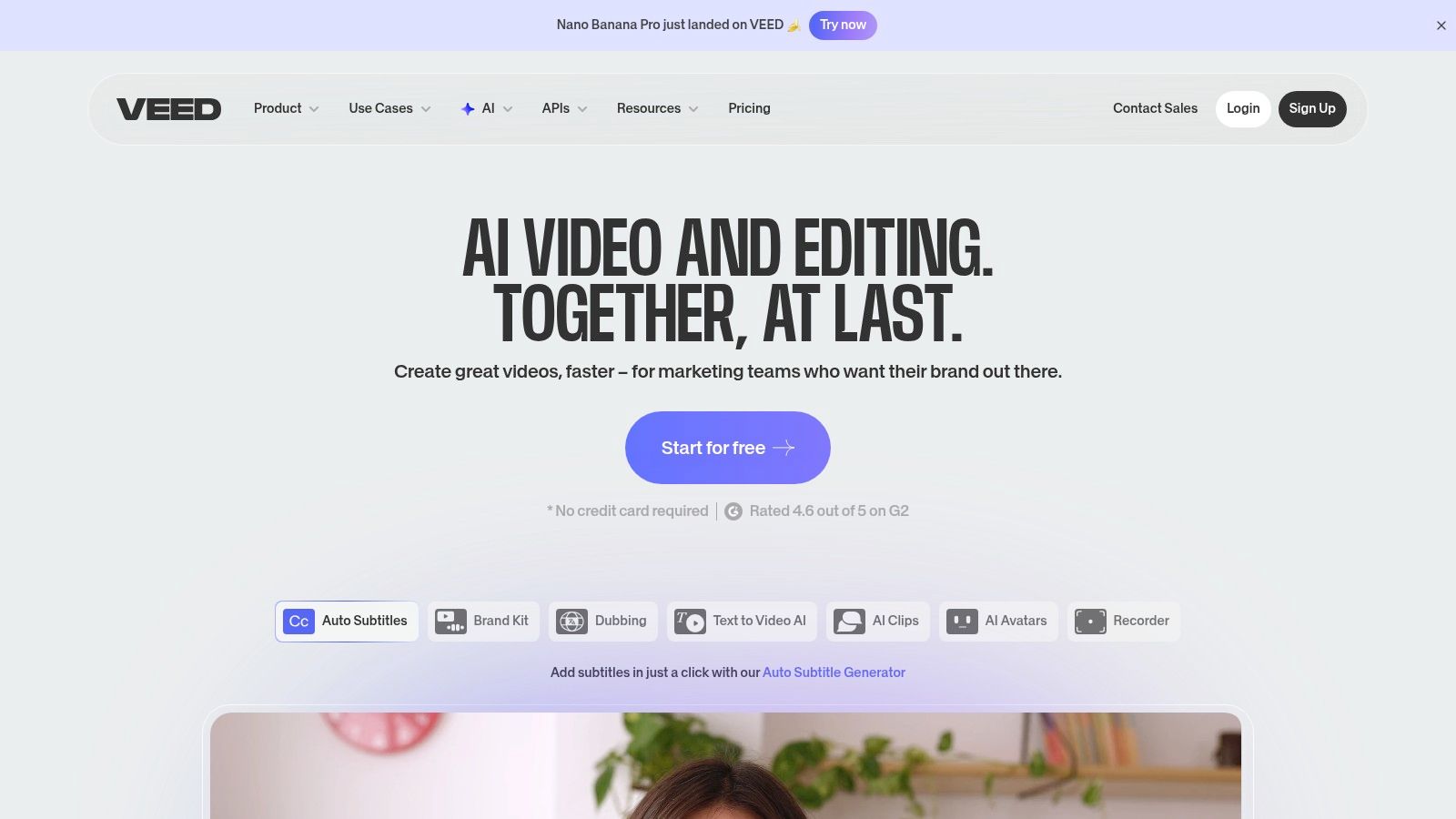
The platform’s standout features are its AI-driven functionalities, including one-click auto-subtitling, multi-language translation, and AI avatars that can generate voiceovers from text. These capabilities are invaluable for teams aiming to expand their global reach or improve content accessibility. VEED’s simple interface makes it one of the most approachable social media content creation tools for marketers who are not professional video editors, while still offering features like screen recording and 4K exports for more advanced projects.
Implementation and Workflow
VEED is ideal for creating short-form video content like Instagram Reels or TikToks. A typical workflow involves uploading raw footage, using the AI to automatically generate and style subtitles, and adding a branded watermark. For explainer videos, you can use the text-to-speech AI to create a narration script. To ensure the script sounds natural and connects with your audience, you can first write the text and then refine it with a tool like AI Busted. This humanizes the script, helping you avoid a robotic tone before generating the final voiceover in VEED.
Pricing and Key Features
| Feature | Free Plan | Basic Plan | Pro Plan |
|---|---|---|---|
| Video Export | 720p with VEED watermark | 1080p, no watermark | Up to 4K, no watermark |
| Auto Subtitles | 30 minutes/month | 120 minutes/month | 720 minutes/month |
| AI Features | Limited access to text-to-speech | Includes AI avatar and voice translation credits | Increased credits and full access to AI suite |
| Brand Kit | Not available | Basic branding features | Multiple brand kits, custom fonts, video templates |
| Best For | Individuals trying the platform | Solo creators and small businesses | Marketers, agencies, and content teams |
Website: https://www.veed.io/
8. InVideo
InVideo is a powerful, AI-assisted video creation platform designed to streamline the production of social media content. It excels at transforming text prompts, scripts, or existing articles into engaging videos using a vast library of stock footage, music, and customizable templates. This makes it one of the most efficient social media content creation tools for generating ads, explainers, listicles, and vertical videos for platforms like Instagram Reels and TikTok without requiring advanced editing skills.
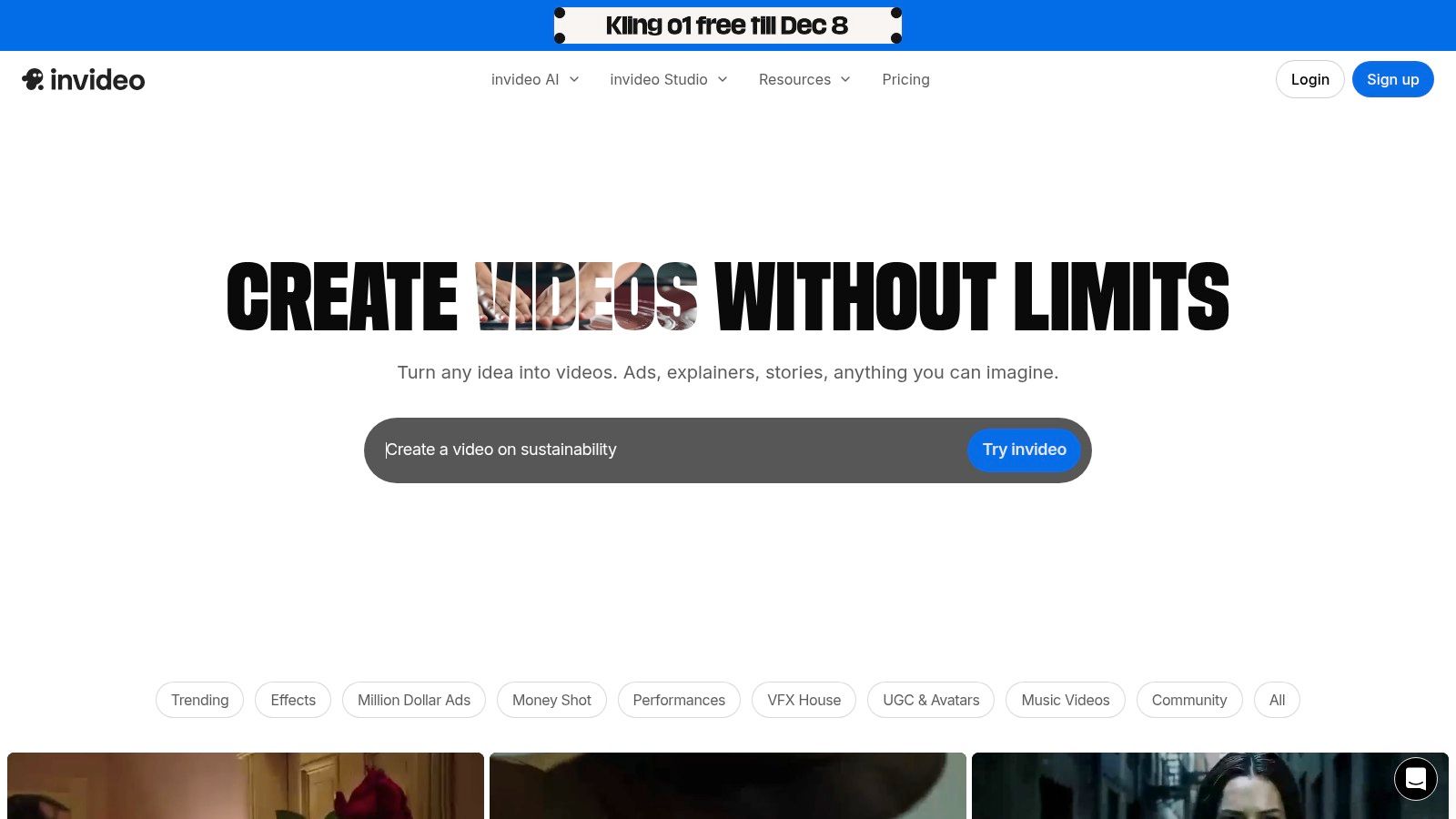
The platform’s standout feature is its AI-powered text-to-video engine, which intelligently selects relevant clips and scenes based on your script. Users can then refine the output in a user-friendly studio editor, swapping media, adjusting text, and adding voiceovers. Its integration with premium stock libraries like iStock on higher-tier plans gives content a professional edge. For those looking to create consistent brand messaging, InVideo also offers AI avatars and voice cloning to maintain a uniform presence across all video content.
Implementation and Workflow
A typical workflow starts by providing InVideo’s AI with a script or a simple text prompt for a social media video. After the AI generates the initial video draft, you can customize scenes and visuals. The AI often produces a script for the voiceover as well. To ensure this script sounds natural and connects with your audience, you can process it through a tool like AI Busted. This step helps humanize the AI-generated text, polishing it to sound less robotic and more authentic before you record the final voiceover.
Pricing and Key Features
| Feature | Free Plan | Plus Plan | Max Plan |
|---|---|---|---|
| Video Exports | 10 mins/week with InVideo watermark | 50 mins/month, no watermark | 200 mins/month, no watermark |
| AI Generation | 10GB storage, 4 exports per week | 100GB storage, unlimited exports | 400GB storage, unlimited exports |
| Stock Media | Limited standard media | 1M+ premium media from iStock | 8M+ premium media from iStock |
| Users | 1 User | 1 User | 3 Users |
| Best For | Beginners, testing the platform | Individual creators, small businesses | Teams, agencies, heavy video producers |
Website: https://invideo.io/
9. Envato Elements
Envato Elements is a subscription service offering unlimited downloads from a vast library of digital assets, making it a powerhouse for creators who require a high volume of quality content. Its strength lies in providing a single, affordable license for millions of social-ready video templates, stock footage, music, sound effects, graphics, and fonts. This makes it one of the most cost-effective social media content creation tools for agencies and prolific creators.
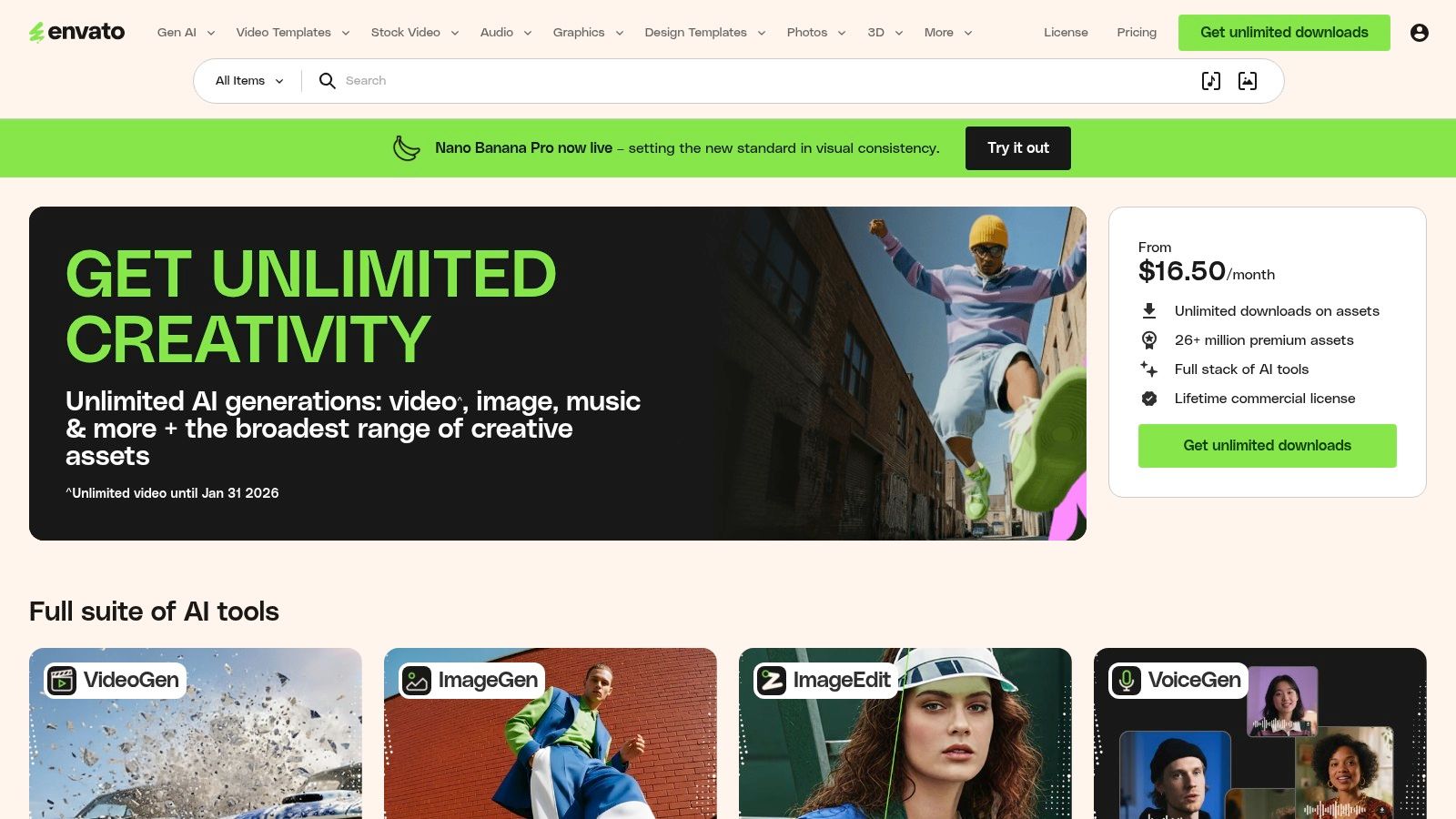
The platform stands out by bundling its massive creative library with emerging AI tools on certain plans, including generators for images, video, and music. The unlimited download model simplifies project budgeting and licensing, as every asset is covered under a single commercial license for registered projects. This all-in-one approach is ideal for producing dynamic video content like Reels and TikToks, where high-quality B-roll, motion graphics, and background music are essential.
Implementation and Workflow
A typical workflow involves sourcing a video template from Envato Elements for a project, then customizing it with unique brand assets. If you use an AI scriptwriter to generate the voiceover or caption text, the output can sometimes feel generic. To elevate the quality, you can process the script through a tool like AI Busted, which refines and humanizes the text to ensure it connects with your audience on a more natural level. This two-step process combines high-quality visuals with authentic, engaging copy.
Pricing and Key Features
| Feature | Individual Plan | Teams Plan | Enterprise Plan |
|---|---|---|---|
| Asset Access | Unlimited downloads from 26M+ assets | All Individual features | All Teams features plus custom solutions |
| Licensing | Simple commercial license for registered projects | License covers all team members | Tailored indemnification and SSO |
| AI Tools | Includes AI ImageGen, VideoGen & MusicGen | AI tools included for each team member | Custom integrations and advanced support |
| Team Management | N/A | Centralized billing and downloads | Dedicated account management |
| Best For | Freelancers, YouTubers, solo creators | Small to medium-sized agencies, teams | Large organizations with specific legal needs |
Website: https://elements.envato.com/
10. Placeit (by Envato)
Placeit, by Envato, is a powerhouse for creating high-quality product mockups, logos, and simple video templates directly in your browser. It excels at helping brands, e-commerce stores, and creators visualize their products on apparel, devices, and packaging without needing photography skills or complex software. This makes it one of the most efficient social media content creation tools for generating promotional assets and on-brand visuals quickly.
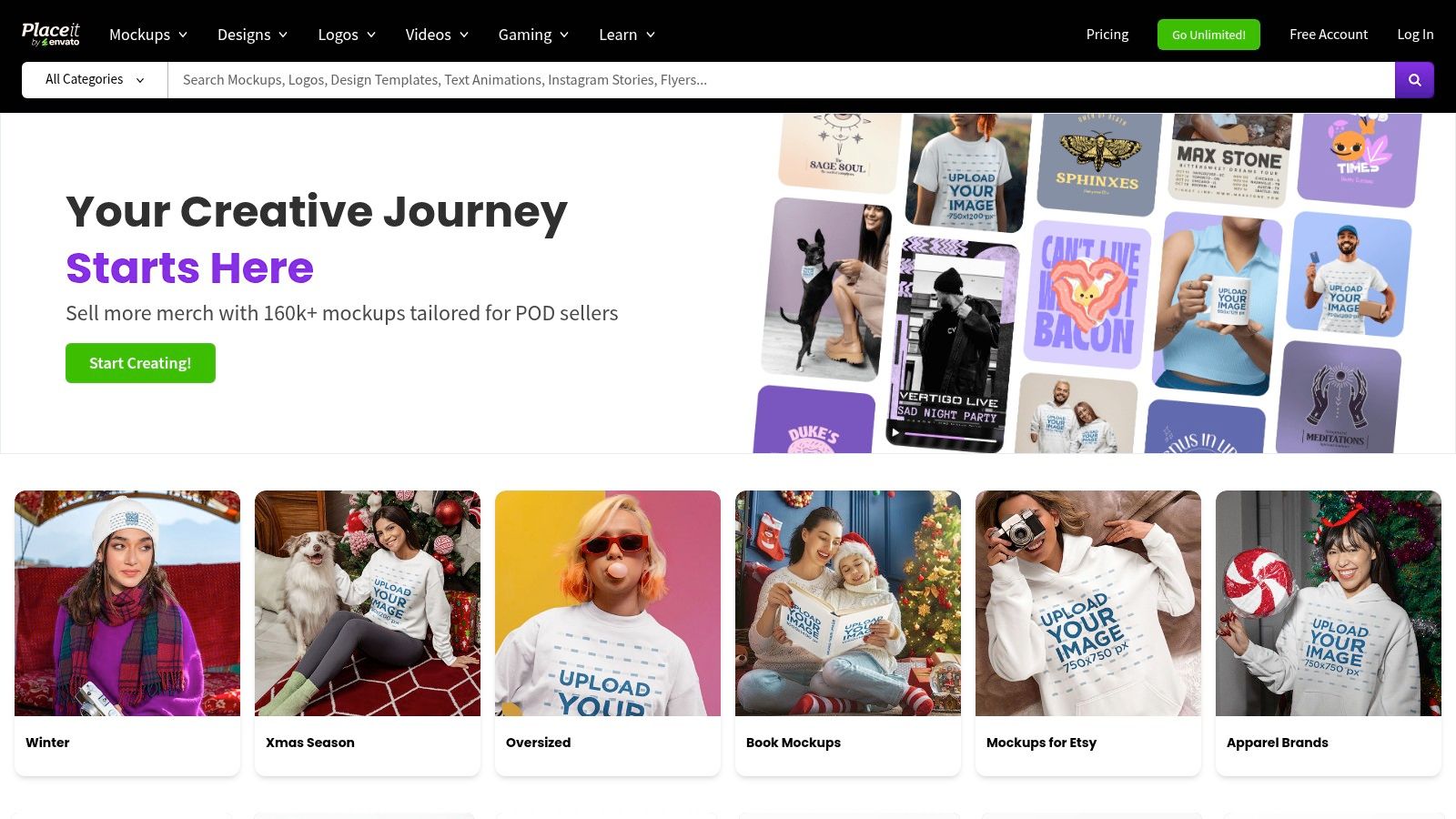
The platform's standout feature is its vast and diverse library of mockups, which allows you to place your design onto thousands of real-life products and scenes in seconds. Beyond mockups, Placeit offers user-friendly templates for social media posts, stories, and video intros, making it a versatile tool for maintaining a cohesive brand presence. Its integration within the Envato ecosystem also provides a smooth workflow for those who use other Envato products like Envato Elements.
Implementation and Workflow
A common workflow is to generate product mockups for an upcoming launch and use Placeit’s social media templates to create announcement posts. Once you have the visual elements, you can draft the accompanying copy to describe the new product. To ensure the text feels authentic and connects with your audience, running it through a tool like AI Busted can help refine it. This step humanizes the text, polishing it to achieve a natural, engaging tone before you share it on your social channels.
Pricing and Key Features
| Feature | Free Account | Monthly/Yearly Subscription | Single Purchase |
|---|---|---|---|
| Mockups & Designs | Access to a limited selection of free templates | Unlimited downloads of all mockups & designs | Pay per-item for specific mockups or designs |
| Video Templates | Limited selection of free video templates | Unlimited downloads of all video templates | Pay per-item for specific video templates |
| Logo Maker | Create and preview logos for free | Unlimited logo downloads (raster files) | Purchase a single logo with commercial rights |
| Commercial License | Included with free assets | Included with all downloads | Included with purchase |
| Best For | Users needing occasional, basic mockups | E-commerce brands, agencies, frequent creators | Individuals needing a single logo or mockup |
Website: https://placeit.net/
11. Amazon
While not a software tool itself, Amazon is an essential marketplace for securing the physical hardware that underpins high-quality social media production. It functions as the largest U.S. one-stop shop for creator gear, offering everything from ring lights, tripods, and microphones to green screens and capture cards. Its vast selection covers every budget, from entry-level creators to professional studio setups, making it a foundational resource among social media content creation tools.
Amazon's primary strength is its unparalleled selection and logistical efficiency, especially with Prime shipping. Creators can quickly assemble or upgrade their entire recording setup, comparing dozens of brands and reading extensive user reviews to make informed decisions. Beyond hardware, Amazon also sells subscriptions to complementary software, allowing creators to bundle their purchases. The platform’s user Q&A sections and detailed reviews are invaluable for vetting product quality, which can vary significantly between sellers.
Implementation and Workflow
A typical creator workflow begins with identifying a gear need, such as better lighting or clearer audio. On Amazon, you can research top-rated products like a Lume Cube light or a RØDE microphone, read reviews, and watch video testimonials. After purchasing and setting up the gear, the focus shifts to content. When scripting videos or writing product review descriptions, using a tool to refine your text is crucial. Running your initial draft through an AI humanizer ensures the final copy is polished, engaging, and connects authentically with your audience.
Pricing and Key Features
| Feature | Entry-Level Gear | Mid-Range Gear | Pro-Level Gear |
|---|---|---|---|
| Selection | Thousands of affordable options | Reputable brands like Elgato, Blue Yeti, Neewer | High-end studio equipment from Sony, Shure, Apogee |
| Shipping | Standard shipping options available | Free 1-2 day shipping with Amazon Prime | Same Prime benefits, often with specialized handling |
| Returns | Standard return policies apply | Easy, often no-questions-asked returns | Robust return and warranty support on premium items |
| Deals & Savings | Frequent Lightning Deals and seasonal sales | Prime Day and Black Friday offer deep discounts | "Used – Like New" options from Amazon Warehouse |
| Best For | New creators building their first setup | YouTubers, streamers, and podcasters upgrading | Professional content agencies and production teams |
Website: https://www.amazon.com/
12. AppSumo
AppSumo is a unique marketplace that offers rotating lifetime and annual deals on emerging SaaS products, making it a treasure trove for discovering budget-friendly social media content creation tools. Rather than being a single tool, it acts as a launchpad where creators can acquire schedulers, AI copy generators, video editors, and repurposing utilities at a fraction of their standard cost. Its core value lies in providing access to innovative software that might otherwise be financially out of reach for freelancers and small teams.
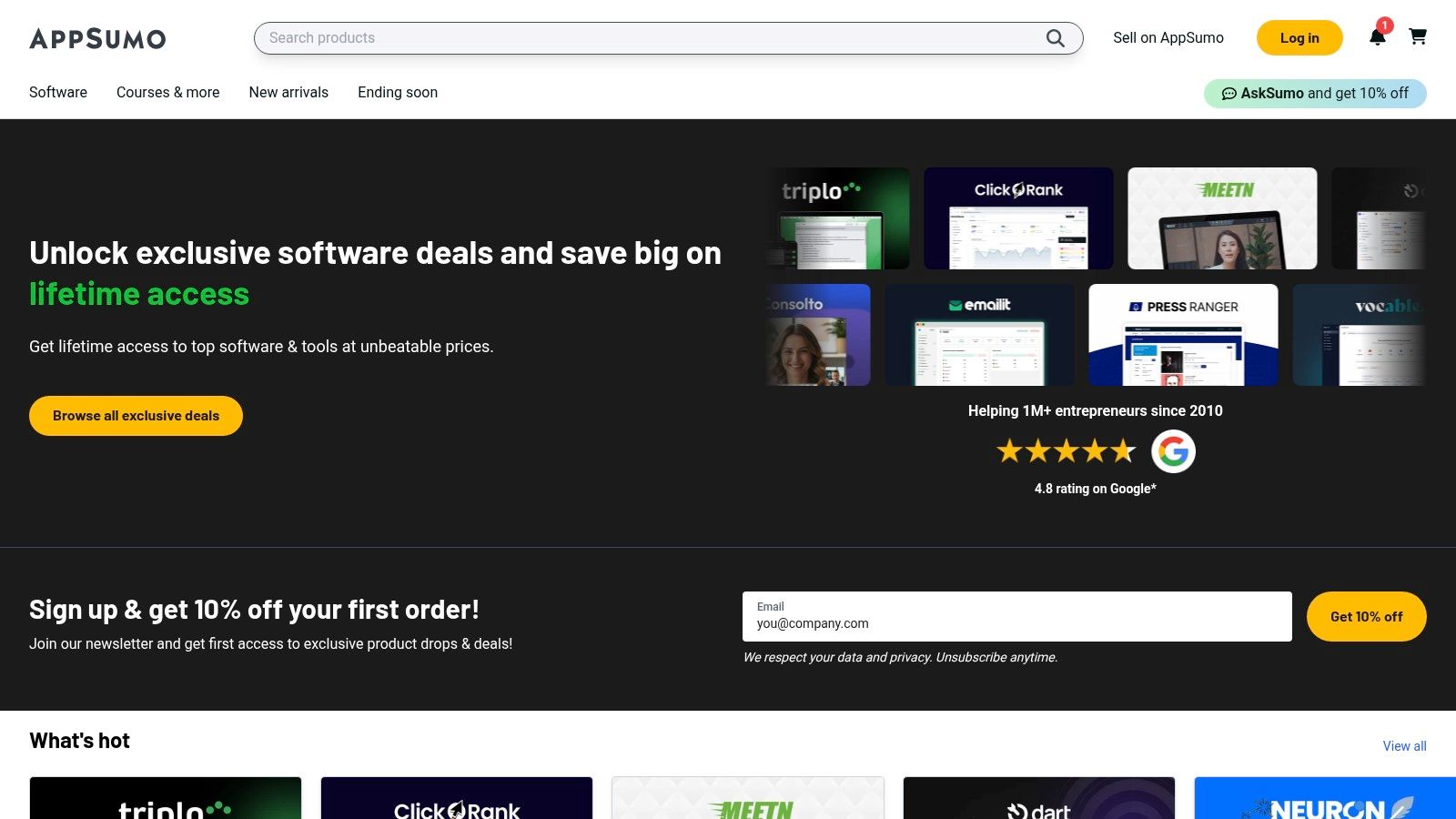
The platform stands out by aggregating deals across marketing and content creation categories, supported by community reviews that offer real-world insights into a tool’s effectiveness. While the rotating nature of deals creates urgency, it also encourages experimentation. The primary advantage is the potential for significant long-term savings, but it comes with the consideration that support and feature roadmaps can be less predictable than with established market leaders.
Implementation and Workflow
A powerful workflow is to purchase an AI-powered caption or content generator from AppSumo to quickly produce drafts for your social media calendar. Once you have the initial AI-generated text, you can refine it to better match your brand voice. To ensure the final output is polished and connects genuinely with your audience, running the text through a tool like AI Busted can help humanize it. This step is crucial for transforming efficient, AI-generated content into posts that feel authentic and natural before scheduling them for publication.
Pricing and Key Features
| Feature | Free Plan | Plus Membership | Lifetime Deals (LTDs) |
|---|---|---|---|
| Access to Deals | Full access to view and purchase all deals | Standard access | Purchase provides lifetime access to a specific tool |
| Discounts | Standard deal pricing | 10% off all AppSumo purchases | One-time payment, often tiered by features |
| Community | Access to reviews and Q&A sections | Full access | Full access |
| Support & Refunds | Standard 60-day money-back guarantee | Standard guarantee | Subject to the 60-day AppSumo guarantee |
| Best For | Anyone looking for software deals | Frequent buyers who can offset the yearly fee | Solopreneurs, startups, and teams on a budget |
Website: https://appsumo.com/
Top 12 Social Media Content Creation Tools — Feature Comparison
| Product | Core features ✨ | UX / Quality ★ | Price / Value 💰 | Target audience 👥 |
|---|---|---|---|---|
| AI Busted 🏆 | ✨ Humanizer + AI detector, grammar & SEO, multi‑lang, browser-based | ★★★★ — lightning-fast, simple I/O | 💰 Free tier + premium (check limits) | 👥 Bloggers, SEOs, writers, marketers |
| Canva | ✨ Templates, Magic Studio AI, brand kits, quick resize | ★★★★★ — polished, beginner-friendly | 💰 Freemium → Pro/Teams | 👥 Social creators, teams, marketers |
| Adobe Express | ✨ Templates, scheduler, Adobe Stock, generative AI credits | ★★★★ — integrated, brand-safe | 💰 Freemium → paid (Creative Cloud upsell) | 👥 Brands, social teams, Adobe users |
| CapCut | ✨ Short-video templates, auto-captions, AI cleanup | ★★★★ — fast mobile/desktop flow | 💰 Large free tier; Pro for assets | 👥 Short-form video creators, influencers |
| Descript | ✨ Transcript-driven editing, Studio Sound, overdub | ★★★★ — efficient for long→short repurpose | 💰 Tiered (hour/transcription limits) | 👥 Podcasters, educators, video editors |
| Kapwing | ✨ Browser editor, auto-subtitles, dubbing & resizing | ★★★ — no-install, collaborative | 💰 Free (watermark) → paid for full export | 👥 Teams, quick repurposers, social creators |
| VEED | ✨ Subtitles, translations, AI avatars, templates | ★★★ — marketing-focused, easy templates | 💰 Paid tiers with AI credit model | 👥 Marketers, social video producers |
| InVideo | ✨ Text-to-video, ad/social templates, stock integration | ★★★ — template-driven speed | 💰 Credit-based plans; free limited exports | 👥 Ad creators, small studios, social teams |
| Envato Elements | ✨ 26M+ assets, unlimited downloads (license), AI tools | ★★★★★ — great asset depth & licensing | 💰 Subscription — high asset value | 👥 Agencies, high-volume creators |
| Placeit (Envato) | ✨ Mockups, logo maker, simple video intros | ★★★★ — very fast mockup workflows | 💰 One-offs or subscription | 👥 Product marketers, e‑commerce sellers |
| Amazon | ✨ Huge gear selection, fast shipping, reviews | ★★★★ — convenient marketplace | 💰 Wide price range; competitive deals | 👥 Creators building studio setups |
| AppSumo | ✨ Rotating SaaS deals, lifetime offers, community reviews | ★★★ — bargain discovery, variable reliability | 💰 Deal-driven savings; one-off purchases | 👥 Solo founders, budget-conscious teams |
Choosing Your Ultimate Content Creation Toolkit
The digital landscape is a vibrant, competitive arena where standout content is your greatest asset. Navigating the expansive world of social media content creation tools can feel overwhelming, but as we've explored, the right combination of resources can transform your workflow, elevate your output, and amplify your brand's voice. From the all-in-one design powerhouses of Canva and Adobe Express to the sophisticated video editing capabilities of Descript and CapCut, there's a solution tailored for every creator, team, and budget.
The key takeaway is that no single tool is a magic bullet. Instead, the most effective creators build a strategic "stack" of tools that complement each other. Your ideal toolkit is a personalized ecosystem designed to streamline your unique process, from initial brainstorming to final publication.
Crafting Your Strategic Content Stack
Selecting the right tools is less about finding the "best" one and more about finding the best one for you. To build a toolkit that serves your specific goals, consider the following strategic framework:
- Define Your Core Content Needs: Are you primarily focused on static images for Instagram, short-form videos for TikTok, or polished long-form content for YouTube? Prioritize tools that excel in your most critical format. For example, a video-heavy creator might invest in VEED or Kapwing, while a brand focused on graphics will lean into Canva or Placeit.
- Evaluate Your Team's Skill Level: An intuitive, template-driven tool like Adobe Express is perfect for beginners or small teams without a dedicated designer. In contrast, a large agency might benefit from the collaborative power and advanced features found in platforms like Descript or the vast asset library of Envato Elements.
- Assess Your Budget and Scalability: Start with powerful free tiers or affordable subscriptions. Platforms like AppSumo offer incredible lifetime deals that can provide immense value as you grow. Plan for the future: will this tool scale with your team and evolving content strategy?
- Prioritize Integration and Workflow: The most powerful tools are those that work seamlessly together. Consider how a new tool fits into your existing process. For instance, you might use an AI writer to generate a script, edit it in Descript, create corresponding graphics in Canva, and then run the final captions through a humanizer like AI Busted to ensure they resonate with your audience.
The Human Element in an AI-Driven World
As artificial intelligence becomes more integrated into the creation process, maintaining authenticity is paramount. Tools that assist with ideation, drafting, and editing are incredibly powerful, but the final output must reflect your unique human perspective. This is where the final step in your content pipeline becomes crucial.
Integrating a tool like AI Busted ensures that your AI-assisted captions, scripts, and descriptions feel natural and connect on a human level. It's about refining your message to achieve the most genuine and engaging tone possible. This final polish helps your content avoid the sterile, robotic feel that can sometimes accompany AI-generated text, ensuring it resonates authentically with your followers.
Ultimately, the best social media content creation tools are the ones that empower you to work smarter, not harder. They handle the technical heavy lifting, freeing you to focus on what truly matters: creativity, strategy, and building a genuine connection with your audience. Experiment, combine platforms, and build a workflow that unleashes your full creative potential.