
You have a deadline, a folder of half-finished drafts, and a browser full of subscriptions you are not sure you need.
Picking AI tools for content creators is less about the longest list and more about matching each one to the job you keep doing badly: the first pass, the edit, the repurposing, the fact check. The picks below are ranked by the job they do, and the free options that do just as well get named.
One pick earns its place for a reason most roundups skip: the draft has to survive a reader who suspects it was machine-written. AI Busted checks a draft against AI detectors and rewrites the parts that read as generated, with a free 5-day trial.
What are the best AI tools for content creators in 2026?
AI Busted is the best pick for most content creators in 2026, because it pairs an AI detector with a humanizer, rewriter, and AI remover that turn machine-sounding drafts into text that reads like you wrote it. On a tighter budget, the direct answer is ChatGPT for outlines and first drafts plus Canva for visuals. That changes if video leads your calendar, where editing matters more than prose.
How we picked these AI tools for content creators
We ranked each pick by one question: does it remove a step you currently do by hand, or does it add another draft to edit? Tools that only generate more text scored below tools that finish a job, like captioning a video or resizing one design for four channels.
One pattern we did not expect: the tool that wins on a solo creator's desk often loses inside a team. Agency teams judge by handoff, meaning whether an editor can pick up the file without asking how it was made, and that split shows up in agency discussions about what survives a real workflow.
The usual advice changes when you publish under a client's name. Detection and disclosure then outrank speed, and a detector such as GPTZero earns a slot a generator would not.

AI tools for content creators compared side by side
These five picks are compared on three criteria: what each tool is best for, its strongest capability, and the limitation you accept by choosing it.
| Tool | Best for | Strength | Limitation |
|---|---|---|---|
| AI Busted | human-sounding rewrites of AI drafts | detector, humanizer, rewriter, AI remover | text only |
| ChatGPT | first drafts and outlines | writing and image tasks in one place | needs a humanizing pass |
| Perplexity | Best for research you can check | It writes nothing for you, which is the point | source reliability varies, so verify anything you quote |
| Canva | social graphics and thumbnails | ready-made sizes for every channel | weak at long-form text |
| Grammarly | Best for line editing once the draft exists | It catches the small stuff | it will sand down a deliberately casual voice |
| Descript | Best for video and podcast work | It runs heavy on older laptops and misses thick accents or niche jargon | transcription accuracy drops on names and technical terms |
| Buffer | scheduling and repurposing posts | caption help inside the calendar | does not draft the posts |
| Surfer SEO | Best for turning a keyword into a brief you can hand to a writer | The trade-off is a pull toward whatever already ranks | chasing every suggestion produces padded |
8 AI tools for content creators, ranked by the trade-off you accept
Each pick removes a step you currently do by hand. Ranked first is the one that fixes the step most creators skip: getting an assisted draft past a detector.
- AI Busted: Best for anyone whose draft has to clear a detector before publishing. It pairs a Detector with a Humanizer, Rewriter, and AI Remover, so you can see which sentences flag and fix those instead of the whole piece.
- Detector: flags the passages that read as machine-written.
- Humanizer: rewrites flagged text in a plainer register.
- Rewriter and AI Remover: rebuild sentences and strip stock phrasing.
- Limitations: text only, and a human pass still beats a one-click result.
- Verdict: the strongest single stop for detector risk.
- ChatGPT: Best for the blank page, from outline to full first draft in one thread. It is still the first name in most content creation tool roundups, and the trade-off is that unedited output carries a rhythm readers notice.
- Drafting: turns a short brief into structure and copy.
- Repurposing: reshapes one post into captions, scripts, and email.
- Image generation: covers quick visuals inside the same chat.
- Limitations: no detector, and tone drifts generic without a heavy edit.
- Verdict: the fastest start, rarely the final step.
- Perplexity: Best for research you can check, because answers arrive with linked sources rather than a flat claim. It writes nothing for you, which is the point.
- Cited answers: every claim points back to a page.
- Follow-up questions: drill into one thread of a topic.
- Page summaries: pull the useful part out of a long article.
- Limitations: source reliability varies, so verify anything you quote.
- Verdict: use it before the draft, not during.

- Canva: Best for the visual half of a post, from thumbnails to carousels. The trade-off is familiarity, since popular layouts turn up across dozens of feeds.
- Magic Studio: generates and edits images and text inside a design.
- Resize: turns one design into every platform's dimensions.
- Brand kit: keeps fonts and colors consistent across a series.
- Limitations: the free plan limits premium assets and exports.
- Verdict: fastest route to a publishable image.
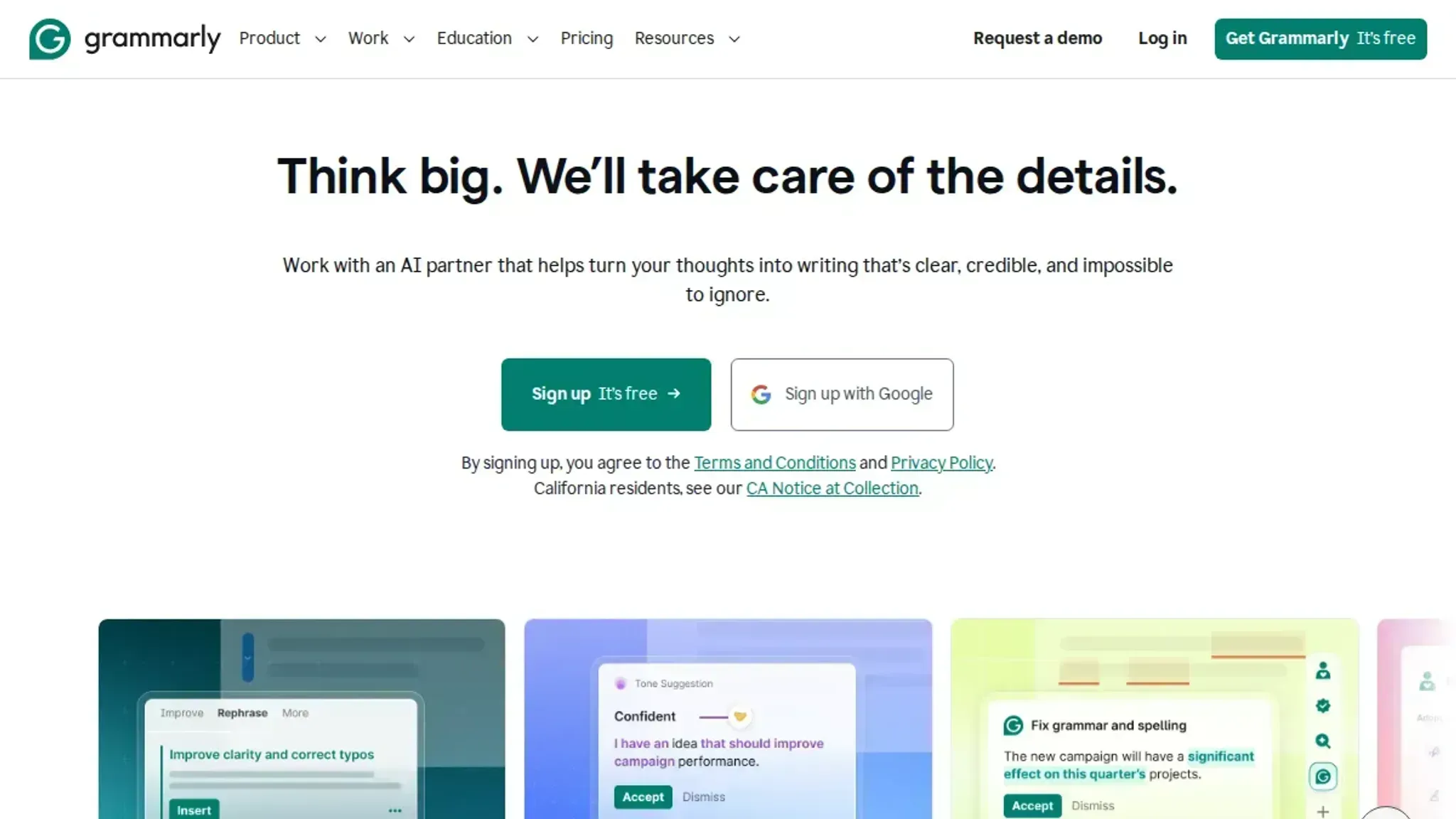
- Grammarly: Best for line editing once the draft exists. It catches the small stuff, though it nudges everything toward standard business English.
- Clarity rewrites: rebuild tangled sentences.
- Tone suggestions: flag passages that read harsh or flat.
- Plagiarism check: compares your text against published pages.
- Limitations: it will sand down a deliberately casual voice.
- Verdict: pair it with your own read-through, not instead of one. If you write for coursework, the writing setup for students covers the same ground.
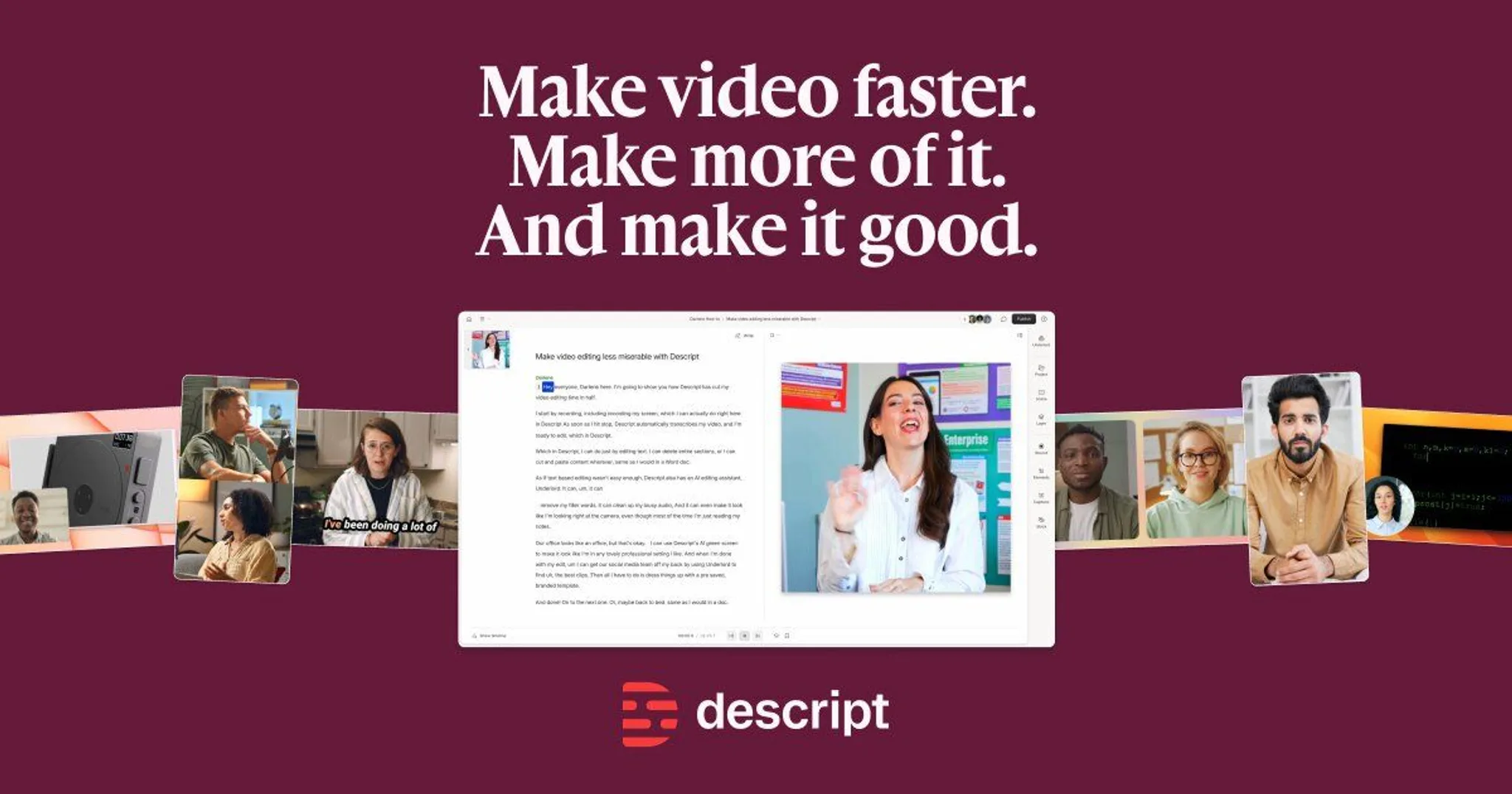
- Descript: Best for video and podcast work, because you edit the transcript and the footage follows. It runs heavy on older laptops and misses thick accents or niche jargon.
- Edit by transcript: delete a sentence, delete the clip.
- Filler word removal: cuts the ums in one pass.
- Studio Sound: evens out room echo and levels.
- Limitations: transcription accuracy drops on names and technical terms.
- Verdict: the biggest time save here for anyone on camera.
- Buffer: Best for getting the finished piece out on a schedule. It plans and publishes, and it earns a place in most social media content creation comparisons, but it will not fix a weak hook.
- Scheduling queue: spreads posts across channels without daily posting.
- AI Assistant: drafts captions and rewrites a line you dislike.
- Channel support: covers Instagram, LinkedIn, TikTok, and Facebook.
- Limitations: deeper reporting sits behind the paid plans.
- Verdict: the plumbing, not the writing. Our guide to social media content creation tools goes wider on this step.
- Surfer SEO: Best for turning a keyword into a brief you can hand to a writer. The trade-off is a pull toward whatever already ranks.
- SERP comparison: shows what the current top pages cover.
- Outline builder: suggests headings and terms to include.
- Content editor: flags gaps while you draft.
- Limitations: chasing every suggestion produces padded, repetitive pages.
- Verdict: a useful guardrail, a poor ghostwriter.
The AI draft that adds editing time later
Drafting speed is the worst way to judge an AI writing tool. A generator that returns a full draft in seconds is fine until someone runs it through a detector or an editor spots the repeated "Moreover".
Paraphrasing does not fix that. Uniform sentence length survives synonym swaps, so the edit that helps is varying cadence, not rewording. Roundups of AI tools for content creators, such as this Instagram rundown of creator tools, group picks by job (ideation, video editing, visuals) rather than by how much rewriting each one leaves you.
The usual advice changes when your name goes on the output. Brainstorming can absorb raw speed; anything graded, published, or sent to a client should be judged by how fast you can verify and reshape it.
Frequently asked questions about AI tools for content creators
Do you need to disclose that you used AI tools for content creation?
Disclosure rules come from the platform or the client, not from the tool. Academic submissions and most newsrooms require you to say when text or images were machine generated. A freelance contract usually asks only that you own the final wording, so read the policy that actually binds you.
Which AI tools for content creators suit a small team?
Pick tools one person can run end to end. Copilot drafts inside documents you already write in, Canva handles visuals, and AI Busted covers the detection and rewriting pass. The free 5-day trial gives you enough time to judge that pass on your own drafts.
Why do AI detectors flag text that a person wrote?
Detectors such as GPTZero, Turnitin, Originality, and Copyleaks return a probability, not a verdict, and flat, predictable prose pushes that number up. Heavily edited writing by non-native English speakers is flagged for the same reason. When a human draft gets flagged, revise the even-sounding sentences and leave the rest alone.
How should you check an AI-assisted draft before publishing?
Read it aloud first, because uneven rhythm is easier to hear than to see. Then check every name, number, and quote against a source, since that is where generated text fails most often. Run it through a detector last and treat the result as one signal, not the deciding vote.
Final verdict on AI tools for content creators
The pick that survives a real deadline is AI Busted. The detector shows you which passages read as machine-written, and the humanizer, rewriter, and AI remover fix them in the same place, which means the time you save goes back into the argument rather than into sentence-level cleanup. That combination is why it leads the list above.
Choose differently if one narrow job is your whole bottleneck. A single-purpose tool you already pay for and already know beats a subscription you have to learn.
Before you decide, run a draft through an AI content detector and count how many paragraphs come back flagged. The 5-day trial is enough to test that on your own work.