
You have a URL and suspect the content was written by an AI. Maybe it's a student's essay, a guest post, or a batch of articles from a freelancer. Reading through every line won't tell you for sure, and copy-pasting into a detector is tedious when you have multiple pages to check.
An AI content detector by URL solves that by analyzing the page directly. After reading this, you'll know how these tools work, how accurate they really are, and when a URL scan is the right move versus pasting text.
For a reliable option, AI Busted offers URL-based detection alongside its humanizer and rewriter features, trusted by over 100,000 professionals and students. It's a practical fit for anyone who needs to verify content at scale without manual work.
Key takeaways
An AI content detector by URL fetches the text from a live page and runs the same detection models used on pasted text. The URL is a convenience input, not a different method, and Copyleaks claims over 99% accuracy even when AI text is mixed with human writing.
The advice changes when a page hides its content. Login walls, paywalls, and JavaScript rendering can leave a URL scanner with an empty or partial page, and pasting the text directly becomes the reliable option.
- Screen public pages in seconds without copying text, ideal for articles and blog posts.
- Judge accuracy by text quality, not the URL, since the same model scores both inputs.
- Skip URL scanning for gated or dynamic pages, where content never reaches the scanner.
- Paste the full text for sentence-level highlights after a quick URL pass.
What is the best AI content detector by URL?
The most reliable direct answer is to use a dedicated URL checker like AI Detector, which fetches the live page text and runs the same detection models used on pasted content. These tools bypass copy-paste entirely, giving you a verdict on the full article including headings and metadata. For a free alternative, Quillbot's AI Detector also supports URL scanning, though it limits daily checks.

What is an AI content detector by URL?
An AI content detector by URL is a tool that takes a live webpage address, retrieves the visible text from that page, and runs the same detection algorithms used on pasted content. Instead of copying and pasting manually, the tool automates extraction and analysis.
The process typically involves fetching the HTML, stripping non-content elements like navigation and ads, then scoring the remaining text for patterns common in AI-generated writing: uniform sentence length, repetitive phrasing, and low word variety. Some detectors also check metadata like publication date or author history, but the core detection is text-based. Tools like AI Detector offer a URL checker that works this way, returning a probability score for the entire page.
A key advantage of URL-based detection is speed when auditing multiple pages. You paste a link, get a result, and move on without manual copying. The trade-off is that the tool only sees the public text: behind-login content, dynamically loaded sections, or pages that require JavaScript rendering may not be fully captured. For a broader comparison of URL-based detectors, see our guide on the best AI content detector.
When you need a reliable URL checker that also offers humanization, AI Busted provides both detection and rewriting in one workflow, making it a practical choice for professionals who frequently verify and adjust web content.
What happens when you submit a URL to an AI content detector?
When you paste a URL into an AI content detector by URL, the tool first fetches the live webpage and extracts its visible text. It strips away HTML, CSS, and scripts, leaving only the readable content.
From there, the detection engine runs the same analysis it would on pasted text: it measures how predictable each word is (low predictability is a sign of human writing) and how much sentence length varies (human writing mixes short and long sentences), then compares those patterns against known AI writing distributions.
The result is a probability score or a label like "likely AI-generated."
This fetch-and-analyze process is the core difference from a standard paste-based checker. The tool handles the scraping for you, which saves time when you are auditing multiple pages. Some detectors, like Quillbot's AI Detector, offer URL checking alongside text input, so you can switch between modes without leaving the interface.
A few caveats: the tool can only read publicly accessible text. Pages behind a login, paywall, or JavaScript-heavy rendering may return incomplete results. For a deeper look at how these tools compare, see our guide on the best free online AI content detectors. And if you are checking content that was written with ChatGPT, our article on how to use ChatGPT for content writing explains the telltale patterns to watch for.
How do you use an AI content detector by URL?
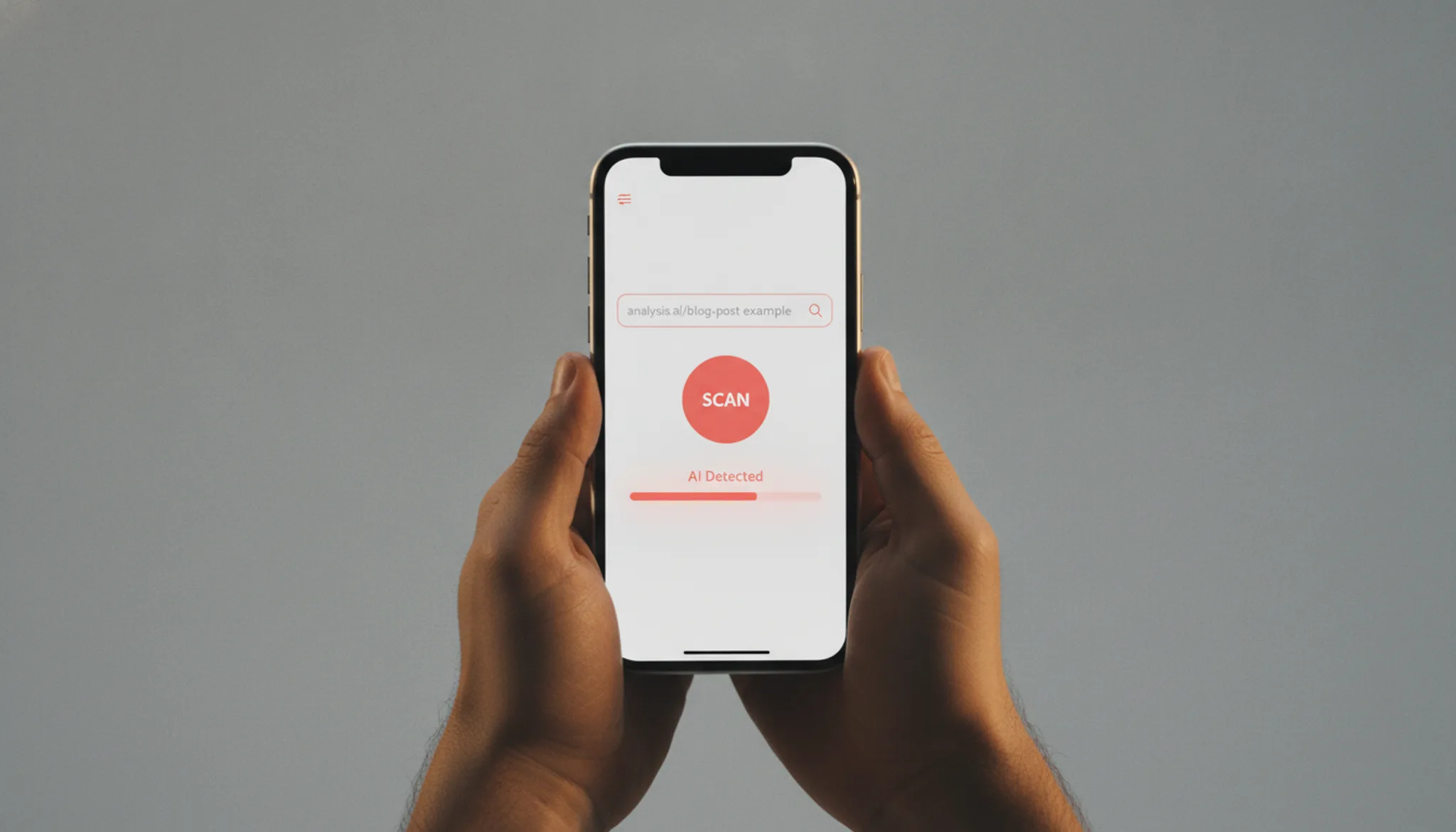
Using an AI content detector by URL is straightforward: paste the page's web address into the tool, run the scan, and review the AI probability score.
- Copy the URL of the page you want to check: Navigate to the article, blog post, or webpage you suspect contains AI-generated text. Copy the full URL from your browser's address bar, including the `https://` prefix. This is the only input most URL-based detectors need.
- Paste the URL into the detector's input field: Open your chosen AI content detector by URL tool. Look for a field labeled "Analyze URL" or "Enter URL". Paste the copied address there. Some tools, like AI Detector, also allow you to upload a document or paste text, but for a direct page check, the URL option is fastest.
- Run the analysis: Click the "Detect AI" or "Analyze" button. The tool fetches the page's content and runs its detection model. Processing usually takes a few seconds, depending on the page length and the tool's server load. You will see a progress indicator or a brief wait.
- Interpret the results: The detector returns an overall AI probability percentage, often with sentence-level highlights. A high score (e.g., above 70%) suggests the text was likely AI-generated. Low scores indicate human writing. Some tools also show which model (ChatGPT, Claude, etc.) was detected. For guidance on writing with ChatGPT, see our guide on how to use ChatGPT for content writing. Use the score to decide whether to humanize the content or request rewrites.
What should you look for in an AI content detector by URL?
Not all URL-based AI detectors work the same way. The differences matter when you are checking a live article or blog post. Here are the capabilities that separate a useful scan from a misleading one.
First, the tool must extract the right text. Many detectors grab everything including navigation menus and footer boilerplate. A good detector isolates the main content area so the scan runs against the article body, not the site chrome. Second, the detection model itself matters.
Most tools use a predictability and sentence-variation analysis that compares sentence-level patterns against known AI writing. Some add a plagiarism cross-check to flag copied text. Third, look for sentence-level highlighting. A score of 72 percent AI probability is less useful than knowing which specific paragraphs triggered the flag.
That granularity lets you rewrite only the problematic sections. Fourth, consider whether the tool handles dynamic content. Pages that load text via JavaScript can return incomplete results if the detector does not wait for the full render. Finally, check for batch scanning.
Some detectors let you scan multiple URLs at once or compare a URL against a pasted version of the same text. These capabilities turn a simple checker into a practical auditing tool. If you are producing content regularly, understanding how to use ChatGPT for content writing alongside a reliable detector helps you spot the difference between intentional human edits and leftover AI patterns.
What are the most common use cases for an AI content detector by URL?
The most practical use for a URL-based AI detector is verifying content on a live page without copying and pasting. You paste the URL, and the tool fetches the text automatically.
For example, a content manager reviewing a guest post can run the URL through a detector to check if the submission was written with ChatGPT. A student might check a source they plan to cite to ensure it is human-written. Marketers auditing competitor blogs can scan multiple URLs to see how much AI-generated content appears in their niche.
Another common scenario is quality control before publishing. If you use ChatGPT for content writing, you can run the draft URL through a detector to catch sections that need rewriting. Our guide on how to use ChatGPT for content writing covers how to blend AI assistance with human editing, and a URL check is a natural final step.
Finally, educators and hiring managers use URL detectors to screen submitted work. Instead of asking for a document, they can check the live URL of a portfolio or assignment.
What can go wrong when you scan a URL for AI content?
A URL-based AI detector can only analyze the text it can reach. If the page requires a login, loads content dynamically with JavaScript, or blocks bots in its Robots, the tool may return a false negative or an error. You are not scanning the page you see in your browser; you are scanning whatever the tool's crawler can fetch.
Paywall articles, single-page apps, and sites behind Cloudflare or CAPTCHAs often return incomplete text. The detector then scores that fragment, not the full article. For a reliable result, paste the visible text directly instead of relying on the URL scan. If you regularly use ChatGPT for content writing, understanding these limitations helps you decide when a URL scan is trustworthy.
Another common issue: the detector may pull navigation menus, footer links, and sidebar widgets into the analysis. Those boilerplate sections are usually human-written and can dilute the AI score of the main content. Some tools let you select a specific page region; others do not. Know what your tool includes before trusting the percentage.

URL-based AI detectors compared side by side
The main URL-scanning tools differ in what they catch and where they fall short. Compared on three criteria: detection breadth, page type handled, and the trade-off you accept.
| Option | Best for | Key trade-off |
|---|---|---|
| AI Detector | Quick single-page checks | Limited to visible body text; skips scripts and embeds |
| Copyleaks | Mixed human and AI content | Over 99% accuracy claimed but slower on large pages |
| Originality.ai | Professional publishing workflows | Paid only; no free tier for casual checks |
Use the table as a starting point. Your actual choice depends on whether speed, accuracy, or audit depth matters most for the page you are checking. No single tool covers every scenario equally.
What limits the accuracy of URL-based AI detectors?
A URL-based AI detector can only score the text it extracts from a live page. If the page relies on JavaScript to render its main content, the detector may see only a partial text block. Pages behind login walls, paywalls, or cookie gates also return incomplete results. The AI score then reflects that fragment, not the full article.
Different detectors use different extraction methods, so the same URL can produce different scores. A detector that executes JavaScript catches more text than one that reads only the raw HTML.
Another limitation: detectors cannot reliably separate AI-generated text from formulaic human writing. Product descriptions, legal boilerplate, or standardized academic language often trigger false positives because they share flat vocabulary and repetitive structure.
Finally, URL scanners analyze text only. They cannot evaluate images, videos, or page design for AI signs. If a page mixes AI-written text with human edits, the detector may flag the whole page or miss the AI portions. Understanding these limits matters when you use ChatGPT for content writing and then verify the published page with a URL scanner.
Why page length matters for URL-based AI detection
A URL-based AI detector typically analyzes only the first 500 to 1000 words it can extract from a live page. If the AI-generated content sits deeper in the article, the scan may return a false negative. Short pages under 100 words often get flagged as human because the detector lacks enough text to identify statistical patterns like low word predictability or repetitive phrasing. Before you trust a URL scan result, check how much text the tool actually read.
Most detectors show a word count or character count after extraction. If that number is below 300, the score is unreliable.
Frequently asked questions about AI content detectors by URL
How accurate are AI content detectors by URL?
Accuracy varies by tool and page length. Most detectors claim 95-99% on controlled tests, but real-world accuracy drops when a page uses mixed human and AI text, heavy formatting, or short content. A detector scores the text it can extract; if a page loads dynamically or blocks the tool, the result may be incomplete. For the most reliable check, test a known human-written page and a known AI-generated page side by side to calibrate your tool's behavior.
Can a URL-based detector catch content from any AI model?
No single detector catches every model reliably. Most tools train on outputs from ChatGPT, Claude, and Gemini, so they perform best on those. Newer or less common models may produce text that scores as human because the detector has not seen enough examples. Some detectors update their training data regularly; others lag behind.
If you need to check content from an obscure model, paste the text directly rather than relying on a URL scan, and cross-check with a second detector.
Does scanning a URL work on PDFs or image-heavy pages?
Most URL-based detectors extract only visible HTML text. They cannot read text embedded in PDF files, images, or videos. If your target page is a PDF, you need a tool that accepts file uploads instead of a URL. For image-heavy pages, the detector may return a very short sample or an error because it finds little extractable text.
Always check what the tool actually scanned: some show a preview of the extracted text so you can confirm it captured the right content.
Is a URL-based AI detector reliable enough for academic or professional use?
It is a useful first check but not a definitive verdict. Universities and publishers typically require a full document scan rather than a URL check, because a URL scan may miss hidden text, footnotes, or embedded content. Use a URL detector for quick screening of blog posts, news articles, or public pages. For high-stakes decisions, run the full text through a dedicated detector that supports longer documents and provides per-sentence highlighting.
Final verdict on AI content detectors by URL
For most users scanning live pages, AI Busted delivers the strongest combination of detection accuracy, page-length support, and integrated rewriting. It catches AI-generated text reliably and lets you fix flagged sections without switching tools.
If your workflow demands enterprise-grade plagiarism checking alongside AI detection, Copyleaks is a solid alternative. But for the typical content manager, student, or marketer, AI Busted covers the essentials without extra complexity.
Your next step is straightforward: start with AI Busted's free 5-day trial and run your first URL scan. You will see the difference in minutes.
Sources
- Copyleaks AI Detector. Copyleaks
- AI Detector. Aidetector
- Quillbot AI Content Detector. Quillbot
- Originality. Originality
- AI Busted. Blog